Deleting a service’s data
Everything a connected service hands to Companion Memory — the sign-in it gave you, every page it fetched, and the records made from those pages — lives on your own machine. Removing a service’s data is not a request you send to anyone: you delete the connection, and the data goes with it.
Why this is different from other apps
Most apps that connect to Google, Meta, or Microsoft keep a copy of your data on their own servers. You cannot reach that copy, so those companies have to build “delete my data” request flows, and the services have to call them when you remove the app.
Companion Memory keeps the data it fetched nowhere but your hardware. There is no company-side store to ask for deletion from. The same delete you would ask a company to perform, you perform yourself, in one click, and it is done as soon as the page reloads.
Delete the connection
- Open Sources in the left rail and stay on the Services path.
- Click the connected account — the card that shows the service’s name and the account you signed in with. It opens that connection’s page.
- Click Delete in the top-right corner and confirm.
You are returned to the Sources page, and the service no longer appears among your connected accounts.
Deleting is scoped to that one account. If you connected two Google accounts, deleting one leaves the other, and its data, untouched.
What is removed
One delete, two outcomes — everything the connection alone produced goes; shared files and merged records stay:
flowchart LR
    D["Delete the connection"]
    subgraph R["Removed"]
        T["Sign-in token<br/>and CI Account's refresh credential"]
        P["Raw pages fetched from the service"]
        M["Messages and posts<br/>plus their search-index entries"]
        E["Timeline events"]
        C["Content records<br/>photos, videos, documents"]
        H["People and organisations<br/>if no other source created them"]
    end
    subgraph K["Kept"]
        F["Media files copied into your storage"]
        G["Records another source also delivered<br/>the same email from a Takeout import"]
    end
    D --> R
    D -.-> K
The moment you confirm, Companion Memory permanently deletes:
- The sign-in. The access token the service issued is erased from this
machine’s database (
ci_core.connections). Nothing here can call that service on your behalf any more; syncing stops. - Your CI Account’s copy, if it has one. When you connected through your CI Account rather than your own app keys, services that issue a long-term refresh credential (Google, Microsoft) have that credential held by CI Account so it can keep the connection alive. Deleting the connection tells CI Account to delete it, and to revoke it with the service where the service offers a revoke call — Google does, Microsoft does not. Facebook never issues one, so there is nothing to remove there.
- Every raw page fetched from the service. Each sync run keeps the
response it received (
ci_etl.connection_sync_jobs) so it can be re-processed without another call to the service. All of those go. - The messages and posts that came from it — emails, chats, timeline
posts (
ci.communications) — and the search-index entries (ci_search.embeddingsandci_search.vectors) built from them. - The events it put on your timeline — calendar entries, liked pages,
played tracks, and achievements (
ci.events). - The photos, videos, and documents it cataloged — the records in
Memory → Content (
ci.content) that point at what the service held. - The people and organizations it introduced — contacts, friends, pages,
and the links between them and you (
ci.entitiesandci.relationships) — where those were created by this connection and not also by another source.
Two things stay. Media files the connection copied into your object storage (a Facebook photo, for example) remain as files until you delete the account, because the same file can be referenced by more than one record. And a message, event, or content record that another source also delivered — the same email that a Google Takeout import brought in, for example — is kept, and its link to the deleted connection is cleared. A record only counts as shared when a second source delivered it, so it stays because you imported it, not because you edited it.
The service may still list the app
Companion Memory asks a service to revoke its sign-in only where the service offers a way to do that. Today that means Google, whether you connected with your own OAuth app or through your CI Account, which revokes the credential it holds. The request is best effort: if the service is unreachable or refuses, the local delete still goes ahead.
For other services — Microsoft and Meta, for example — nothing is sent to the service. A Microsoft account connected through your CI Account has its stored credential deleted by CI Account, but Microsoft offers no revoke call for it. Your account can still show Companion Memory among the apps you have authorized, even though the sign-in it refers to no longer exists anywhere. If you want that entry gone as well, remove it in the service’s own settings under connected or third-party apps. It changes nothing on your machine either way.
Connect again later
Reconnecting is a fresh sign-in: the service asks for your consent again, and Companion Memory fetches the history from the beginning. Anything the earlier connection had saved as ordinary records is matched up, not duplicated.
Delete everything
To remove every connection and all of your data in one step, open Self → Profile, scroll to the bottom of the page, and choose Delete account. You confirm by typing your email address. Your access ends immediately; after a 30-day grace period the account, its memories, and any files you uploaded are permanently deleted from the server.
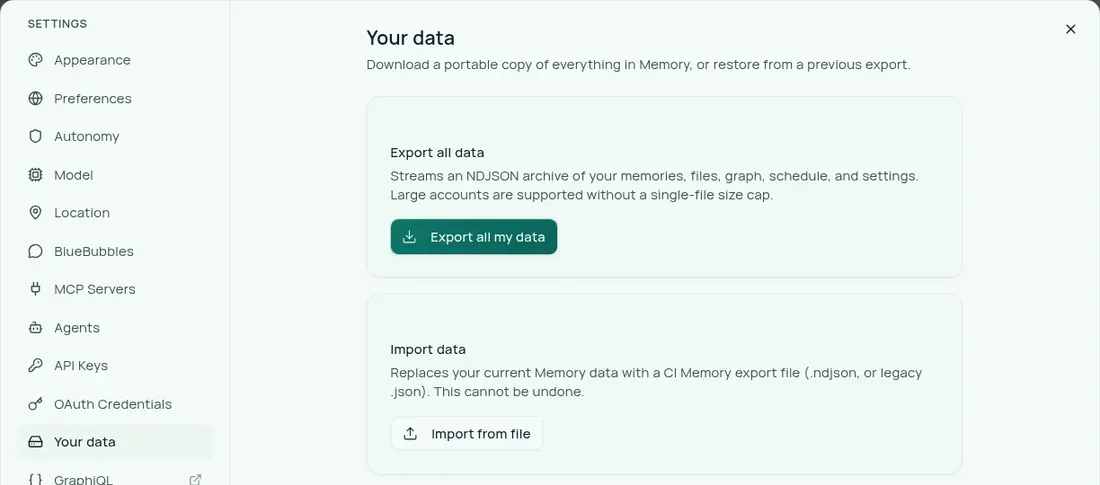
If you want a portable copy first, use Settings → Your data → Export all my
data (GET /api/account/export) before you delete the account.
From the API
If you manage connections from a script, the same deletion is
DELETE /api/connections/{id} with your API key. The
key needs no scopes selected, because scope-limited keys are refused on this
route, and at least Read & write (write) capability. The call performs the exact
purge described above and records an audit row.