Installing your first app
Install self-hosted apps from the Companion App Store in your Hub dashboard. Your Hub must be paired with your CI Account first: the App Store downloads apps with the device key that pairing creates, and installs fail without it.
Browse the Companion App Store
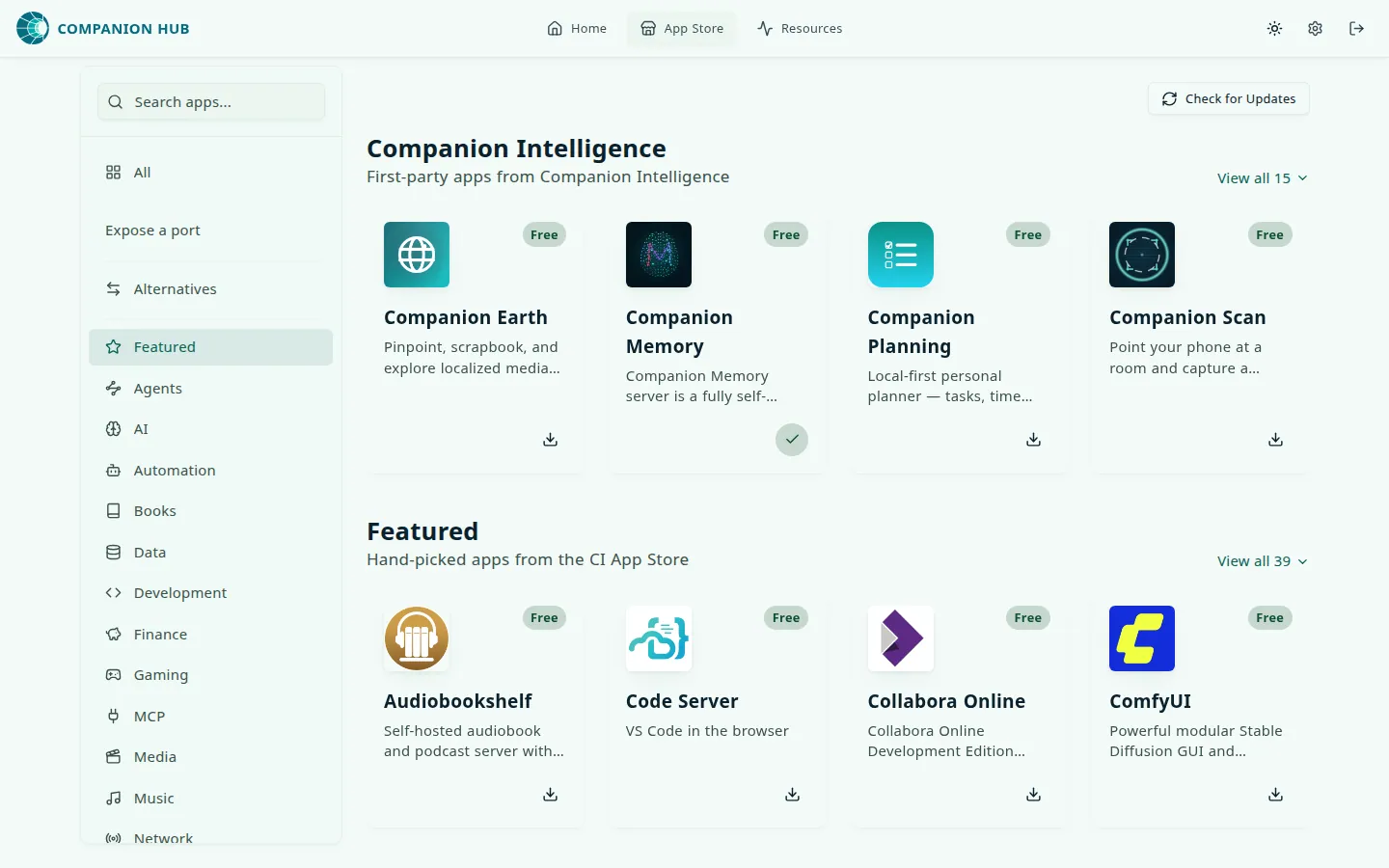
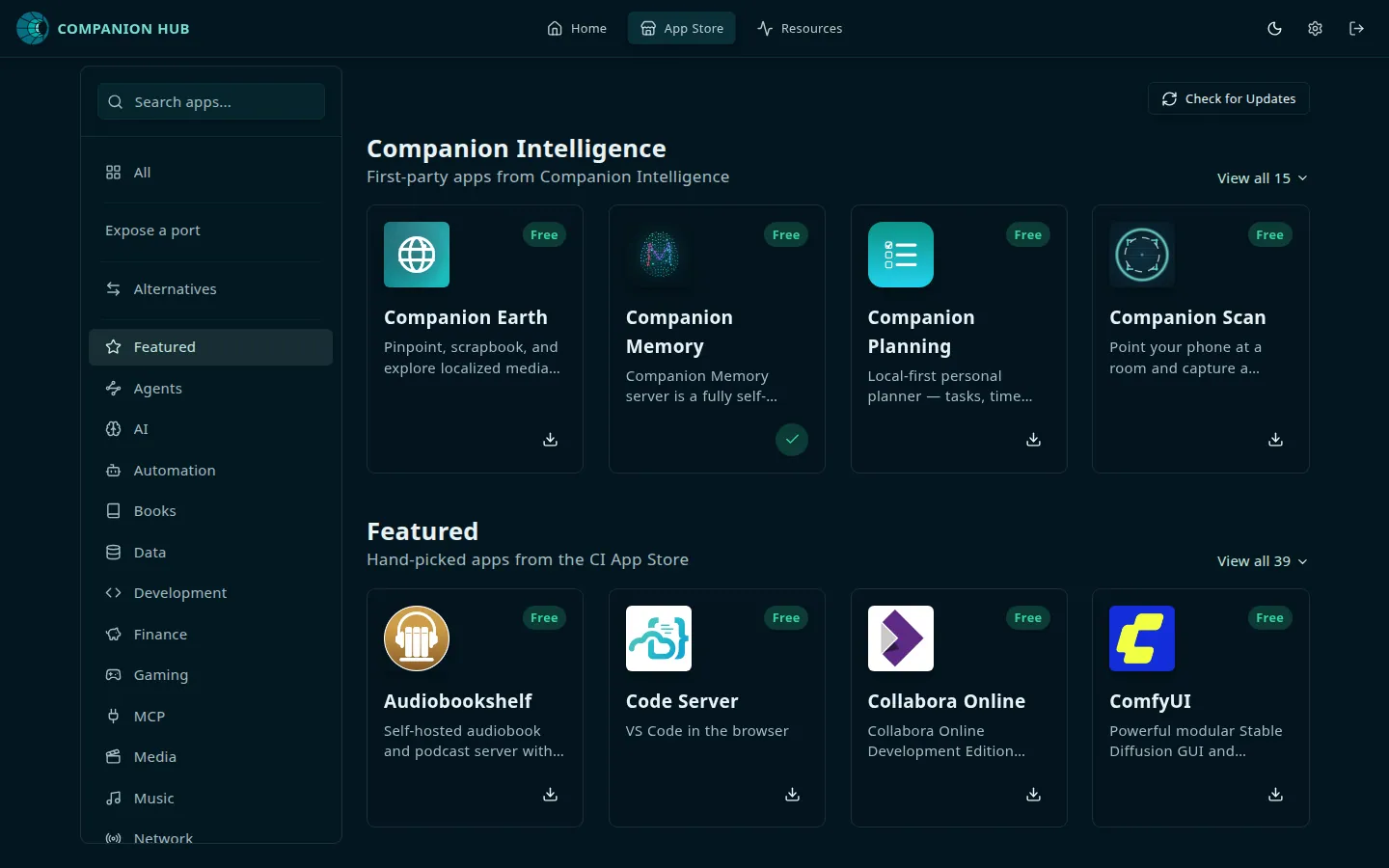
In the top bar, select App Store. Search with Search apps…, or pick a category in the sidebar — Featured, Agents, AI, Data, Media, and more. The page groups apps into rows such as Companion Intelligence (first-party apps) and Featured.
Choose an app
Find an app you’d like to install. Popular choices for getting started include:
- Nextcloud — File sync and collaboration
- Jellyfin — Media streaming
- Vaultwarden — Password management
- Immich — Photo management
If an app doesn’t support your CPU architecture, Hub refuses the install and shows Wrong architecture, naming the architectures the app needs.
Install
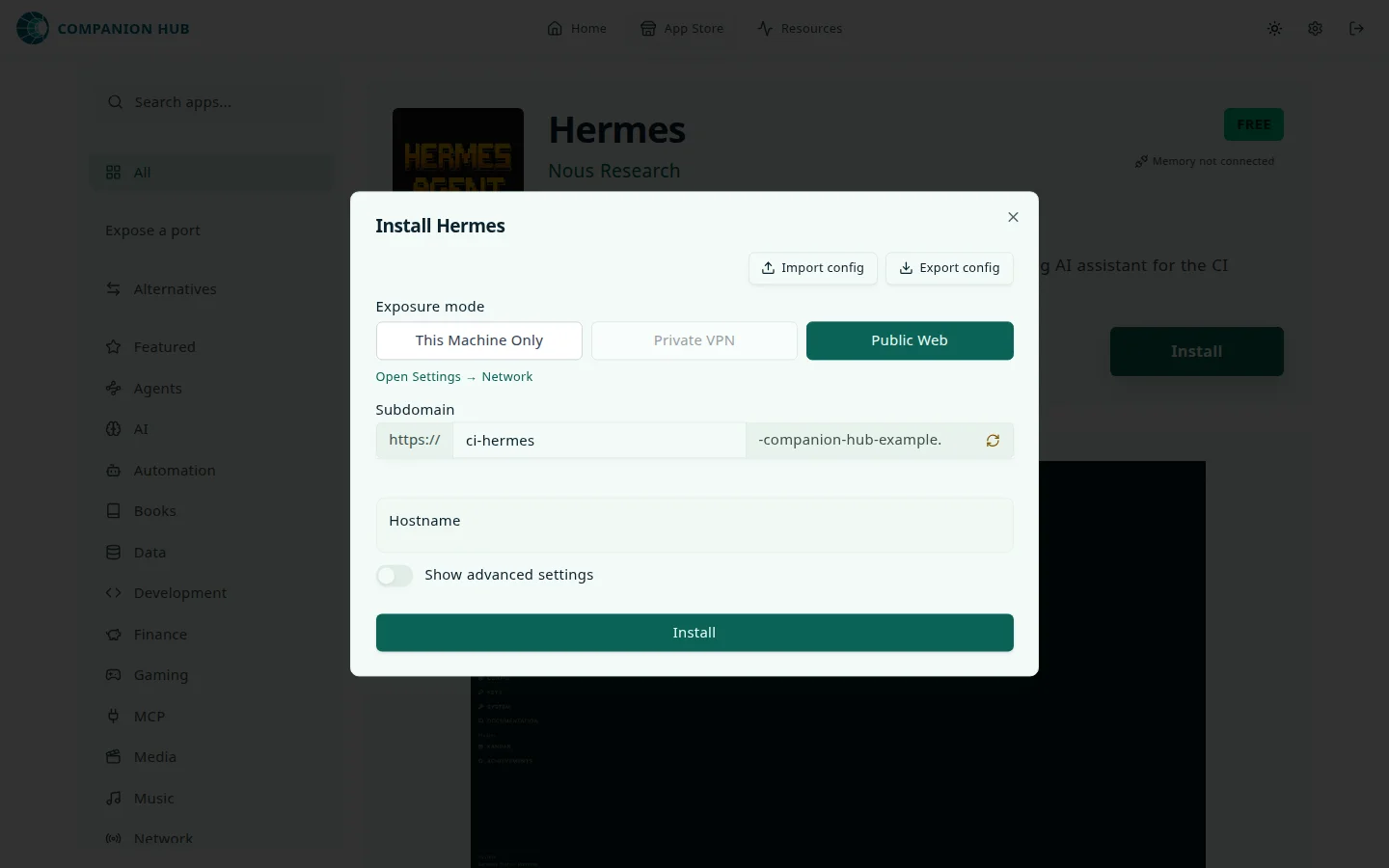
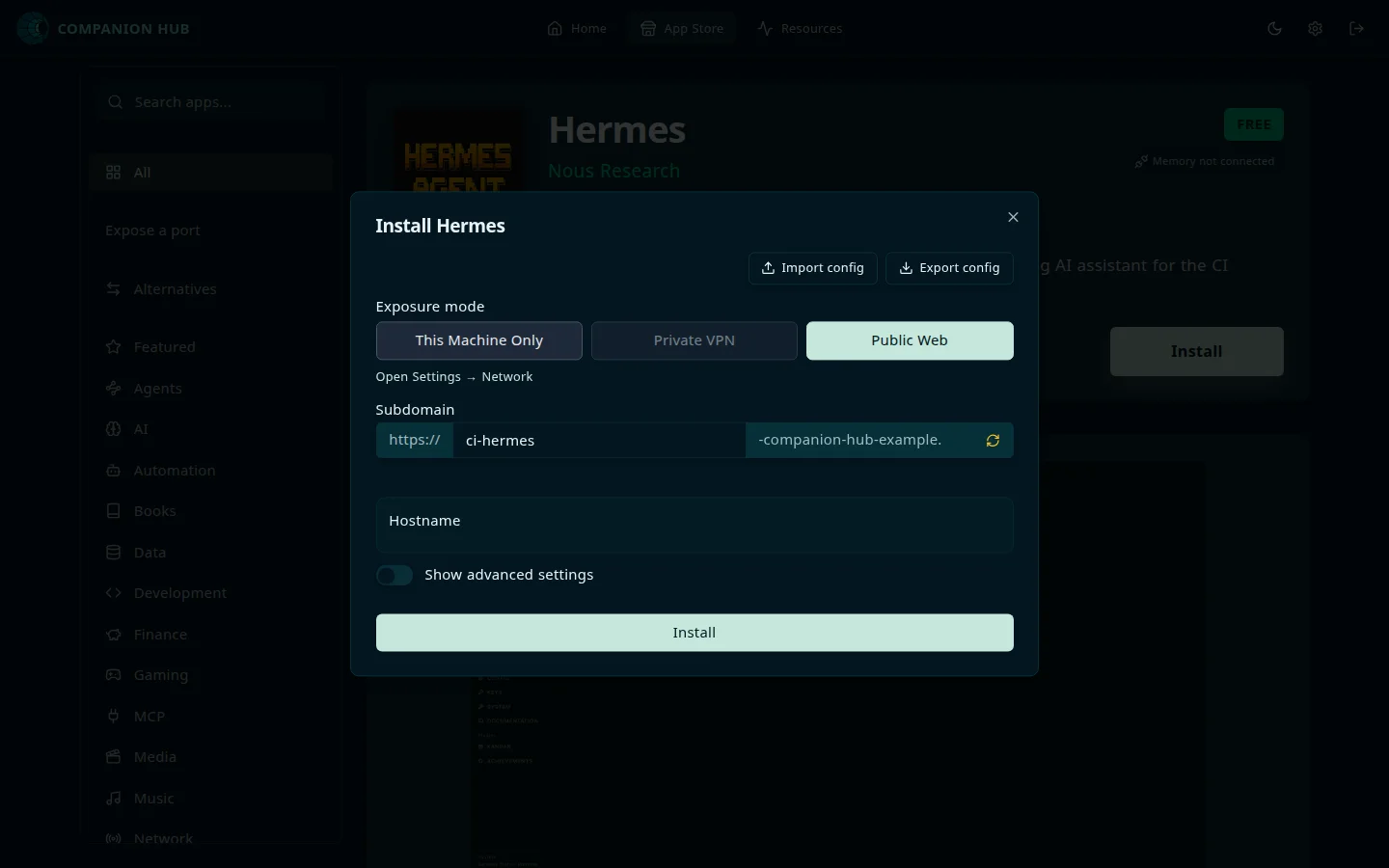
Select the app to open its page, then select Install. Review the options in the Install form and select Install again. The form can include:
- Exposure mode — Public Web (through the Cloudflare Gateway), Private VPN (Tailscale), or This Machine Only. The public and VPN options remain disabled until you connect Cloudflare or Tailscale.
- App-specific fields, such as an admin email or password. Hub derives any required random secrets (such as database passwords and encryption keys) deterministically from your Hub’s
state/seedand omits them from the form. - Options such as Enable authentication (Edge Authentication in front of the public route) and Open port. Show advanced settings reveals additional fields, and App backup limit appears when Advanced settings is enabled.
Companion Hub pulls the Docker image, configures networking, and starts the app. The button progresses through Downloading…, Setting up…, and Finalizing install…; the first install of a large app can take several minutes. If you open the app’s public address before it finishes starting, Hub shows <App> is starting… and reloads every five seconds.
Access your app
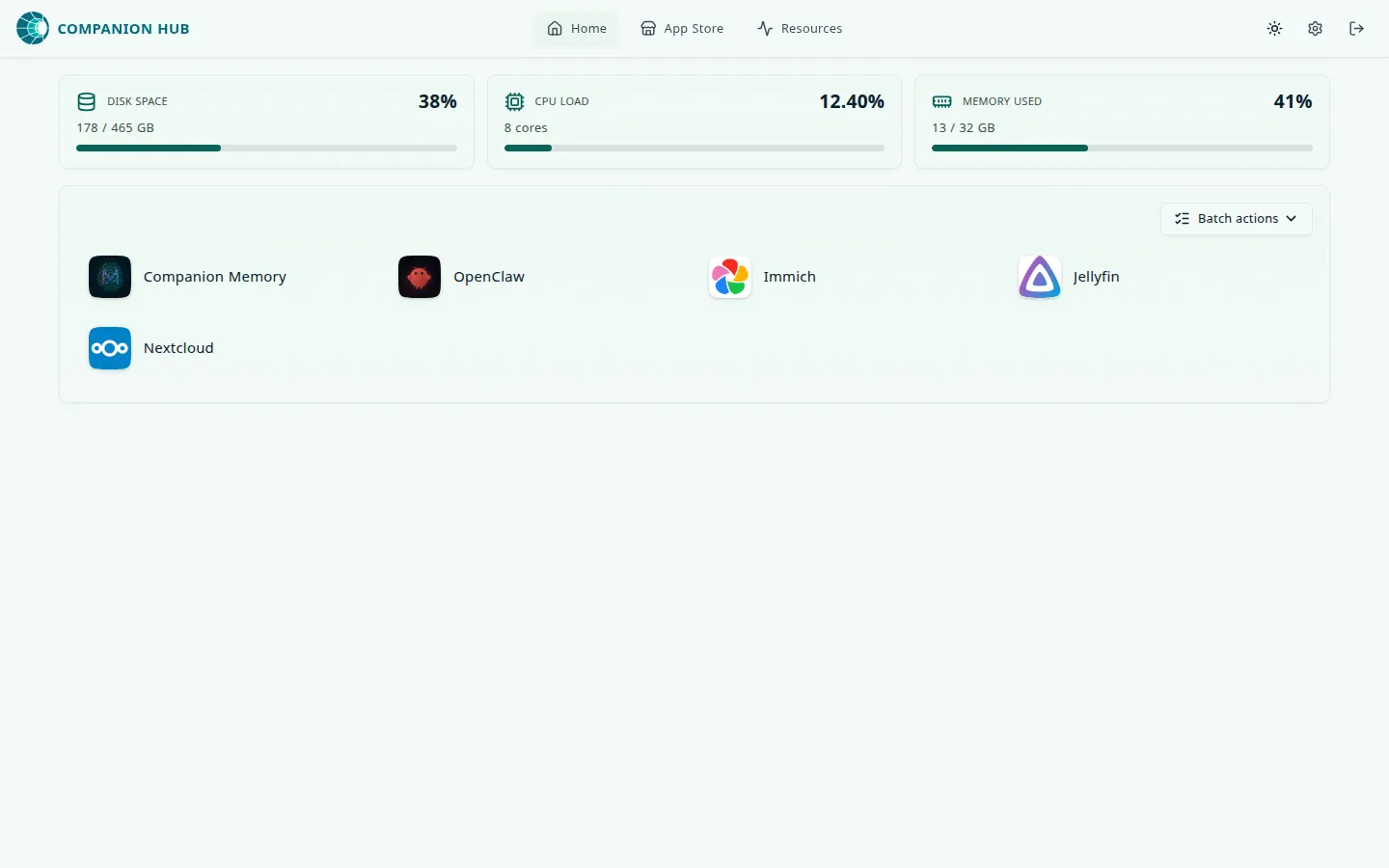
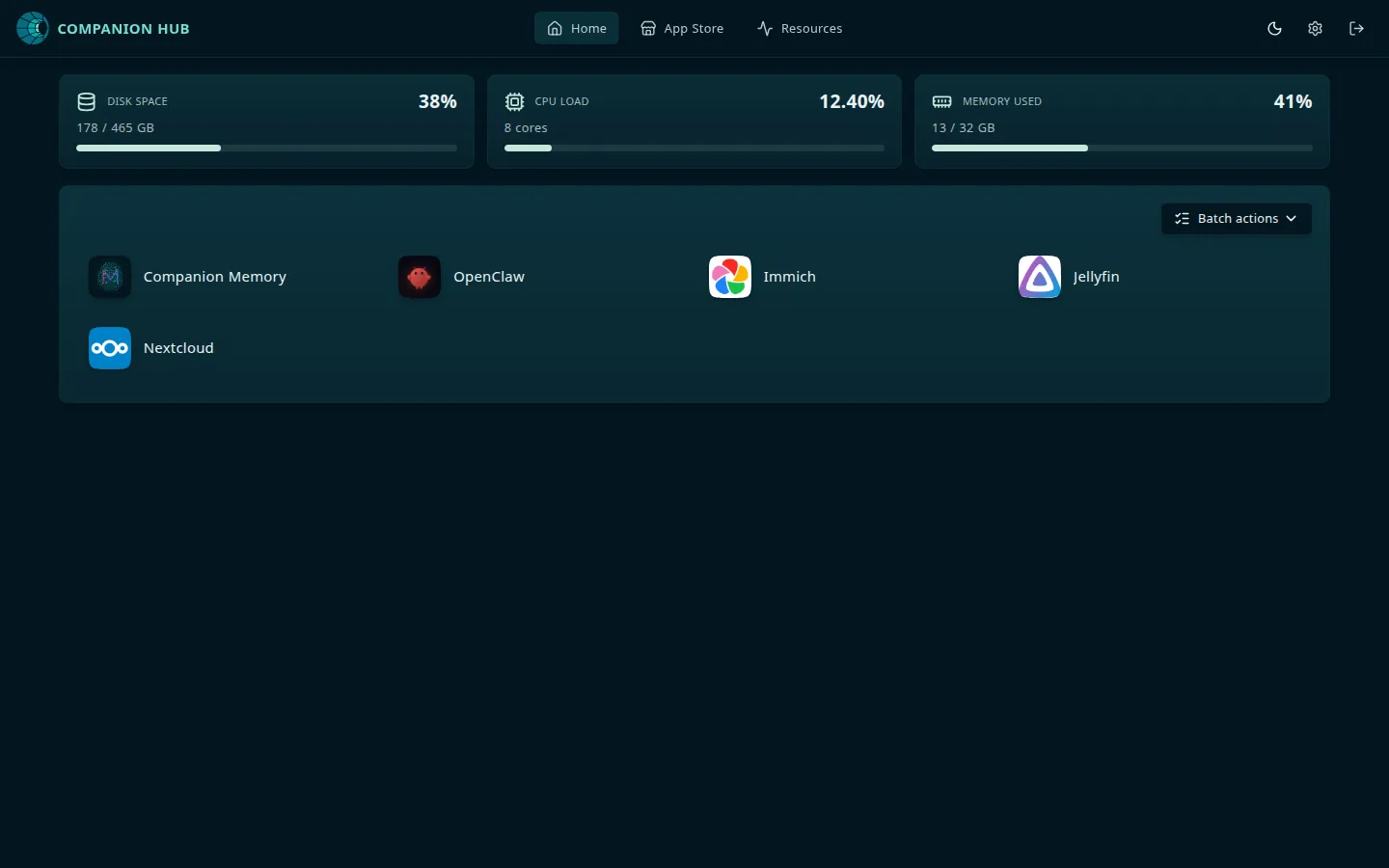
After installation, the app appears on Home. Select Open on the app’s page or card.
An app’s page has an Access points card with up to three addresses: Public domain, Private VPN, and Local access (“Open this app directly on this machine”). Local access points to the app’s published port on the Hub machine, such as http://127.0.0.1:8301 for Nextcloud, and works even when no external network route is configured. From another device on your LAN, use the Hub’s LAN IP address and the same port (except for agent apps and apps without built-in authentication, which bind their host port to 127.0.0.1 only). See Finding your app’s URL.
What happens under the hood
When you install an app, Companion Hub sets up an isolated Docker Compose project in your Hub data root (ROOT_FOLDER_HOST):
- App definition (
apps/<app-store>/<app-id>/). Hub copies the app’s manifest (config.json) and Compose template (docker-compose.json), then renders a standarddocker-compose.ymlfile. - Environment and secrets (
app-data/<app-store>/<app-id>/app.env). Hub writes your form inputs, generated secrets, network variables (APP_HOST,APP_PROTOCOL,LOCAL_DOMAIN), and — if the app declareshub_integration.inferenceorhub_integration.mcp_client— your local AI endpoints (CI_INFERENCE_*,CI_EMBEDDING_*) or MCP credentials (CI_HUB_MCP_URL,CI_HUB_MCP_TOKEN). - Routing and port binding. When Exposure mode is Public Web, Hub attaches Traefik labels so requests arriving from the Cloudflare tunnel reach the container on
ci_hub_main_network. When Exposure mode is Private VPN or This Machine Only, Hub setstraefik.enable: false. - Custom overrides (
user-config/<app-store>/<app-id>/). To add custom environment variables or Compose overrides later without losing them on app updates, place anapp.envordocker-compose.ymlinuser-config/<app-store>/<app-id>/. See Customize app configuration.
App not opening? Finding your app’s URL explains where each address comes from and what to check when one doesn’t load.
To access apps from outside your network, use the Cloudflare Gateway for managed public access or Tailscale for private access.