Why Companion Hub?
Companion Hub is a local-first self-hosting and AI platform built around a straightforward premise: your services, your memory, and your AI models run on hardware you control.
Learn more about Companion Intelligence hardware and offerings at ci.computer .
What makes Companion Hub different
Managed Cloudflare Gateway and Private VPN
Most self-hosting platforms leave remote networking, TLS certificates, and reverse-proxy rules to you. Companion Hub provides two built-in remote access paths without opening inbound ports on your router:
- Cloudflare Gateway — Pairing your Hub with your CI Account at hub.ci.computer provisions an outbound
cloudflaredtunnel and a wildcard subdomain (https://<app>-<hub>-<org>.<zone>). You choose per app whether to expose it on the Public Web through Traefik, with optional Edge Authentication (edge_auth) for apps that do not have their own login screen. See Cloudflare Gateway. - Private VPN (Tailscale) — Connect your tailnet in Settings → Network and Hub publishes apps with HTTPS certificates over Tailscale Serve (
https://<hub-name>.<tailnet>.ts.net:<port>) so only your authenticated devices can reach them. See Tailscale.
Your CI Account
Sign in at hub.ci.computer to pair devices, manage tunnel tokens, install apps remotely, monitor device health, and share access with teammates or family members through Organizations. Exposure decisions remain local: each Hub controls which of its installed apps are local-only, tailnet-only, or public.
One-click App Store
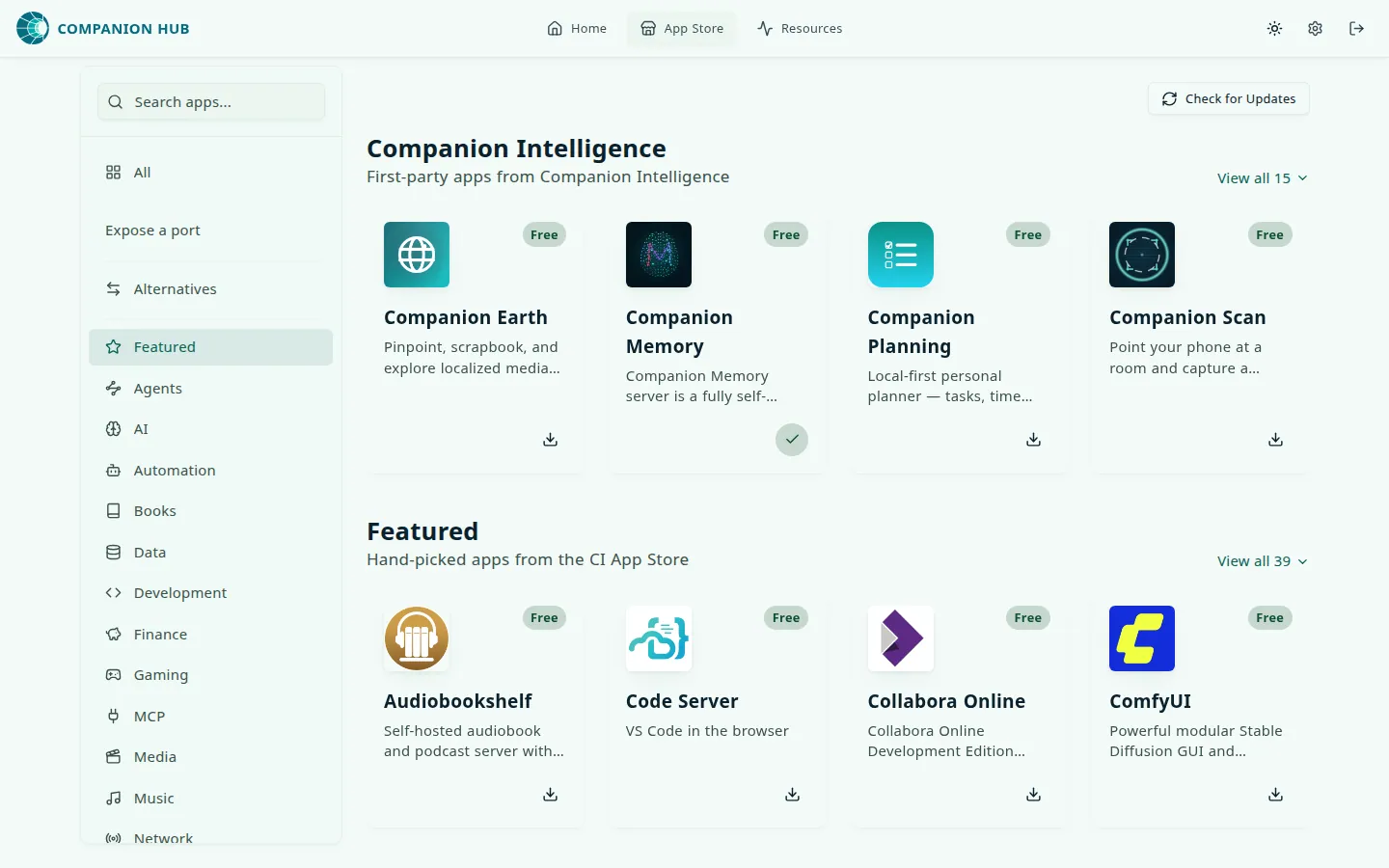
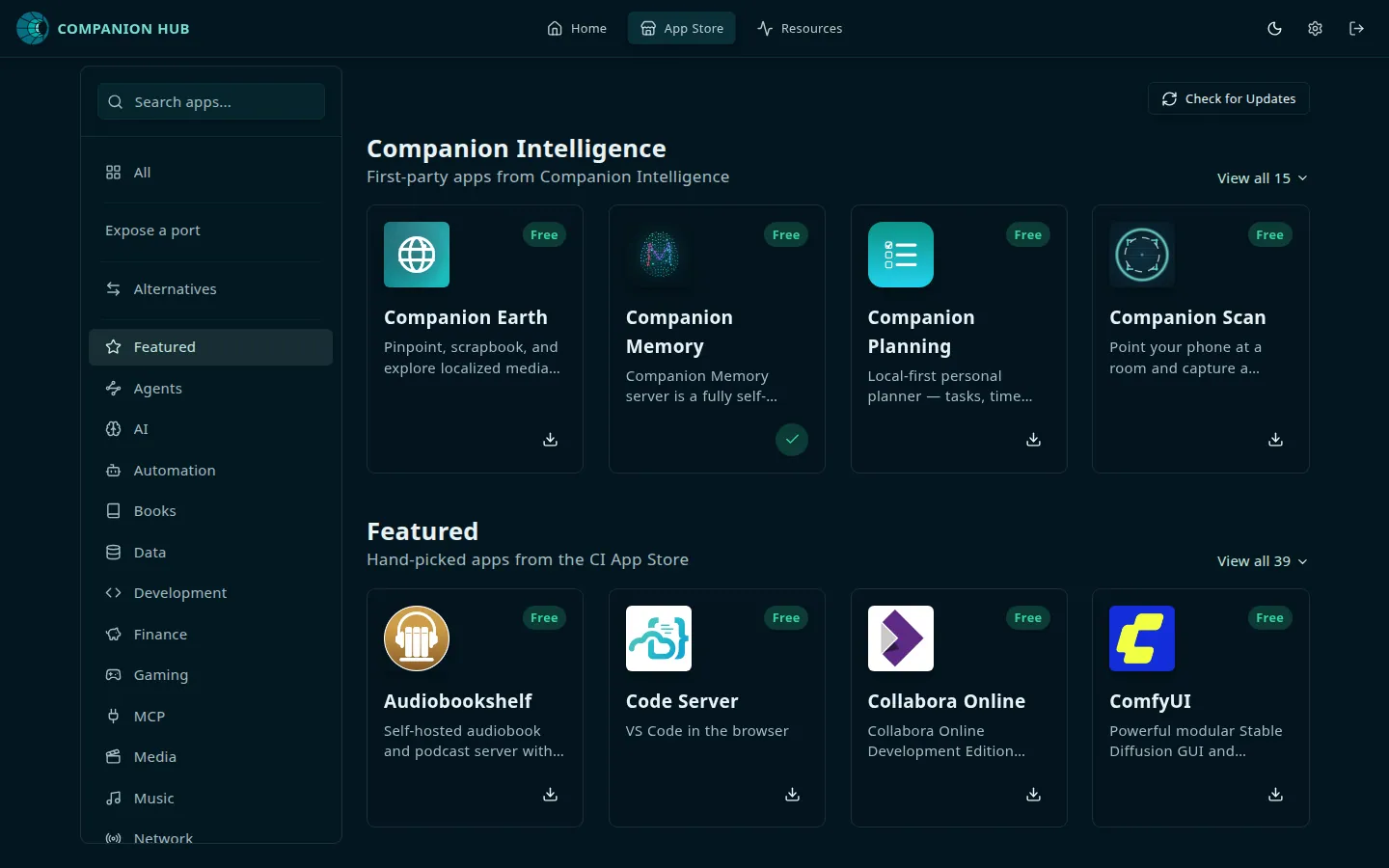
The Companion App Store packages hundreds of open-source and first-party applications as declarative manifests (config.json) and Compose templates (docker-compose.json). When you install an app, Hub validates your CPU architecture, derives required random secrets deterministically from state/seed, writes app-data/<store>/<app>/app.env, configures Traefik labels only when you expose the app, and binds unauthenticated or agent web ports to 127.0.0.1 by default.
You can also package and submit your own apps with cihub submit — see Submitting to the Marketplace.
Sovereignty and privacy
Companion Hub has no analytics pipeline and no usage metering. Your databases, files, and vector embeddings live in your local Hub data root (ROOT_FOLDER_HOST) and never leave your machine unless you expose an app or connect a cloud AI provider.
Distributed builds enable anonymous crash reporting by default so Lifescope can diagnose stack and app failures; when an app action fails, a crash report includes the error details and that app’s recent container logs. To turn crash reporting off, disable Allow anonymous error monitoring in Settings (allowErrorMonitoring), or set ALLOW_ERROR_MONITORING=false, CI_TELEMETRY=off, or CI_LOCAL_ONLY=true in the environment. See Crash reporting.
Built-in local AI and Hub Pool
Hub inspects your CPU, system RAM, and GPU accelerator (NVIDIA CUDA, AMD ROCm, or Apple Metal) and configures local AI through Ollama, oMLX, vLLM, or Lemonade, alongside optional cloud provider API keys. When you install an AI-enabled app (hub_integration.inference in its manifest), Hub injects standardized CI_INFERENCE_* and CI_EMBEDDING_* endpoints and model names into the app’s environment automatically. If you run multiple Hubs on the same Tailscale network, Hub Pool routes inference requests to the healthiest peer with the largest model capacity.
Companion Agent and Companion Memory
During onboarding, you can install OpenClaw or Hermes alongside Companion Memory. Hub wires agent apps (hub_integration.mcp_client) to its built-in MCP server (/api/mcp) and to Companion Memory’s hybrid vector and full-text store, giving your agent private recall across your documents, messages, emails, and notes. You can also connect external MCP clients such as Claude Code or Cursor with cihub api-key create and cihub connect — see Connect an existing agent and Companion Agent.
First-party ecosystem
Alongside community apps, Companion Intelligence builds integrated first-party applications — including Companion Memory, OpenClaw, Hermes, and Static Container Builder. Browse all Companion Apps.
Standard Docker underneath
Every installed app runs as its own standard Docker Compose project (docker compose ls) with plain files on disk under apps/ and app-data/. You can inspect containers with docker ps, layer your own environment variables and volume mounts in user-config/<app-store>/<app-id>/, and back up or migrate your data at any time. If you stop using Companion Hub, your app containers and volumes remain intact on disk. See Docker fundamentals and Customize app configuration.
Built for every level of control
Start with the graphical onboarding wizard and one-click App Store installs, then adopt the cihub CLI, custom Compose overrides, and multi-node Hub Pool routing as your setup grows.