Widgets and quick actions
Companion Hub has two useful surfaces at different sizes: the responsive dashboard for live system information, and a compact home-screen widget for opening common mobile flows.
Desktop dashboard
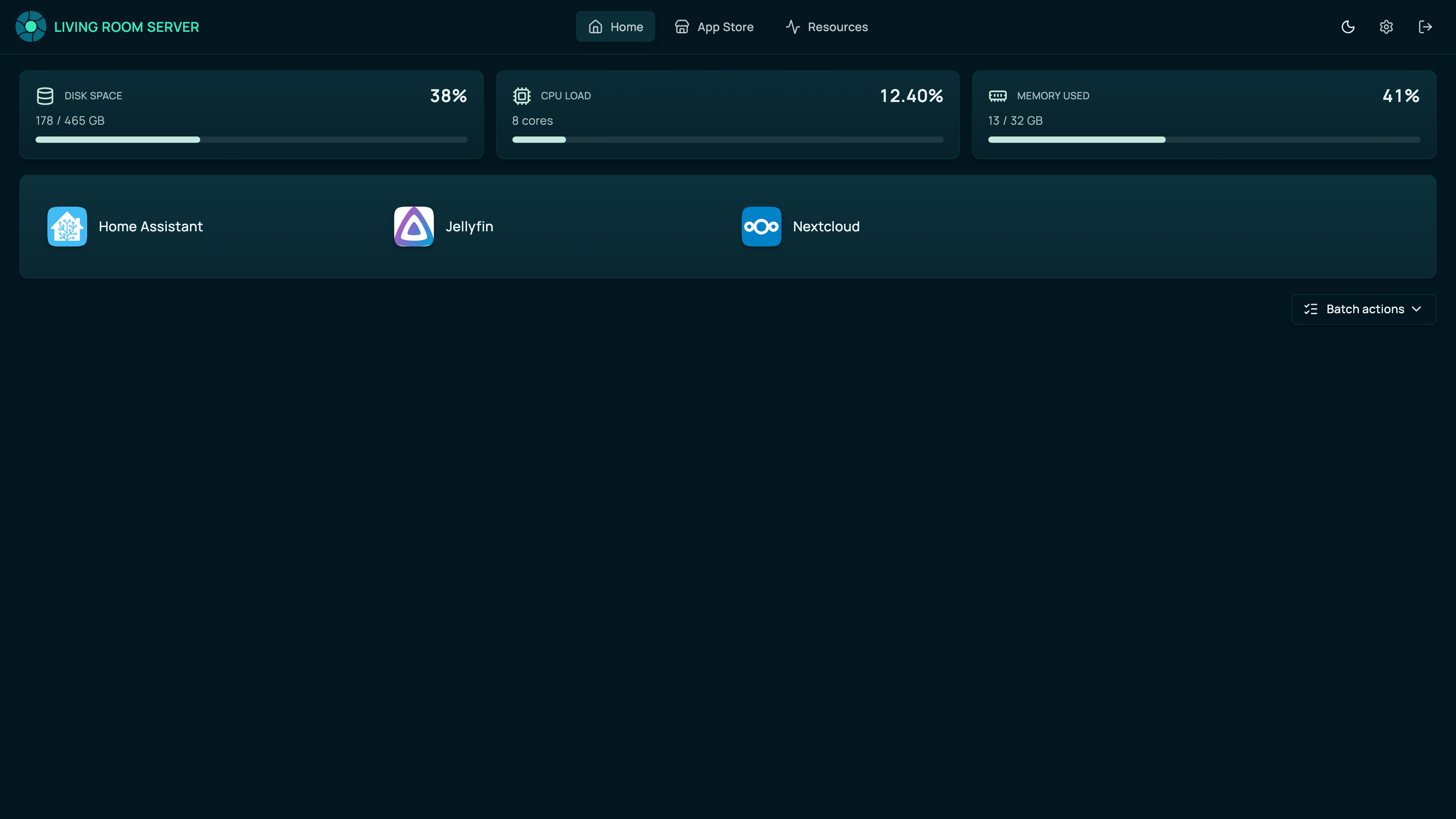
On desktop, open the Hub dashboard in the Companion Hub app or a browser. The same responsive UI shows the machine’s current health, apps, and install work. The desktop app adds native access to machine-level actions such as opening the app-data folder.
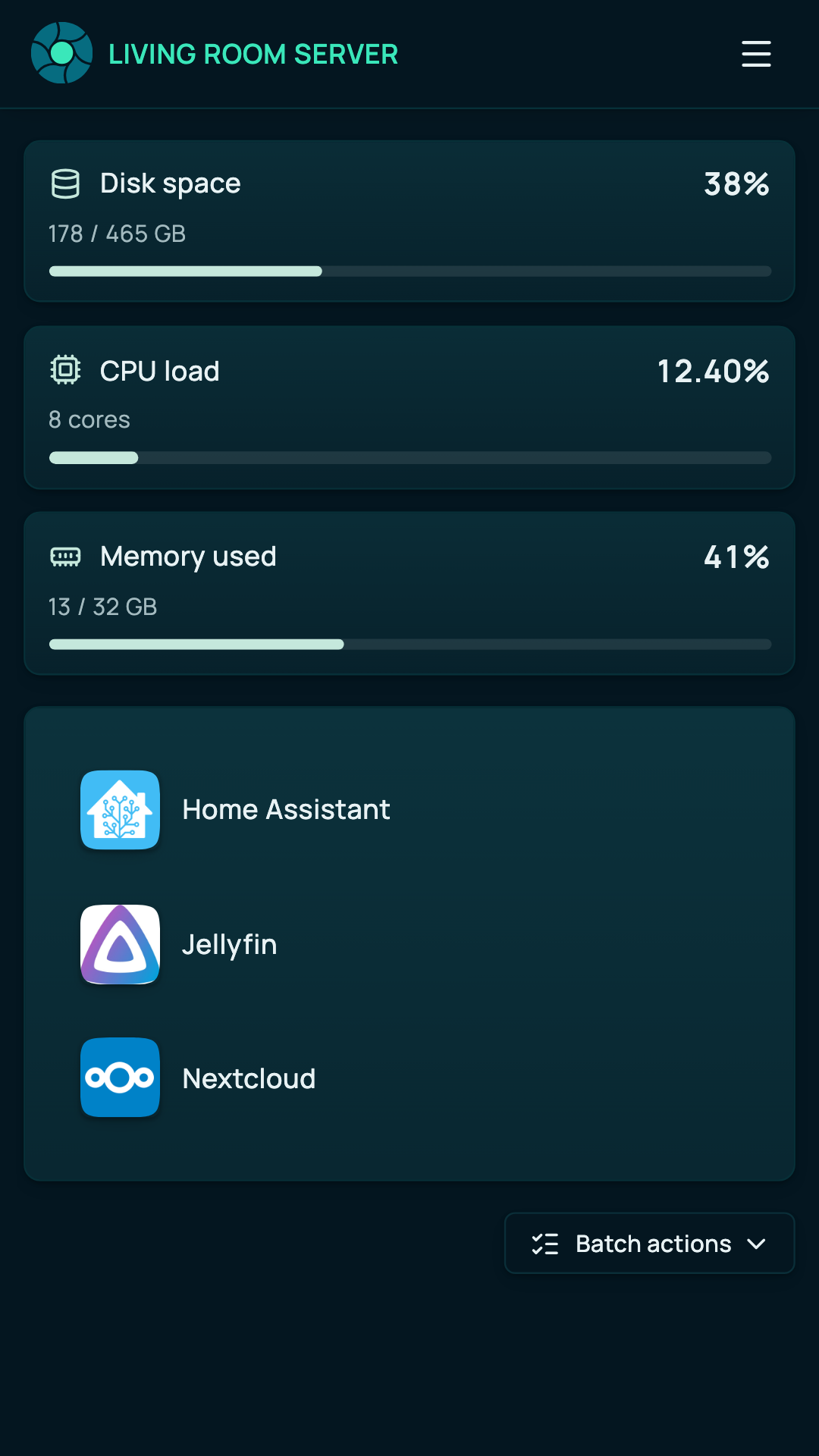
At phone width, the same resource cards stack vertically and keep the installed-app list usable.
iPhone and Android quick actions
Add Hub actions from the iOS or Android home-screen widget picker. The small iOS layout shows Open and Connect; the medium layout also includes Switch and Settings. Android displays all four actions in two rows. Each tile opens that fixed destination inside Companion Hub.
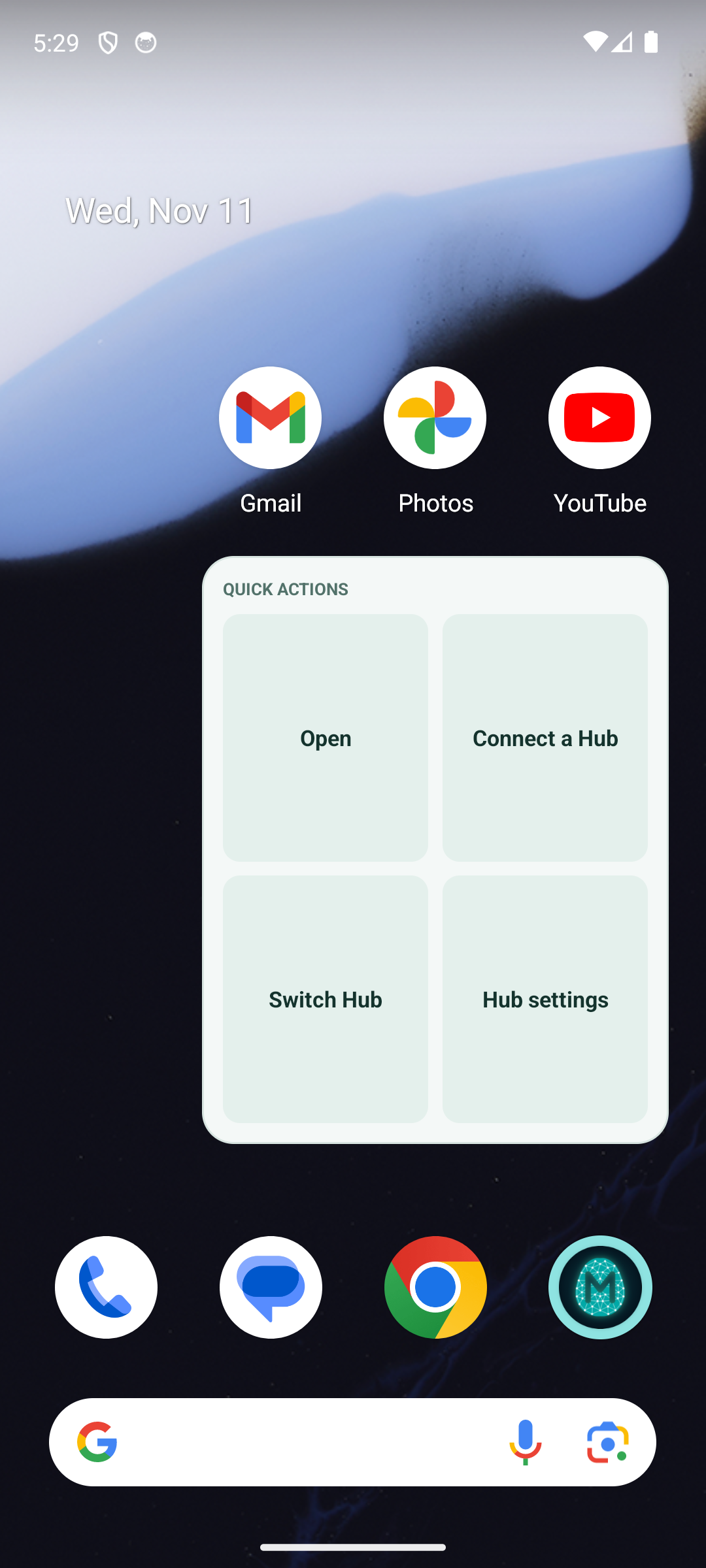
The mobile widget is a launcher, not a system-status display. It does not show CPU, memory, containers, apps, or job counts. Those live values remain in the authenticated Hub dashboard.
The quick actions use the app’s fixed cihub://intent/ routes. They do not embed account tokens or
machine status in the widget. If Companion Hub is not installed, the launcher cannot open the
destination.