Design system — UI gallery
This gallery shows real UI screenshots captured from the Companion Intelligence platform. Every surface — appliance apps, the cloud control plane, capture tools, XR clients, and setup portals — uses one shared design system so the interfaces read as a single product family across web, desktop, and headset.
Each product section below shows several key surfaces rather than a single hero screen. Where both themes exist, every screen appears in light and dark and swaps automatically with this page’s theme toggle.
The shared design language
- Phthalo accent —
#0a6358in light mode, sage#c5e8dcin dark mode. It is the canonical--primarytoken for buttons, active navigation, focus rings, and brand marks. (The pre-v0.3 teal#0f717a/#abd4d8is retired; the lint gate rejects it.) - Deep-navy surfaces — dark mode uses a near-black navy (
#041620family) rather than flat black, so elevated cards and phthalo accents stay legible. - Manrope — the platform typeface across headings and body (Archivo Black for display), with JetBrains Mono reserved for code, keys, and technical readouts.
- Dual light/dark themes — every product ships both. Paired screenshots below swap automatically with this page’s theme toggle; single-theme captures are labeled.
The canonical source of truth is the UI Style Guide and the shared
design-token package in CI-Common, a private repository. The tokens are
published as
@companionintelligence/tokens
on GitHub Packages (styles/tokens/src/tokens.json is the one hand-edited
source; see CI-Common’s CONSUMING.md). This page is a visual index of how
those tokens land in shipping product.
Most screenshots are a point-in-time capture from the front-end re-test run on 2026-07-03. The CI Account frames are from October 2026. UIs evolve — treat these as representative, not pixel-current.
CI Account
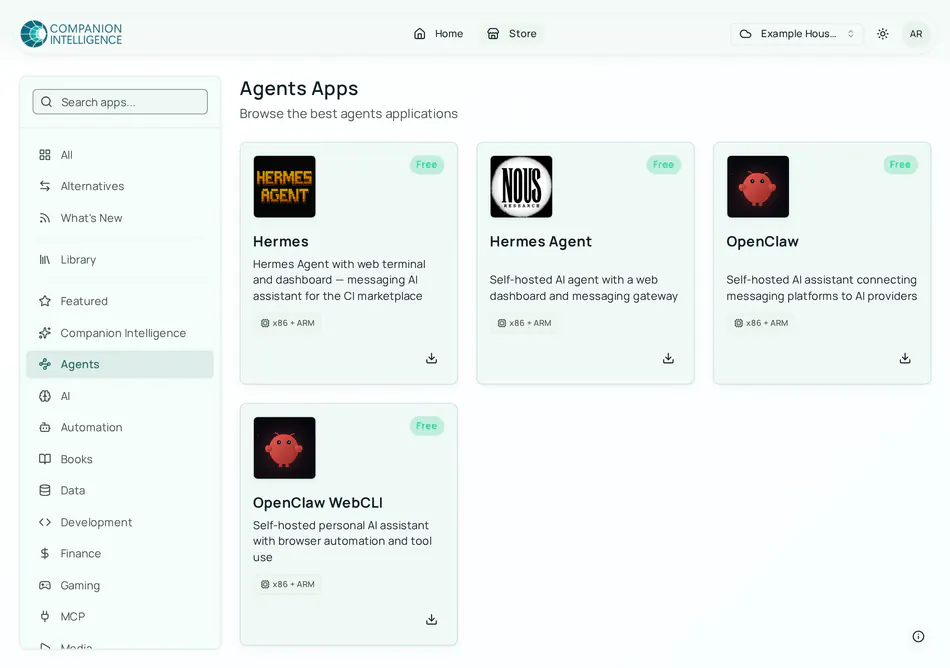
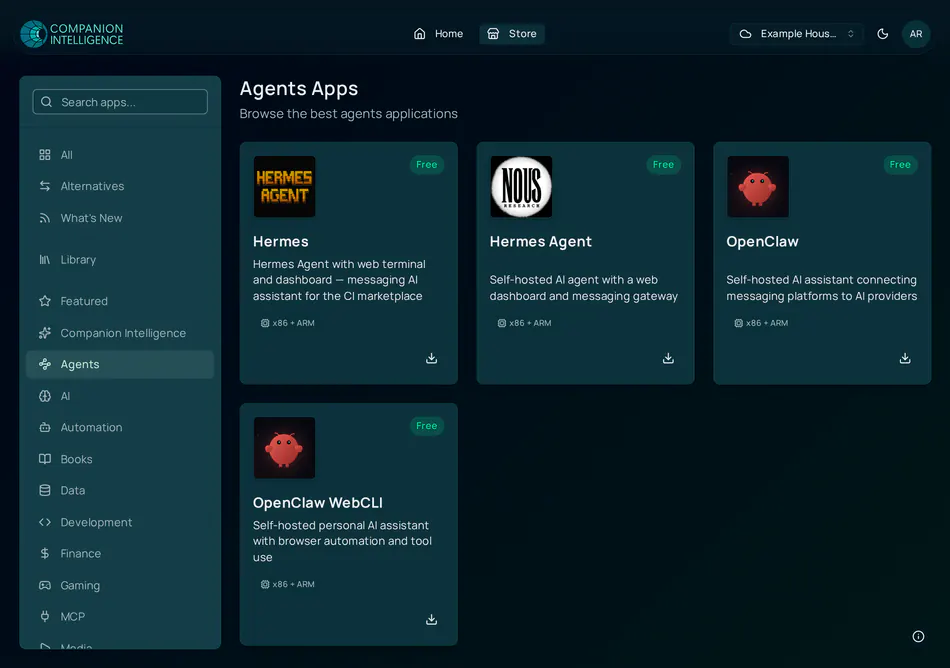
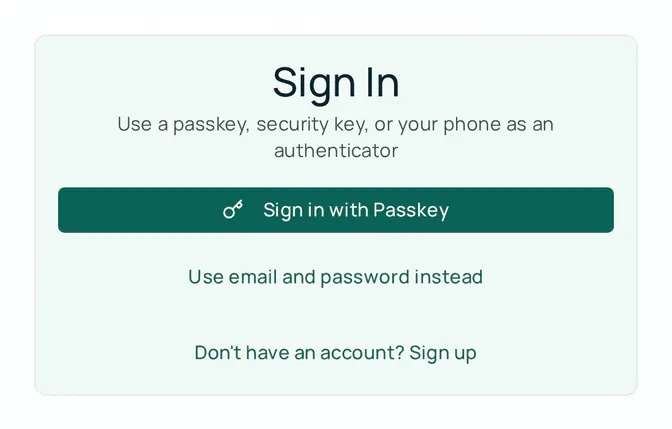
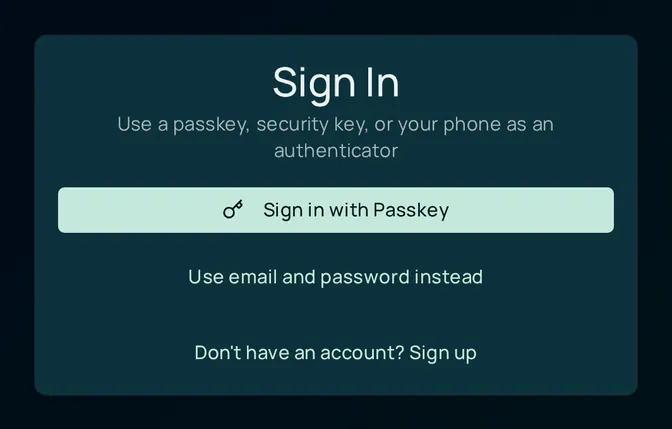
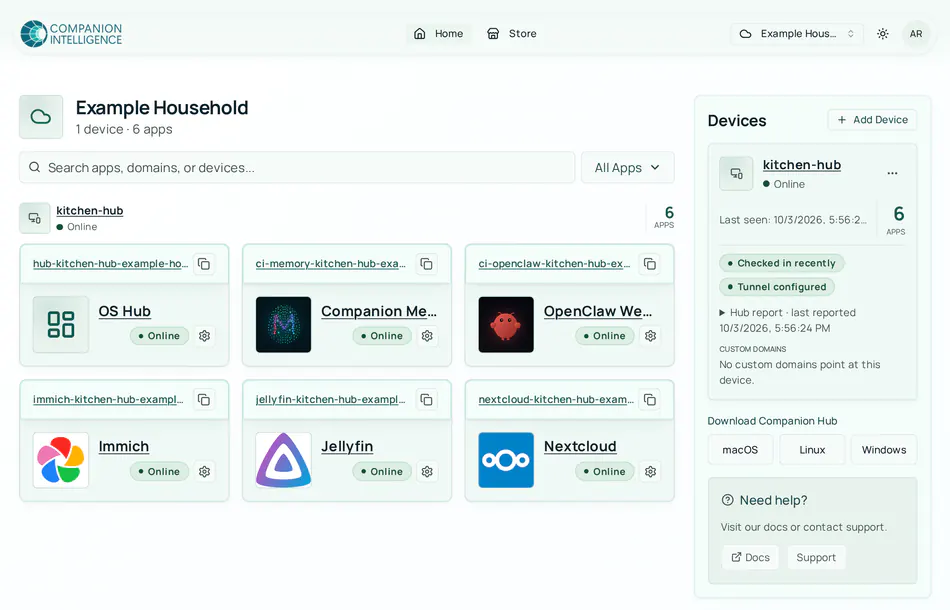
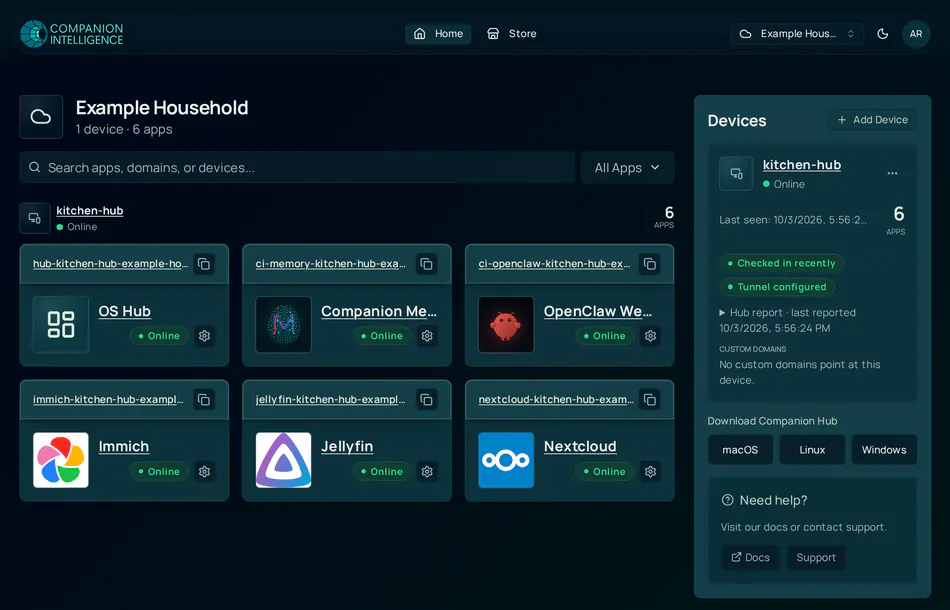
The CI Account and remote app store — the cloud plane surface where you sign in, browse apps, and manage devices. Four surfaces below: the store catalog, the passkey-first sign-in, the email and password sign-up form, and the signed-in Home view. The organization, device, and app data in these frames are example data.
Store — app catalog
Sign in — passkey
Sign up — email & password
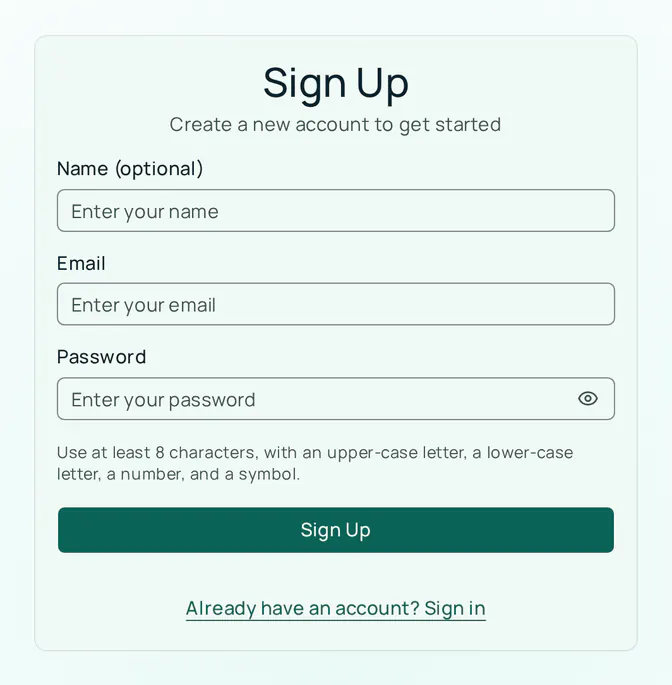
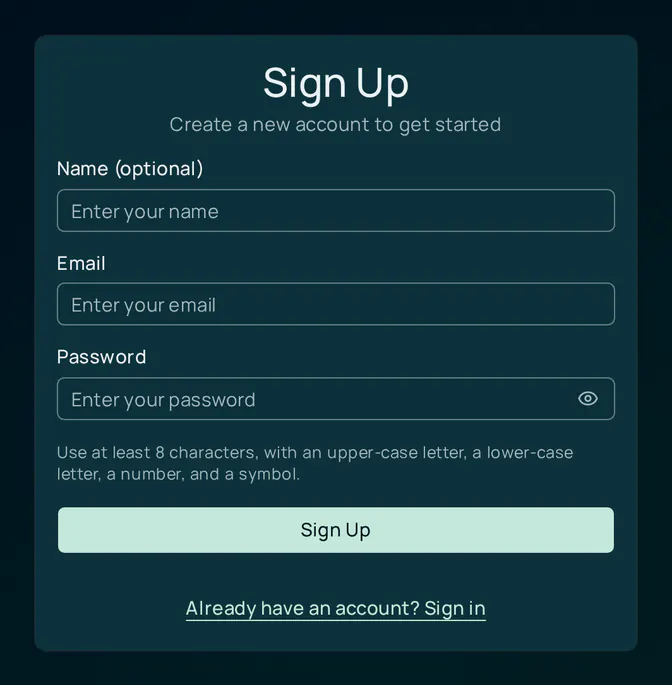
Home — signed in
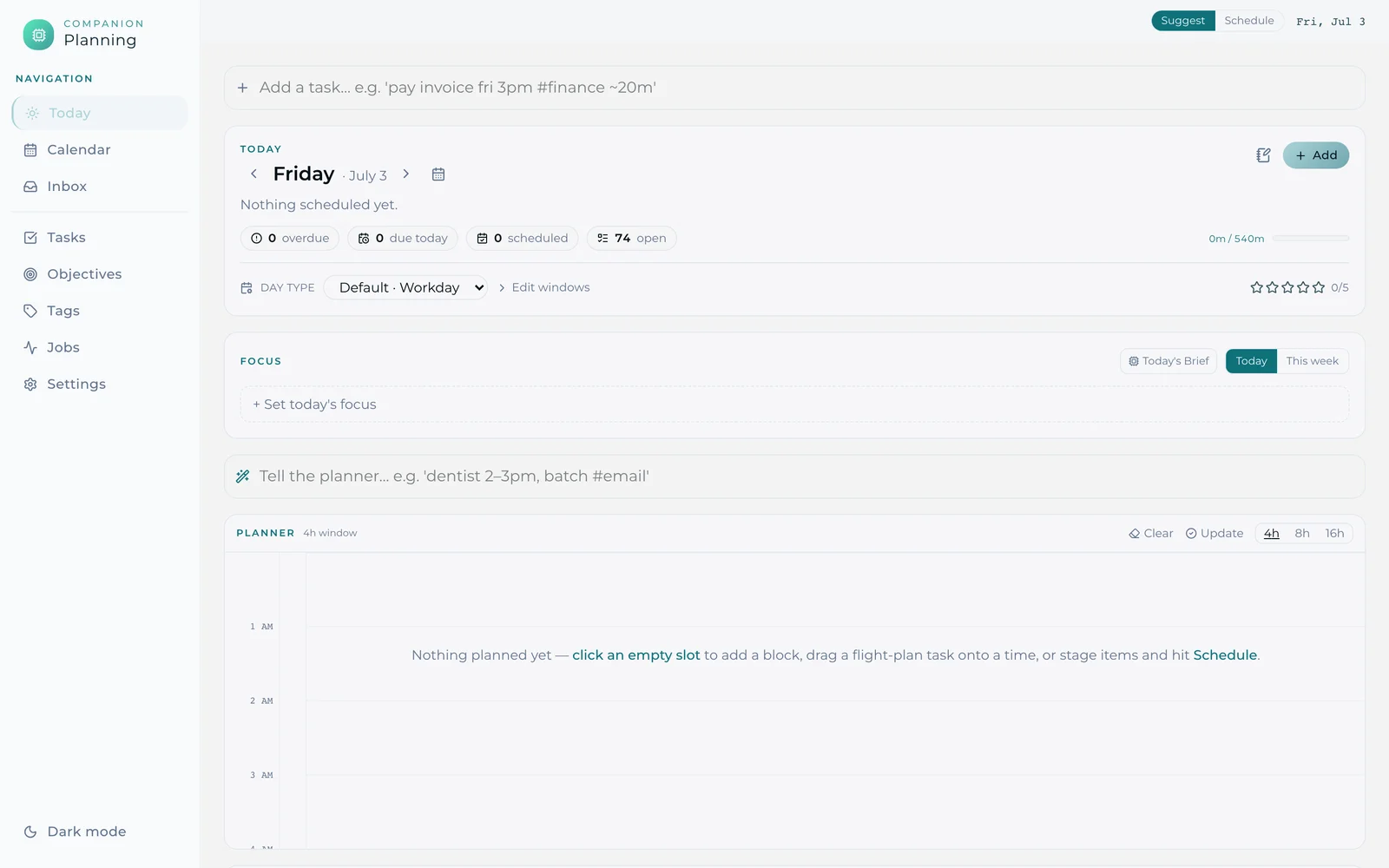
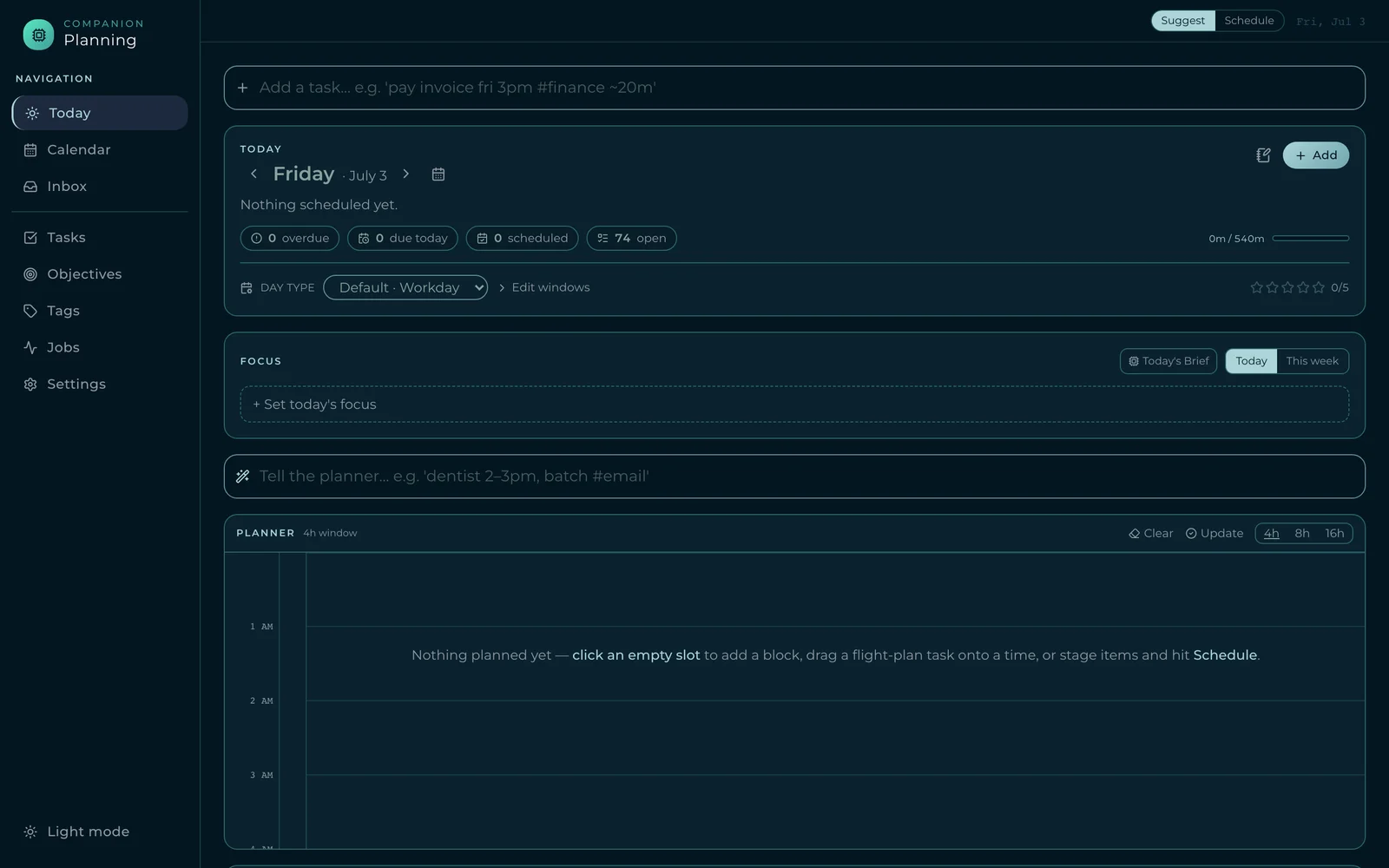
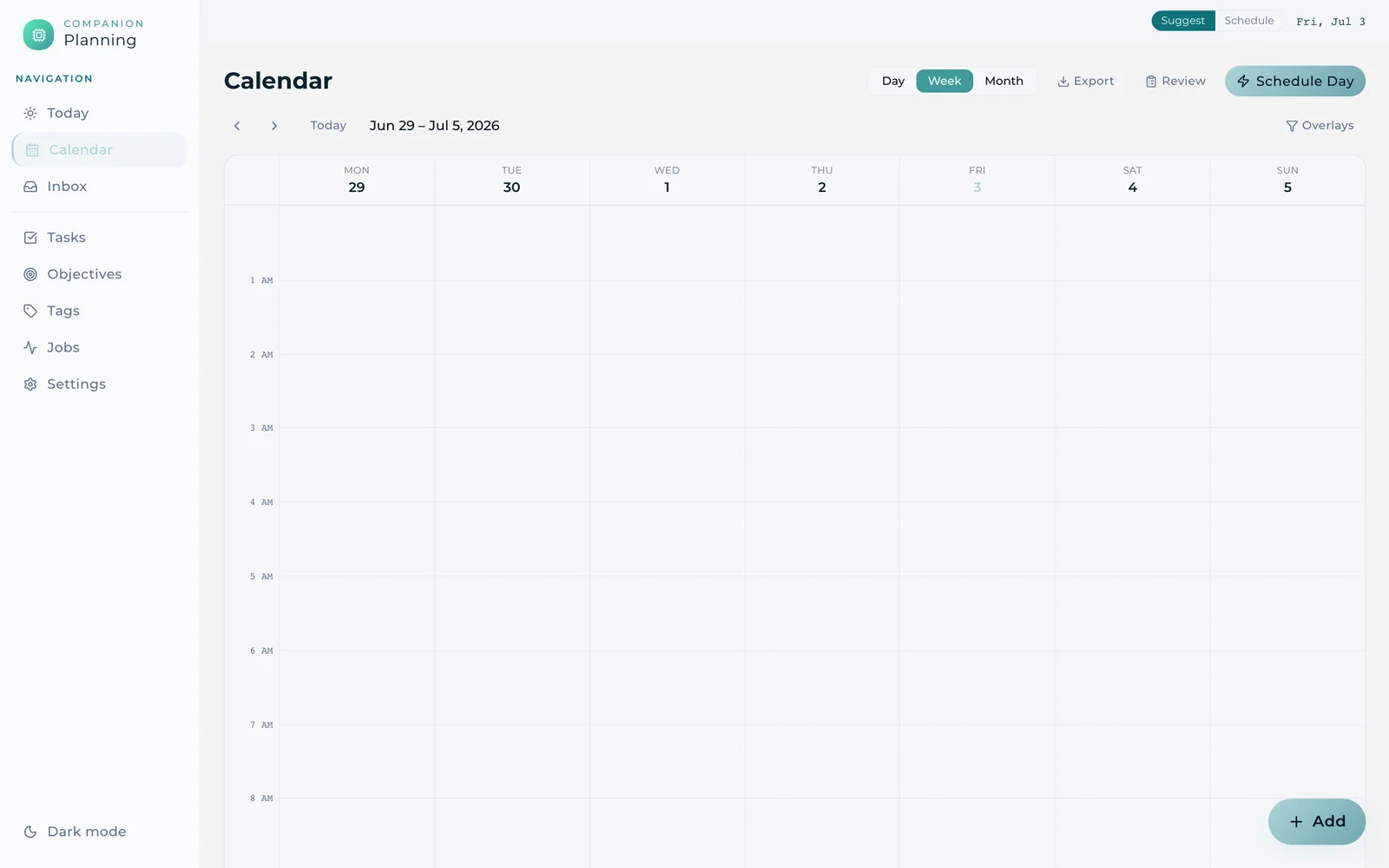
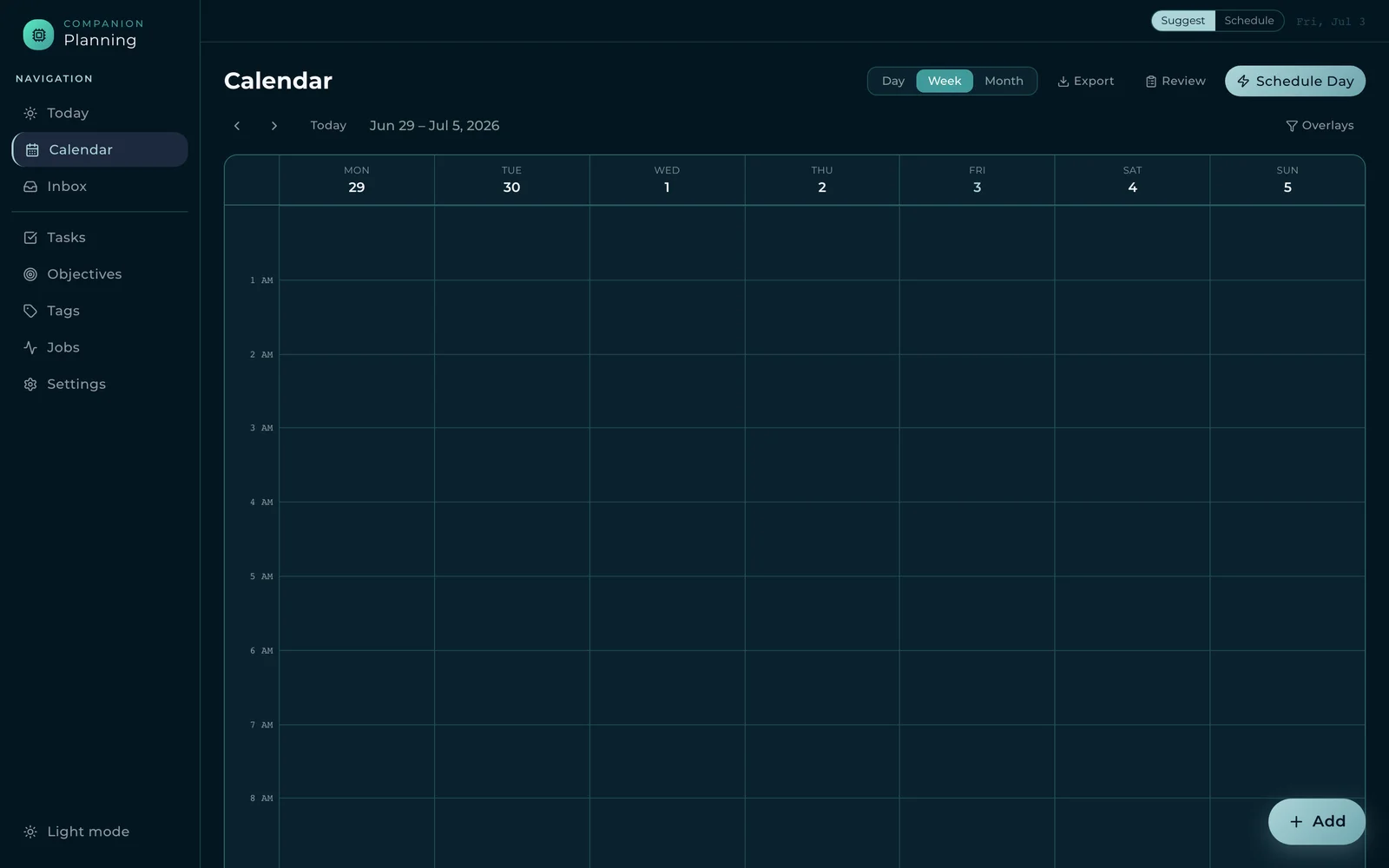
Companion-Planning
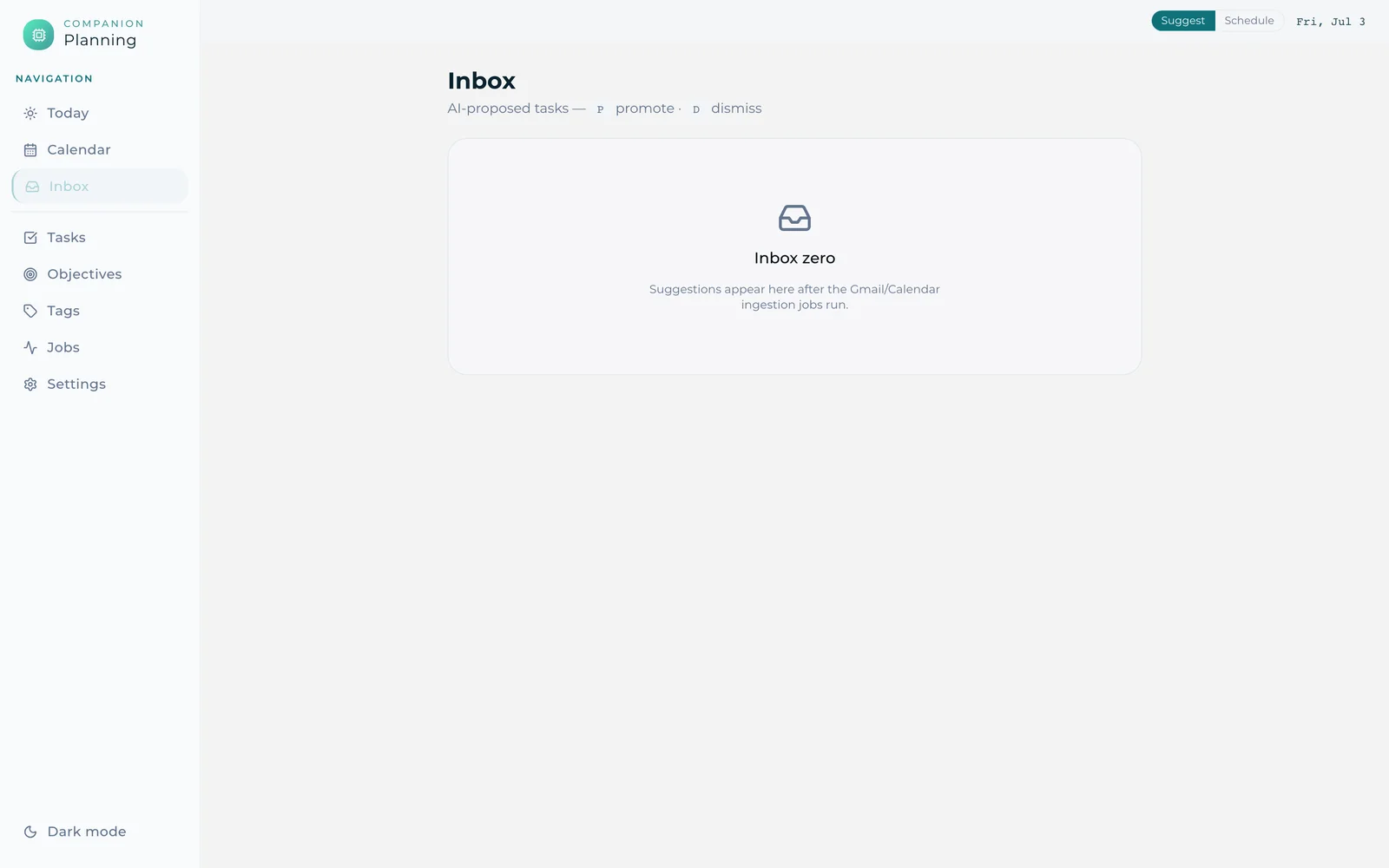
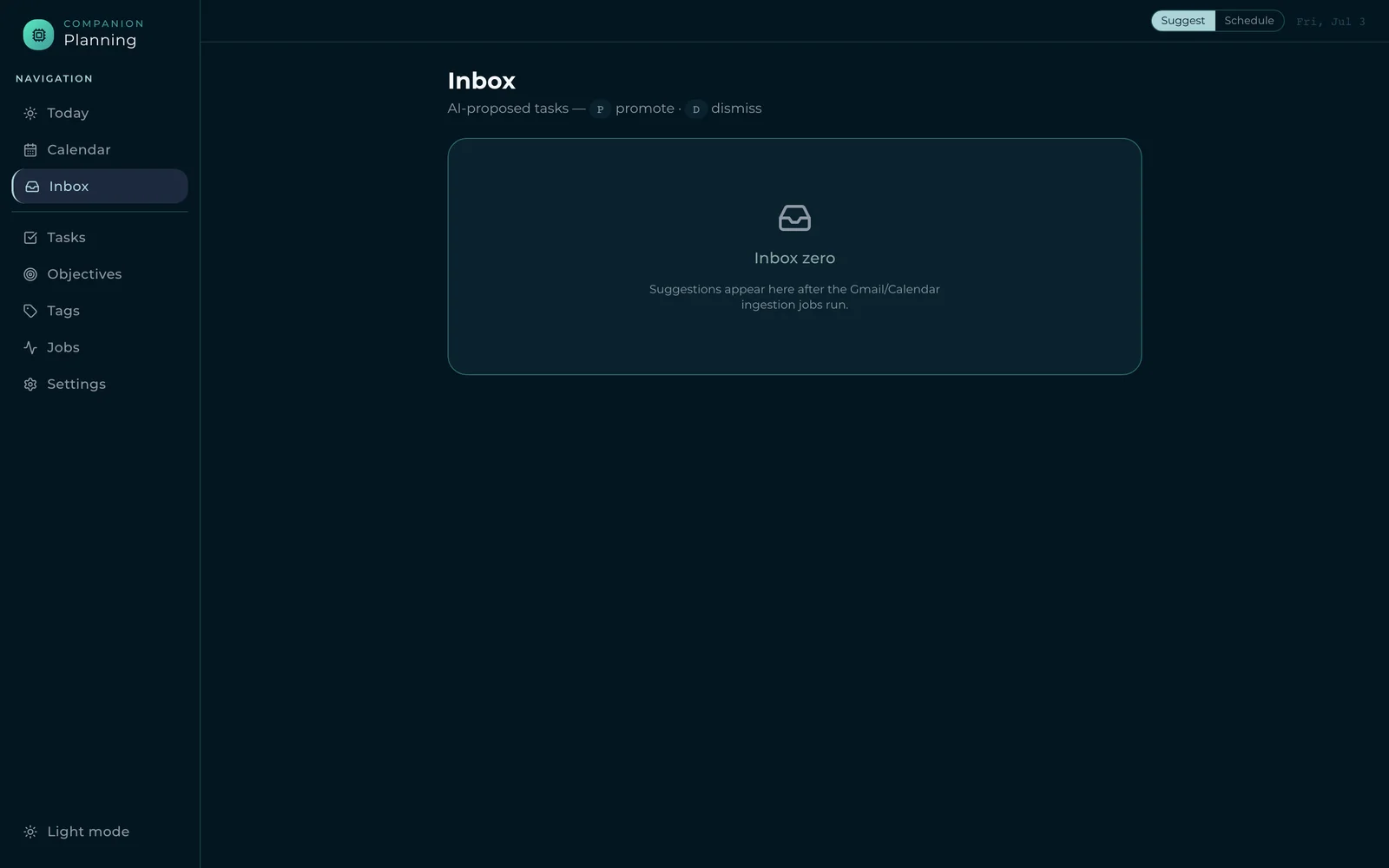
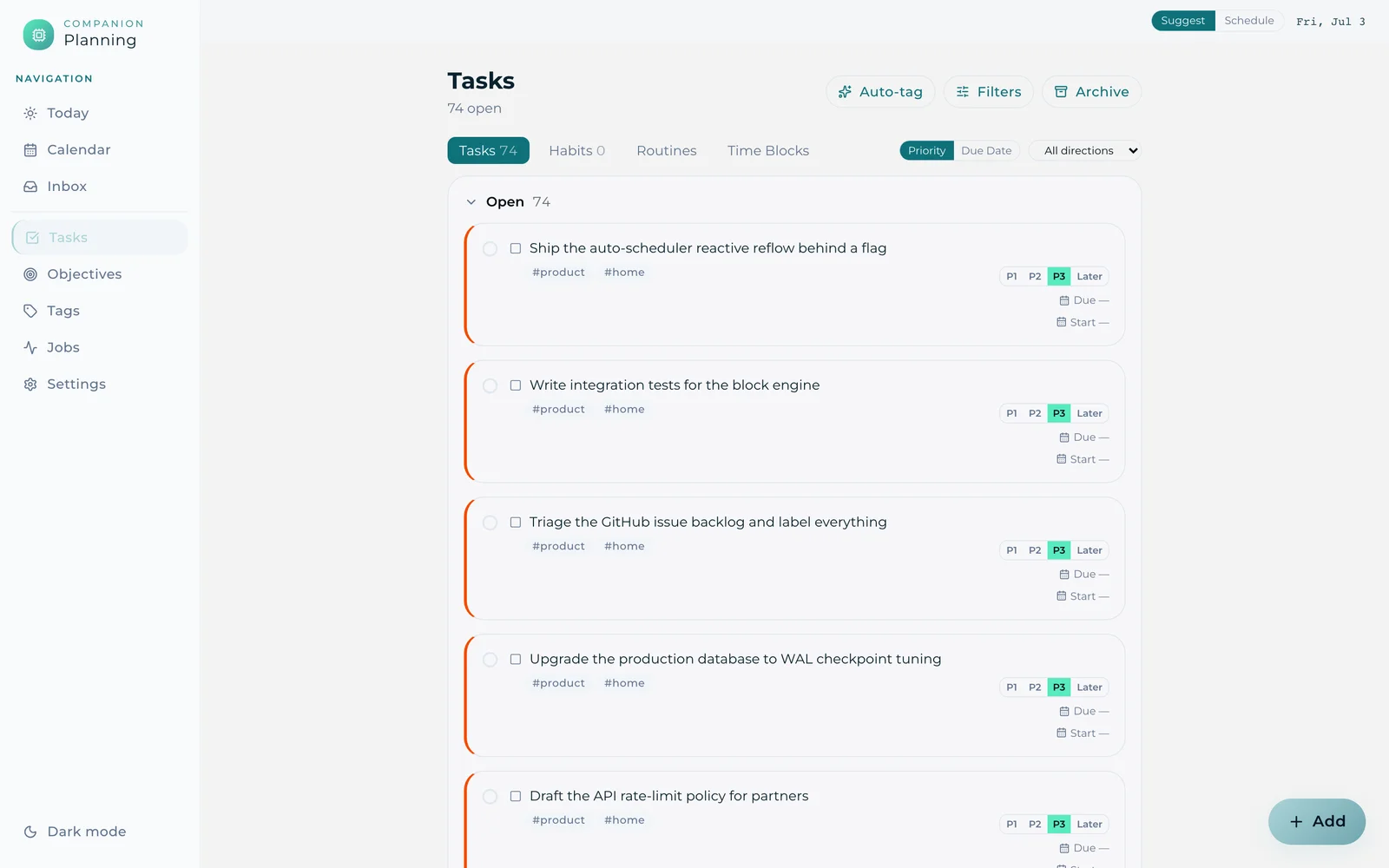
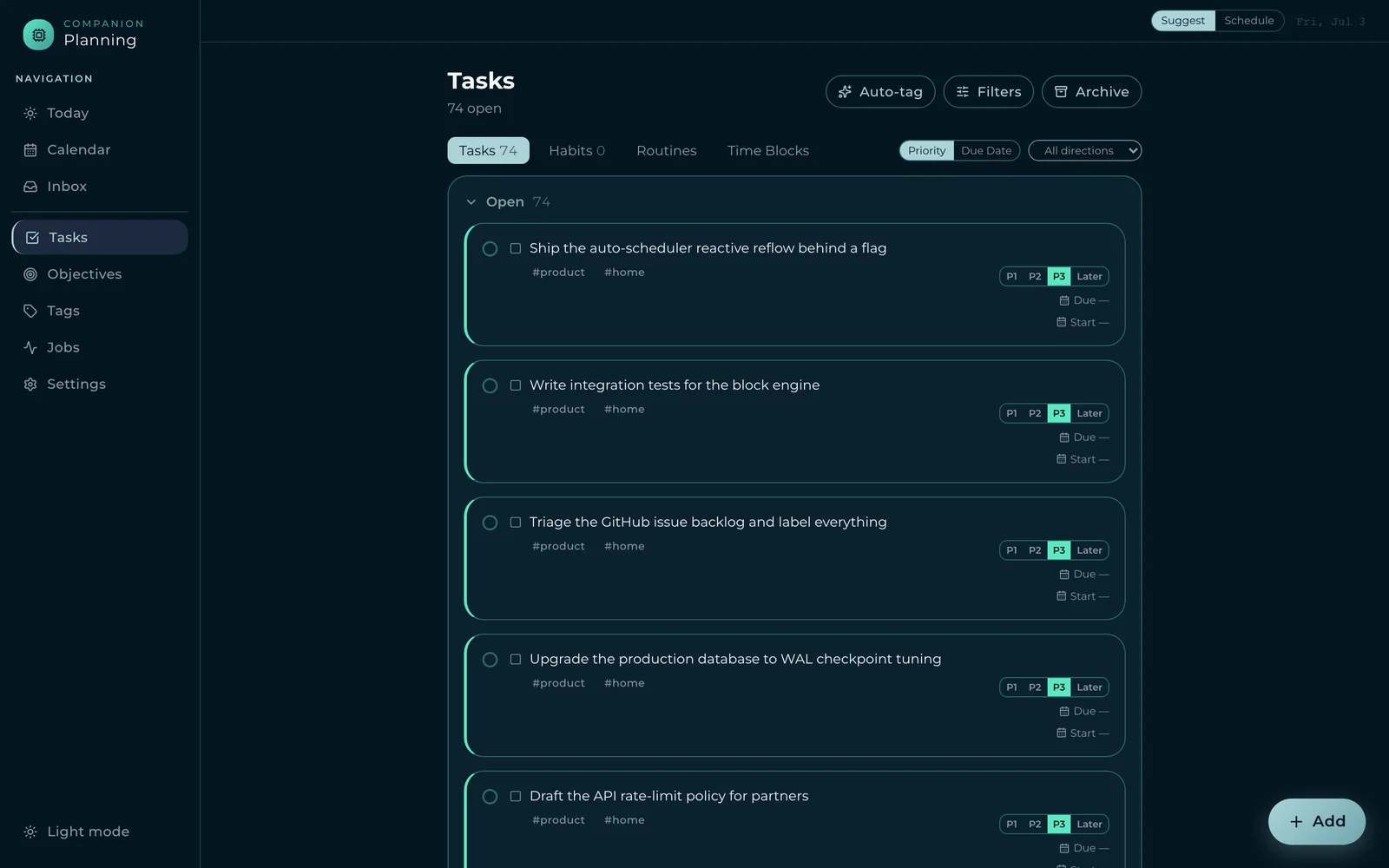
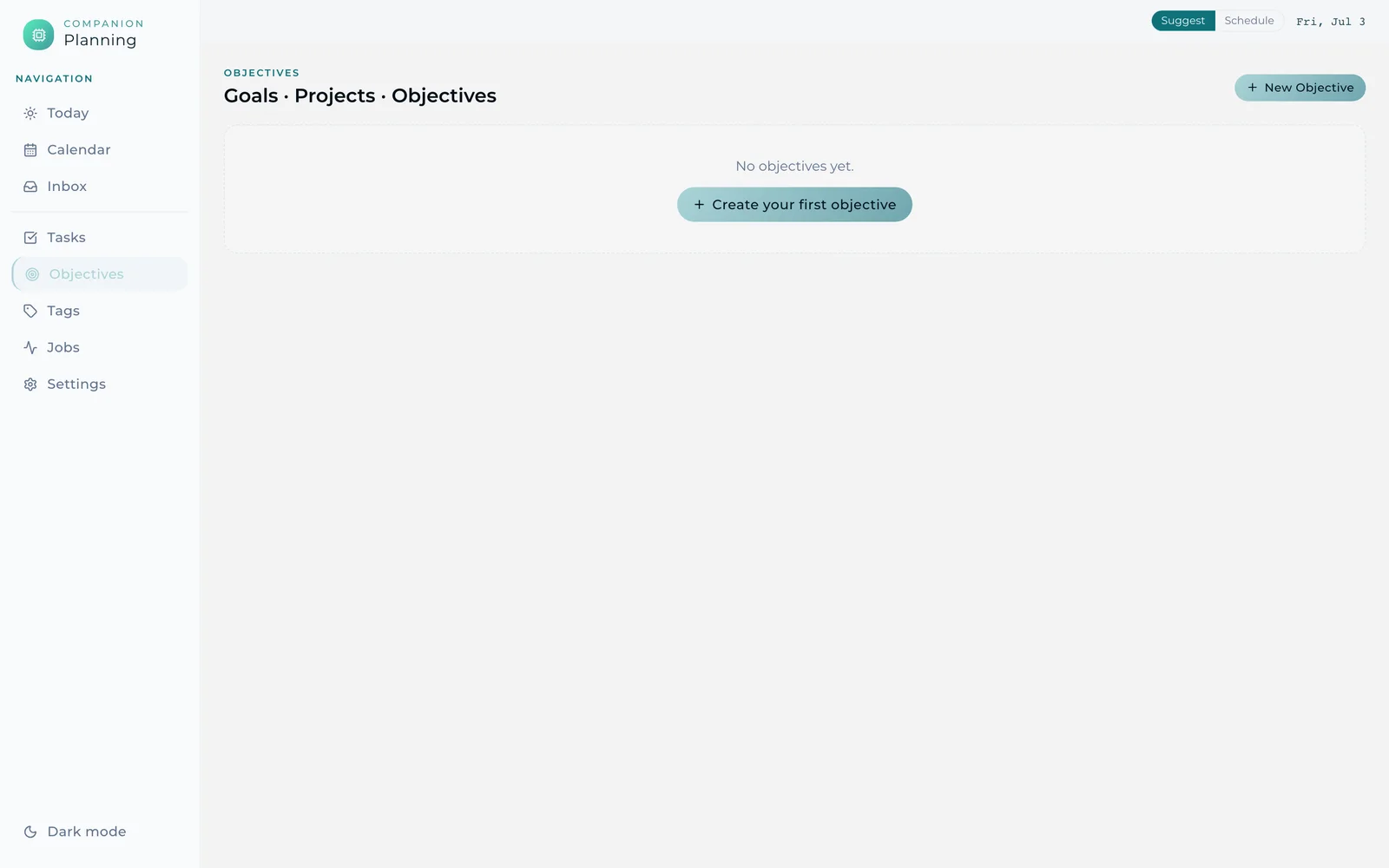
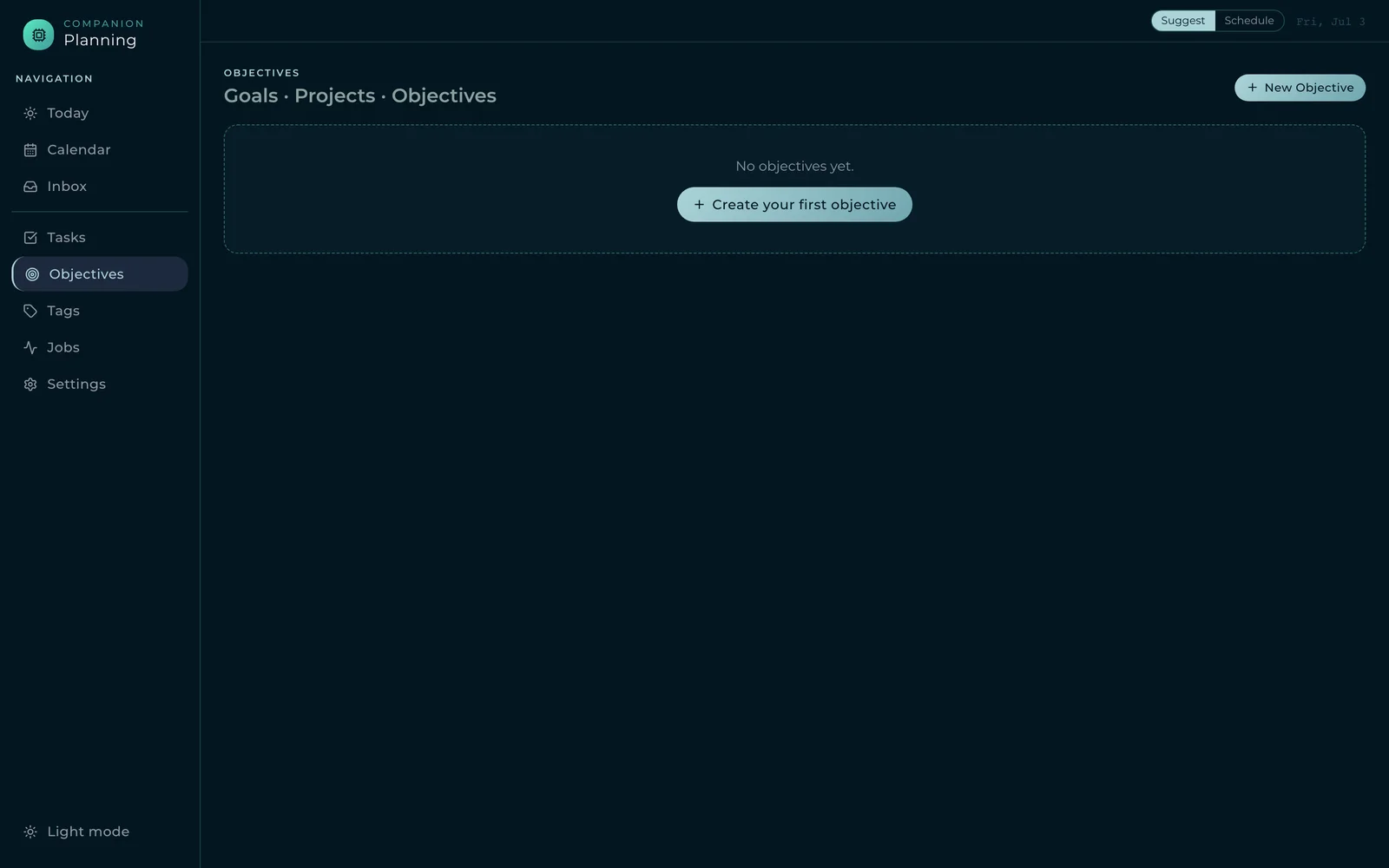
The tasks, habits, and time-blocking app. Five surfaces below walk its primary navigation — Today, Calendar, Inbox, Tasks, and Objectives — with teal carrying selection, priority, and the active nav item.
Today
Calendar
Inbox
Tasks
Objectives
Companion-Pipe
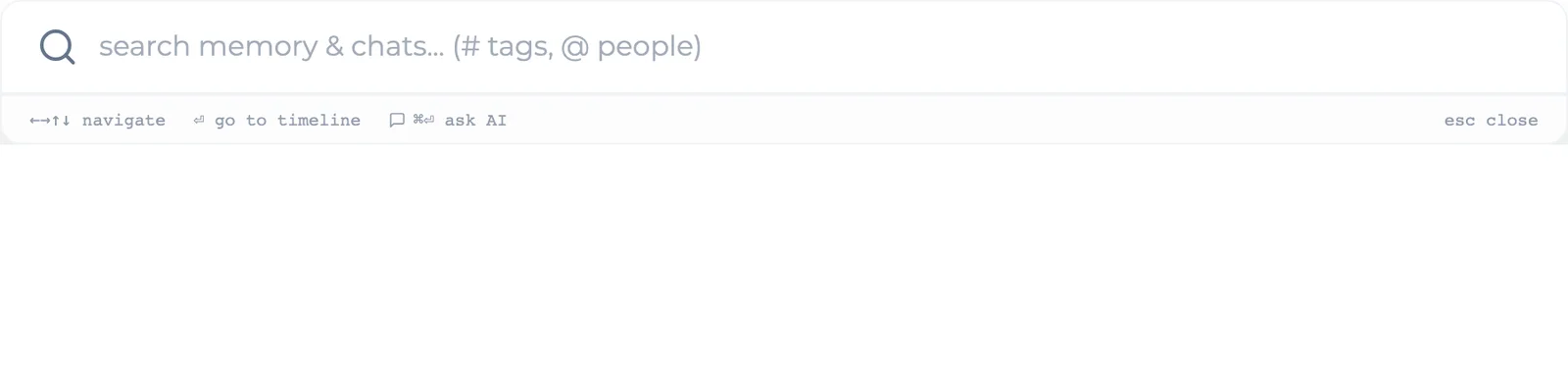
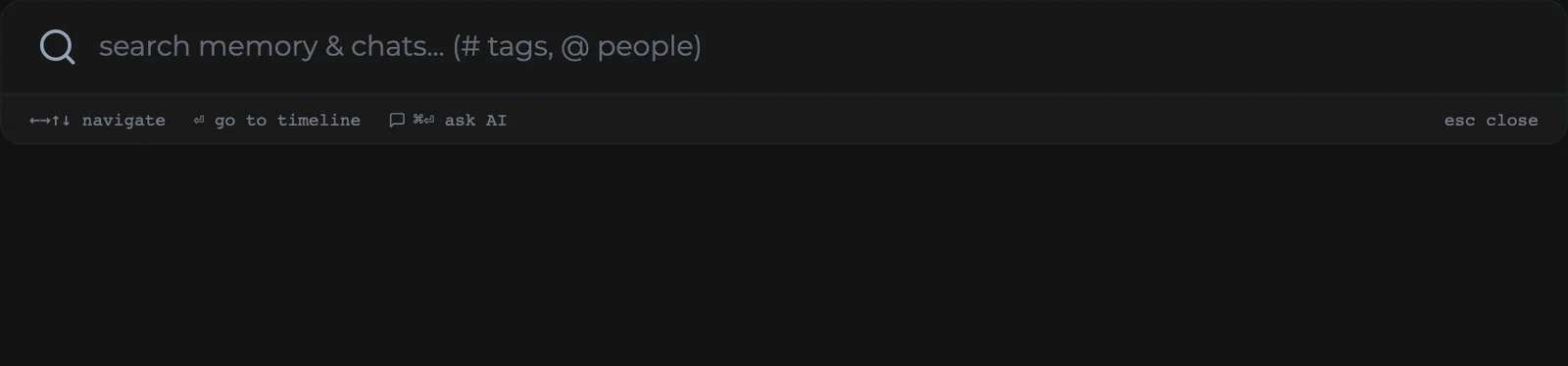
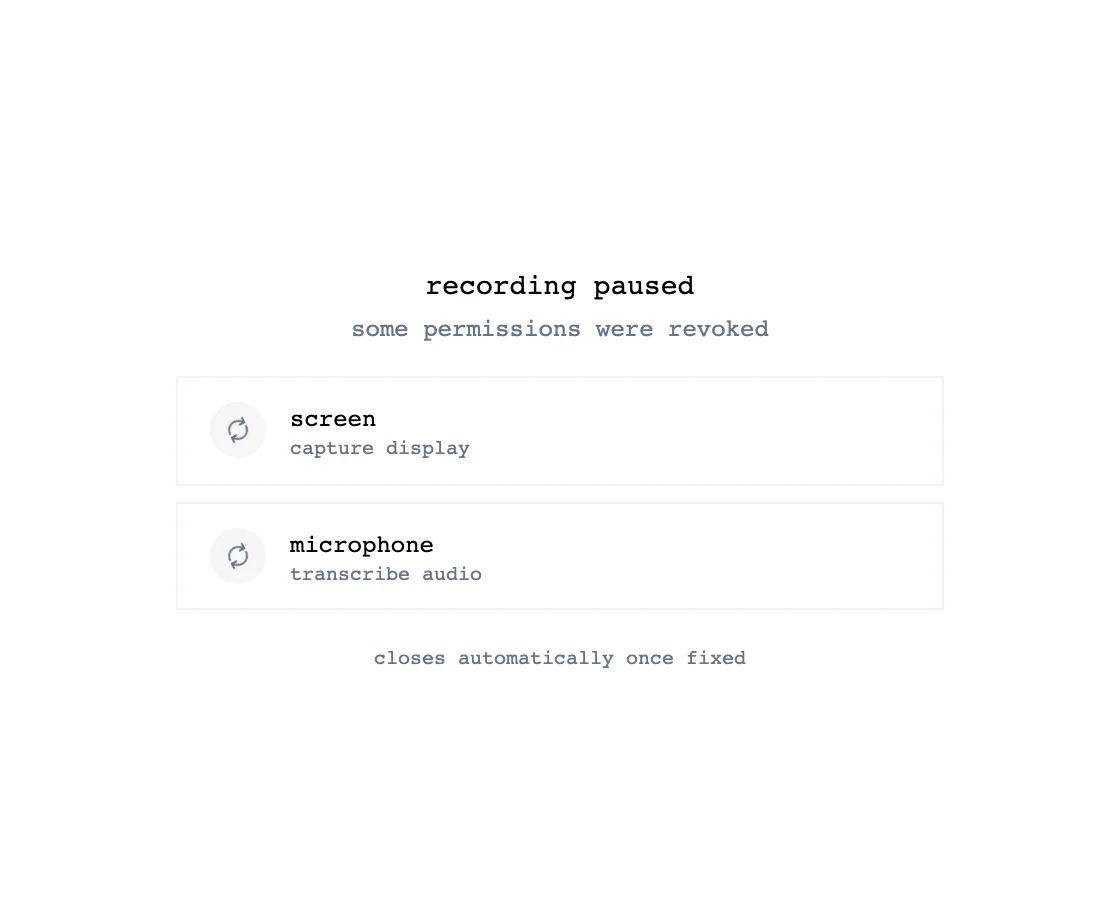
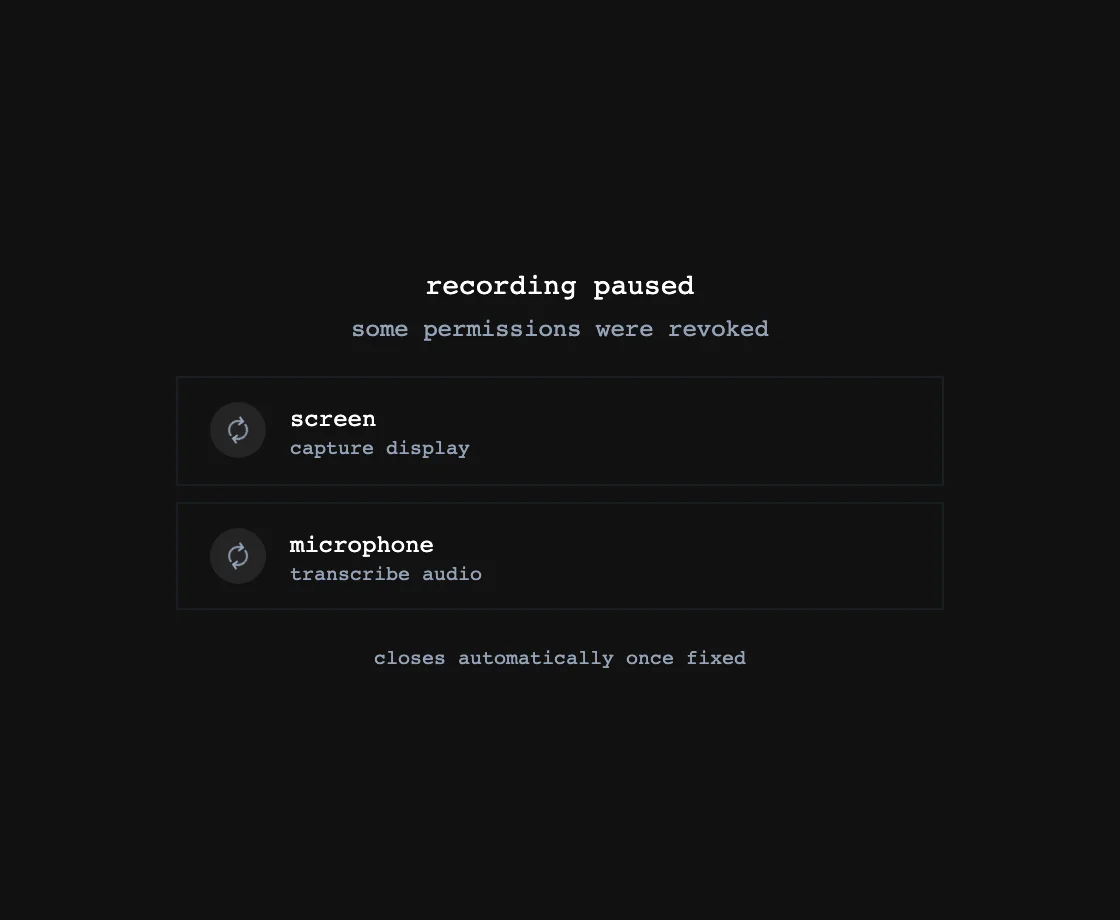
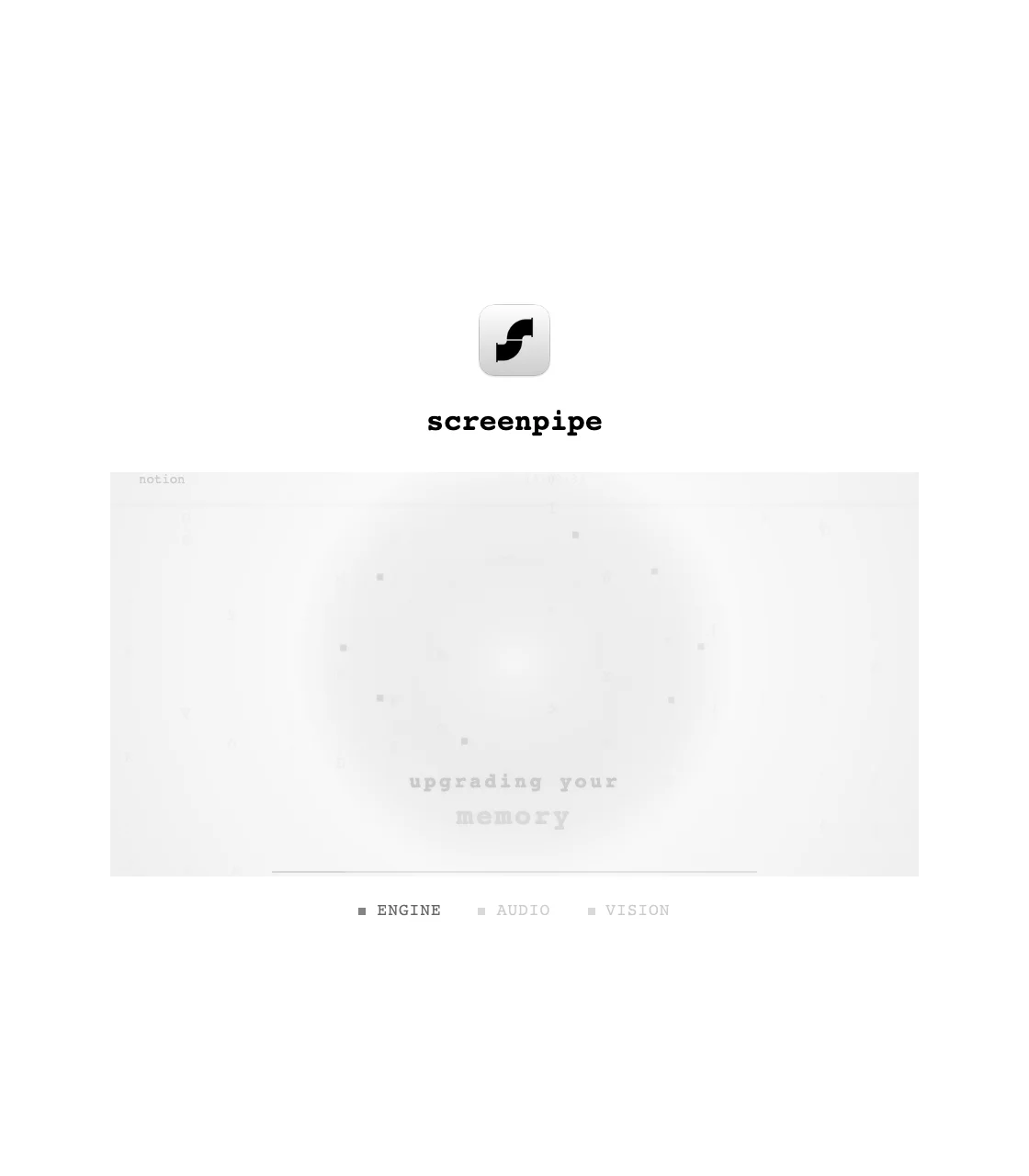
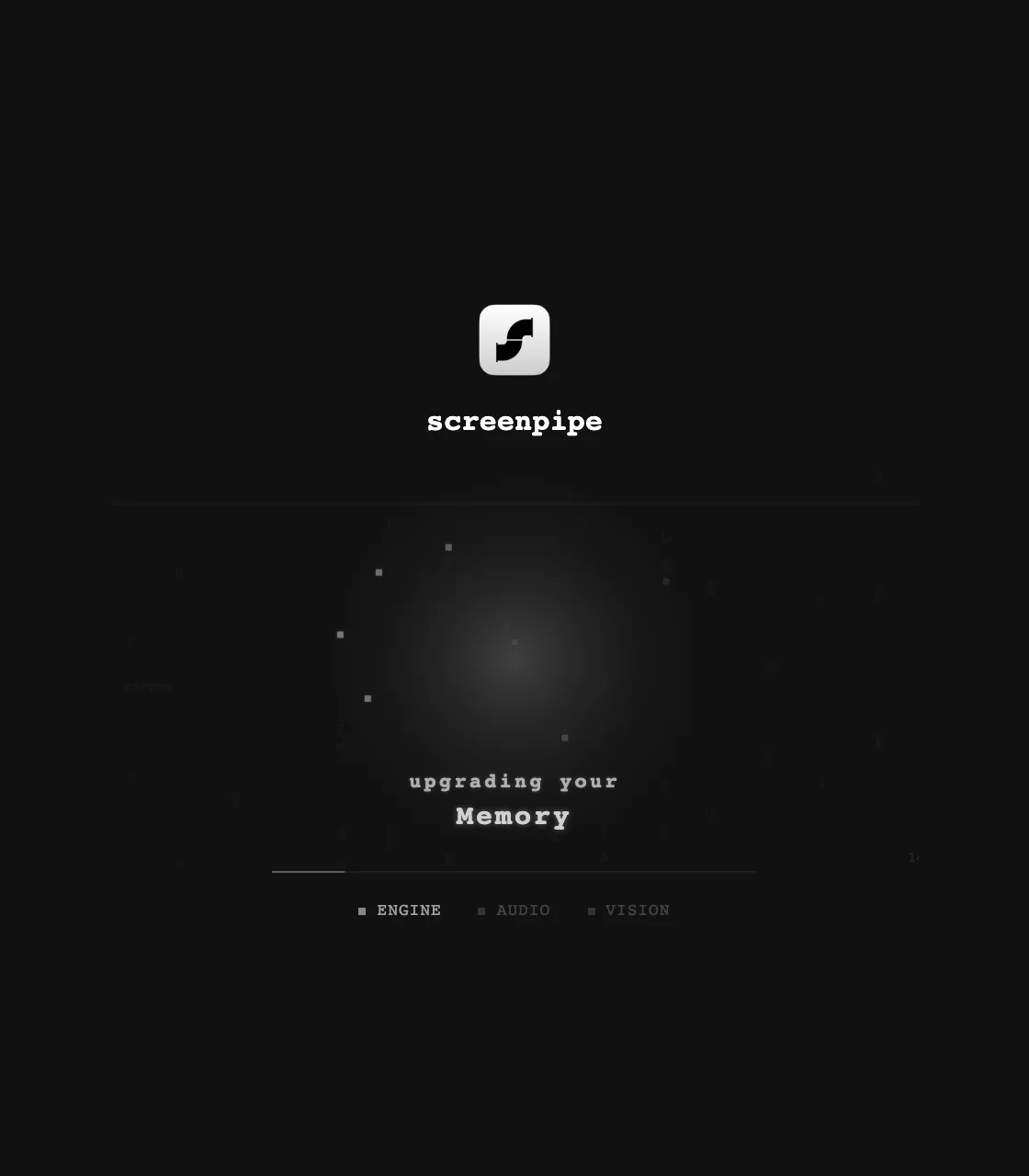
The capture pipe that feeds Companion Memory. Three states from its minimal, monospace-accented UI: the search command bar, the recording-paused permissions notice, and the onboarding splash.
Search
Permissions
Onboarding
companionintelligence.github.io — App Store
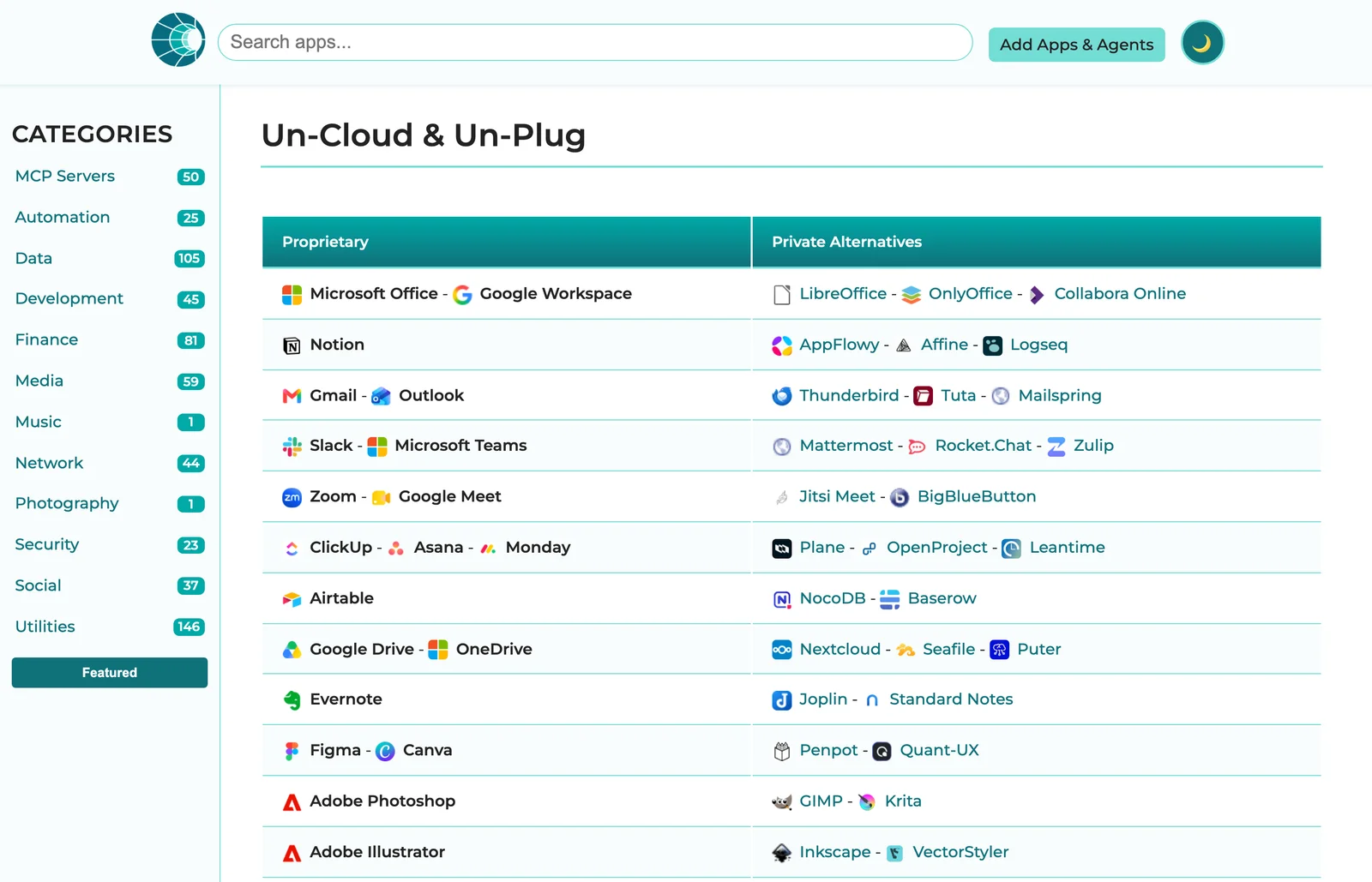
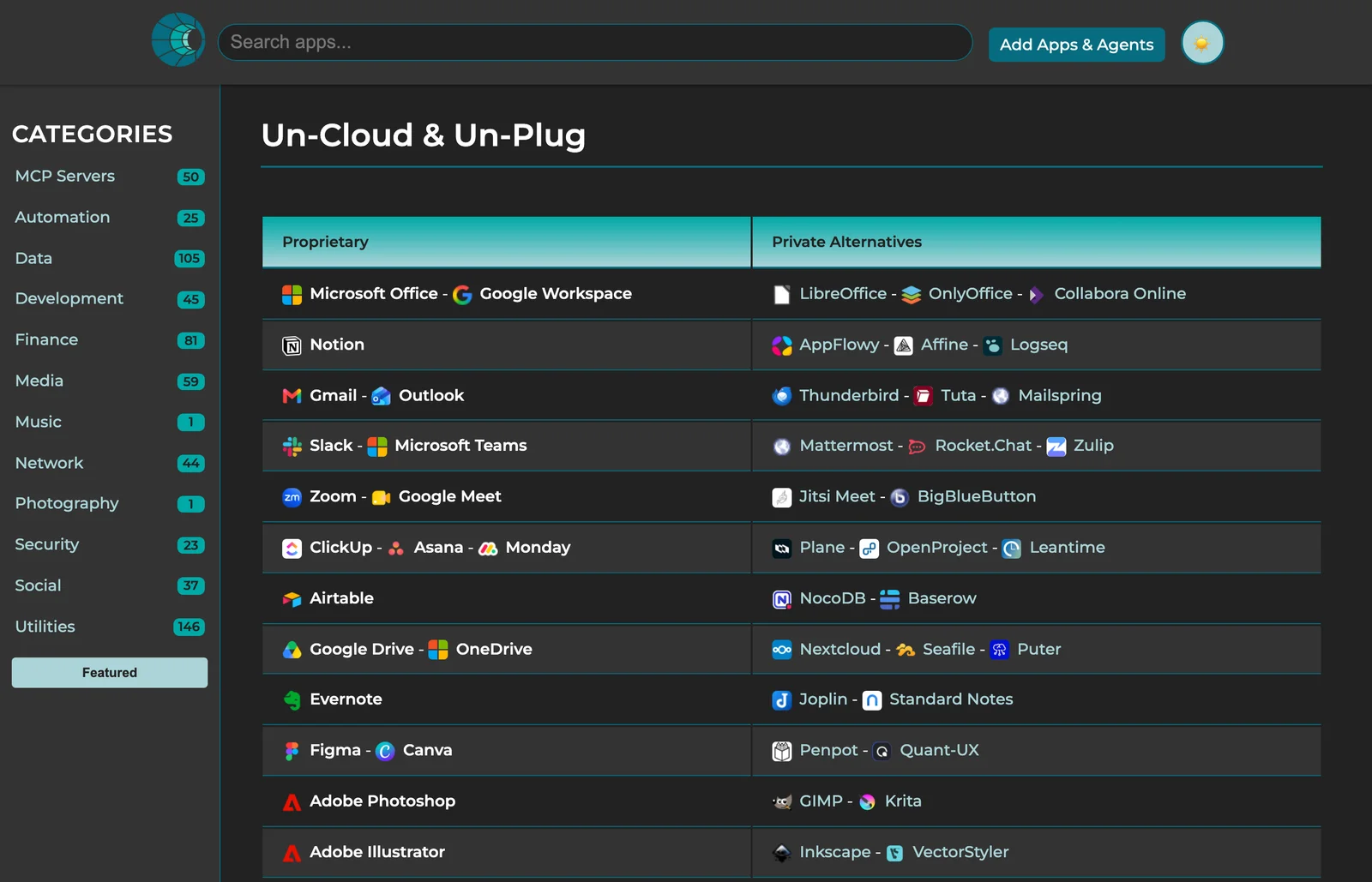
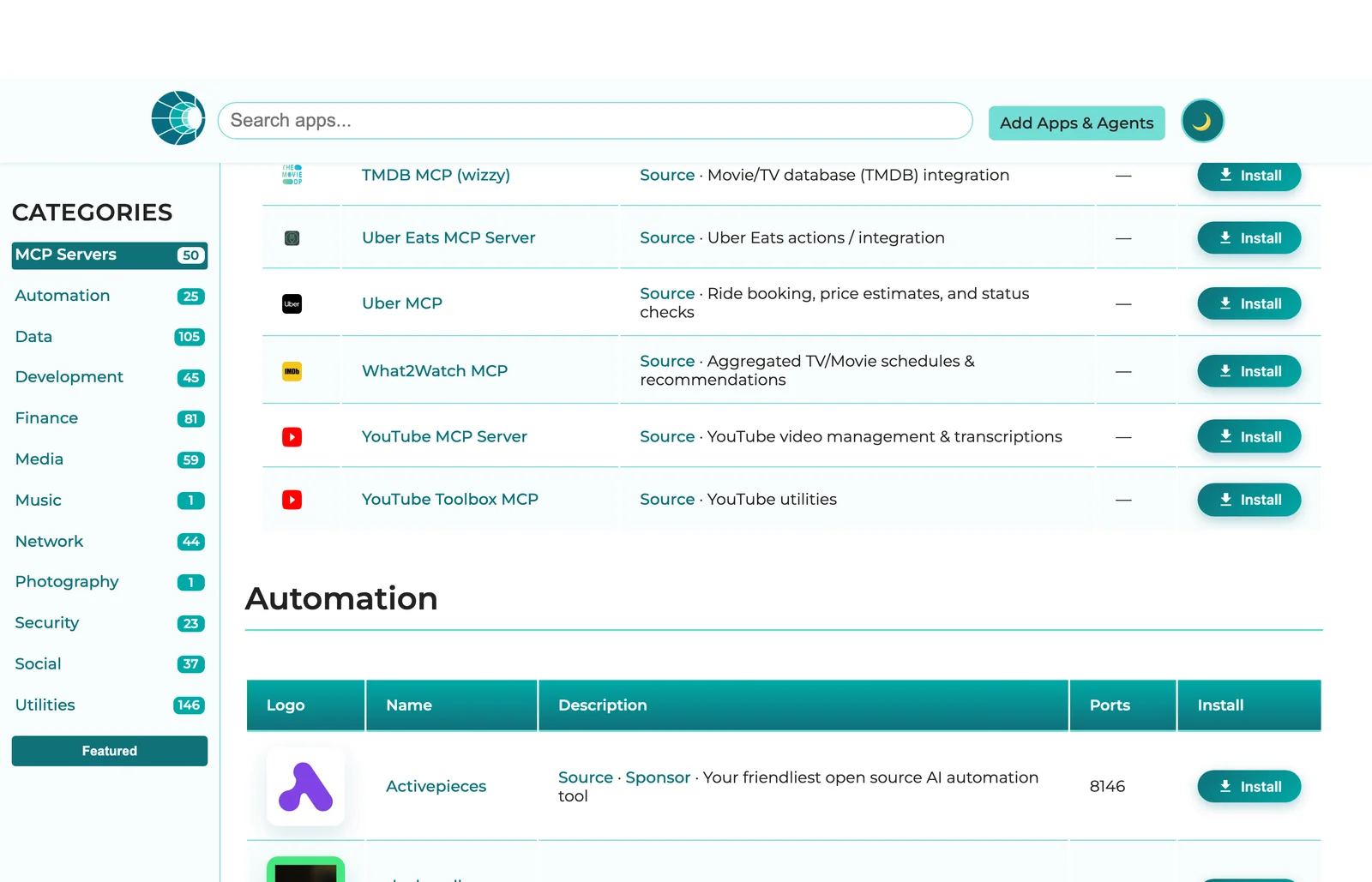
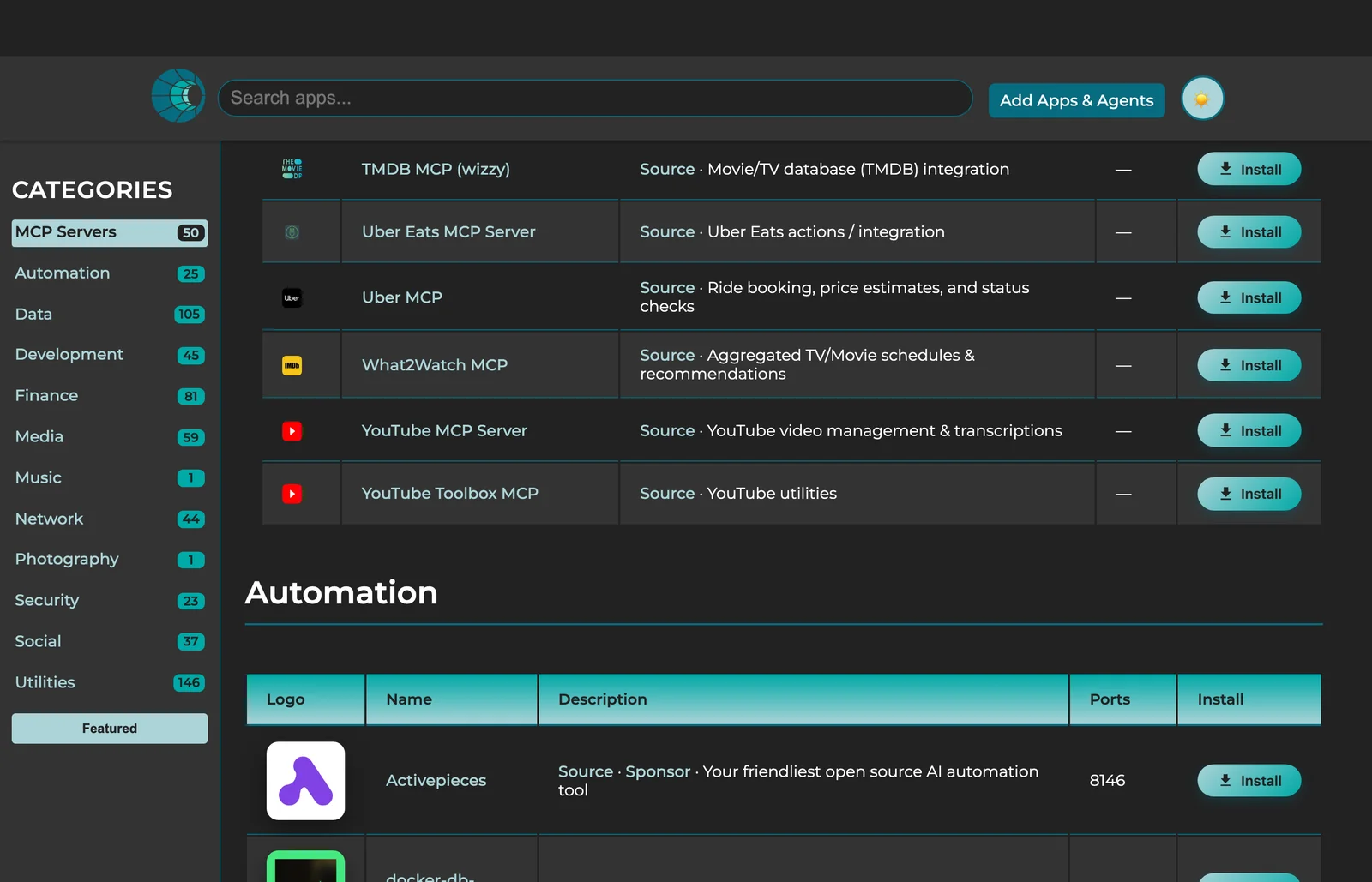
The public app-store site (GitHub Pages, built from the marketplace catalog). Two views: the ‘Un-Cloud & Un-Plug’ alternatives table mapping proprietary tools to private, self-hostable ones, and the categorized install grid.
Un-Cloud & Un-Plug
Apps grid
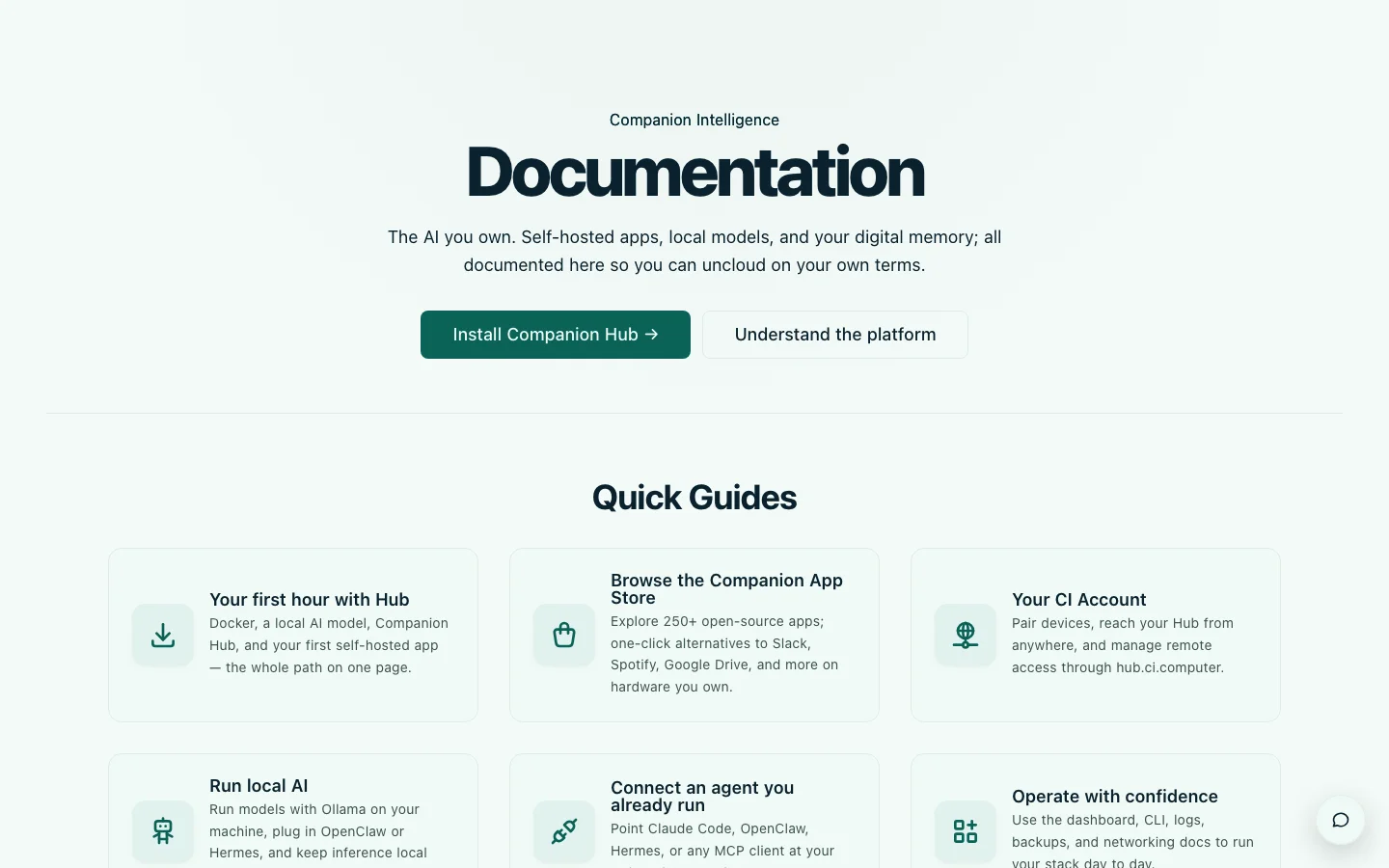
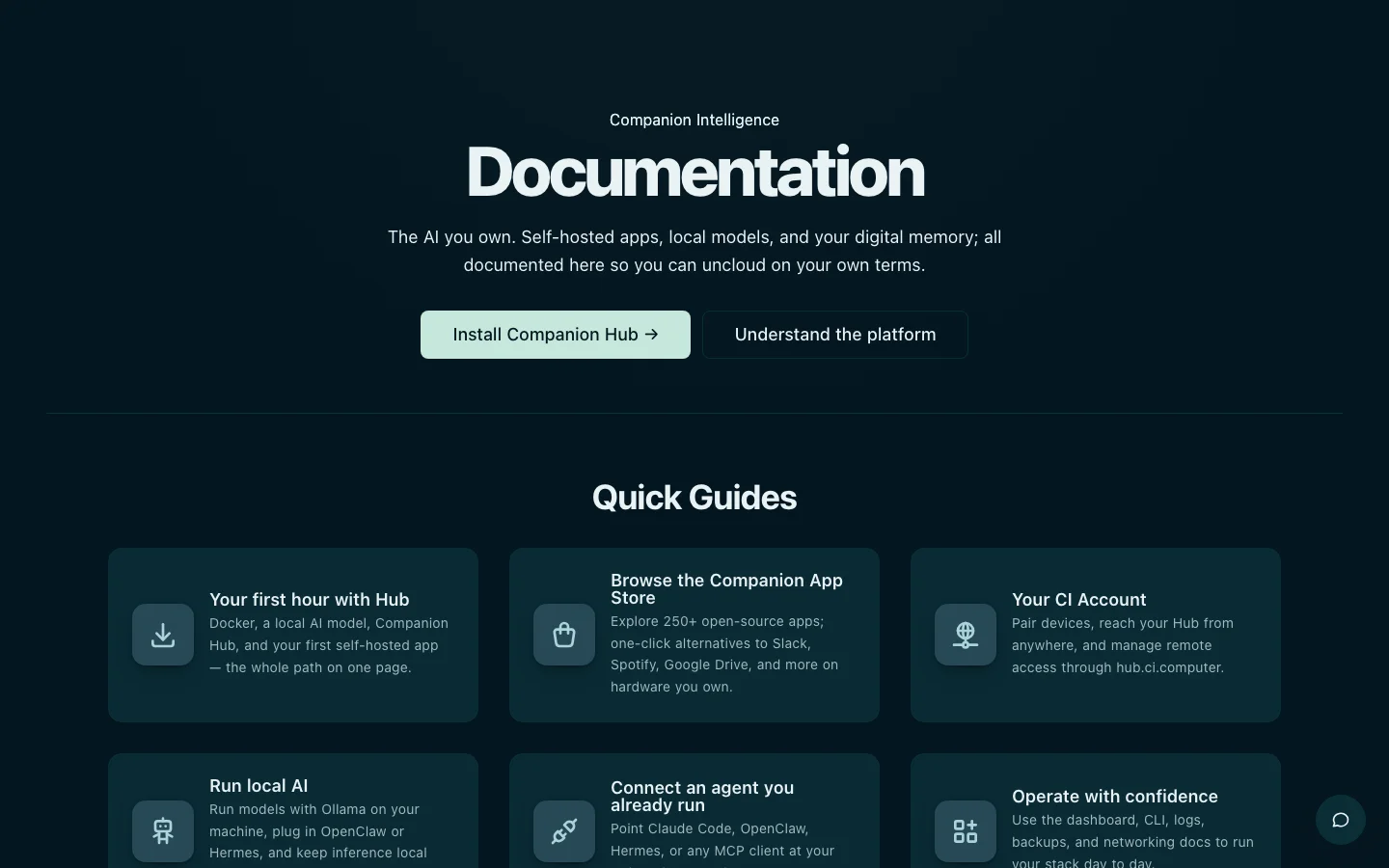
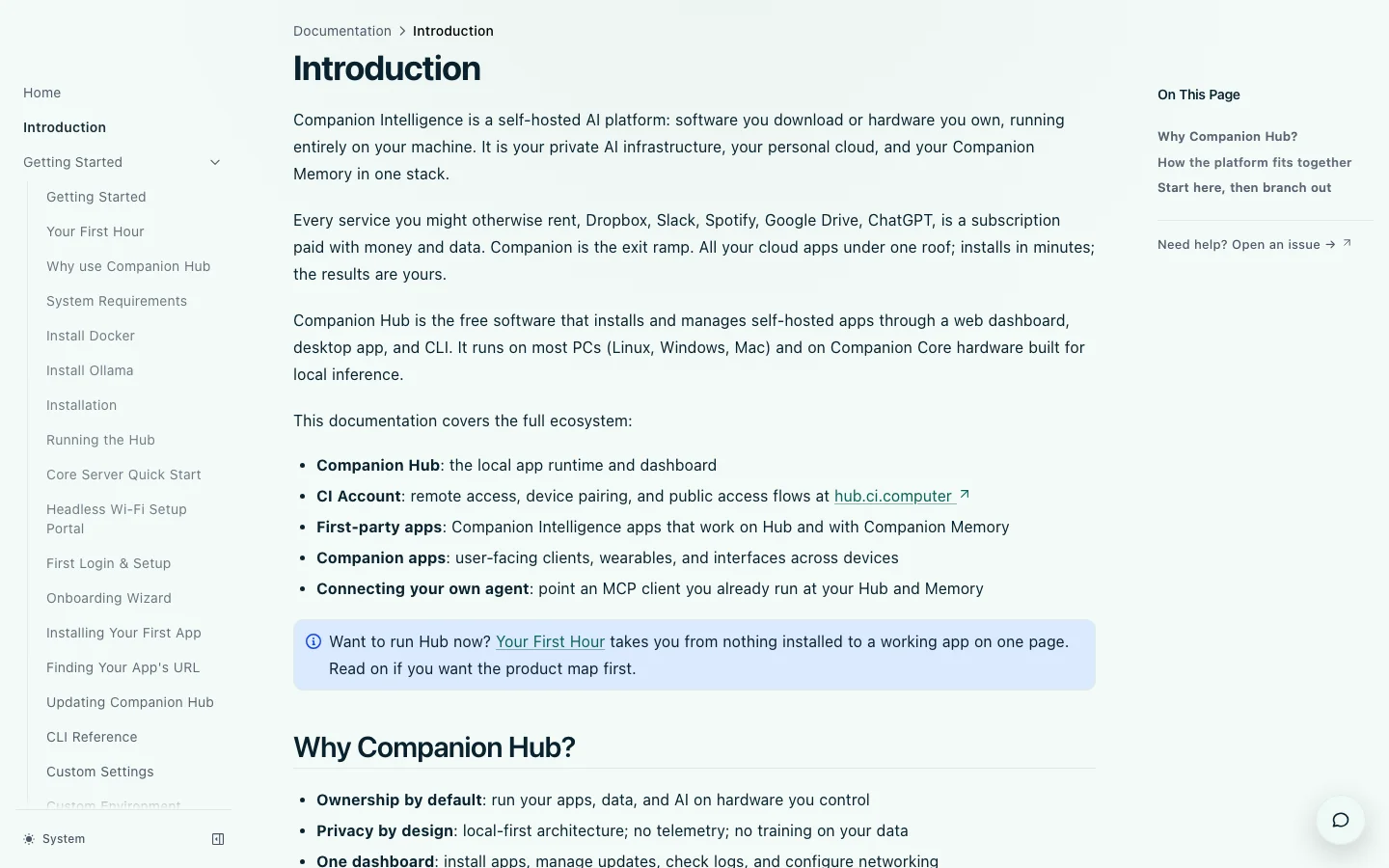
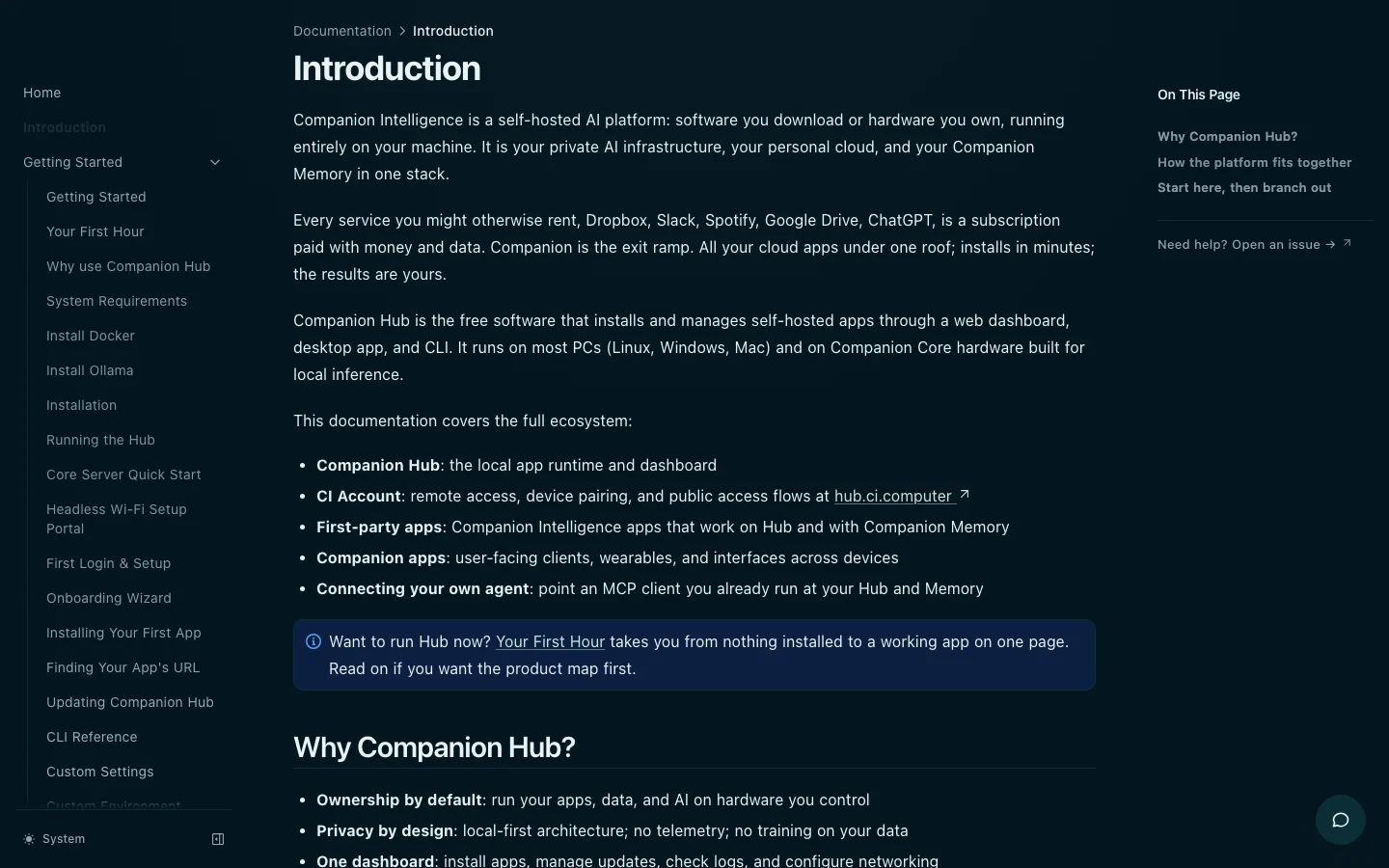
CI-Docs (this site)
The documentation site you are reading — the same phthalo --primary, Manrope,
and light/dark surfaces the rest of the platform uses. Two surfaces: the
Documentation home with its Quick Guides grid, and an interior doc page with the
sidebar and on-this-page rail.
Home
Doc page
JustInCase
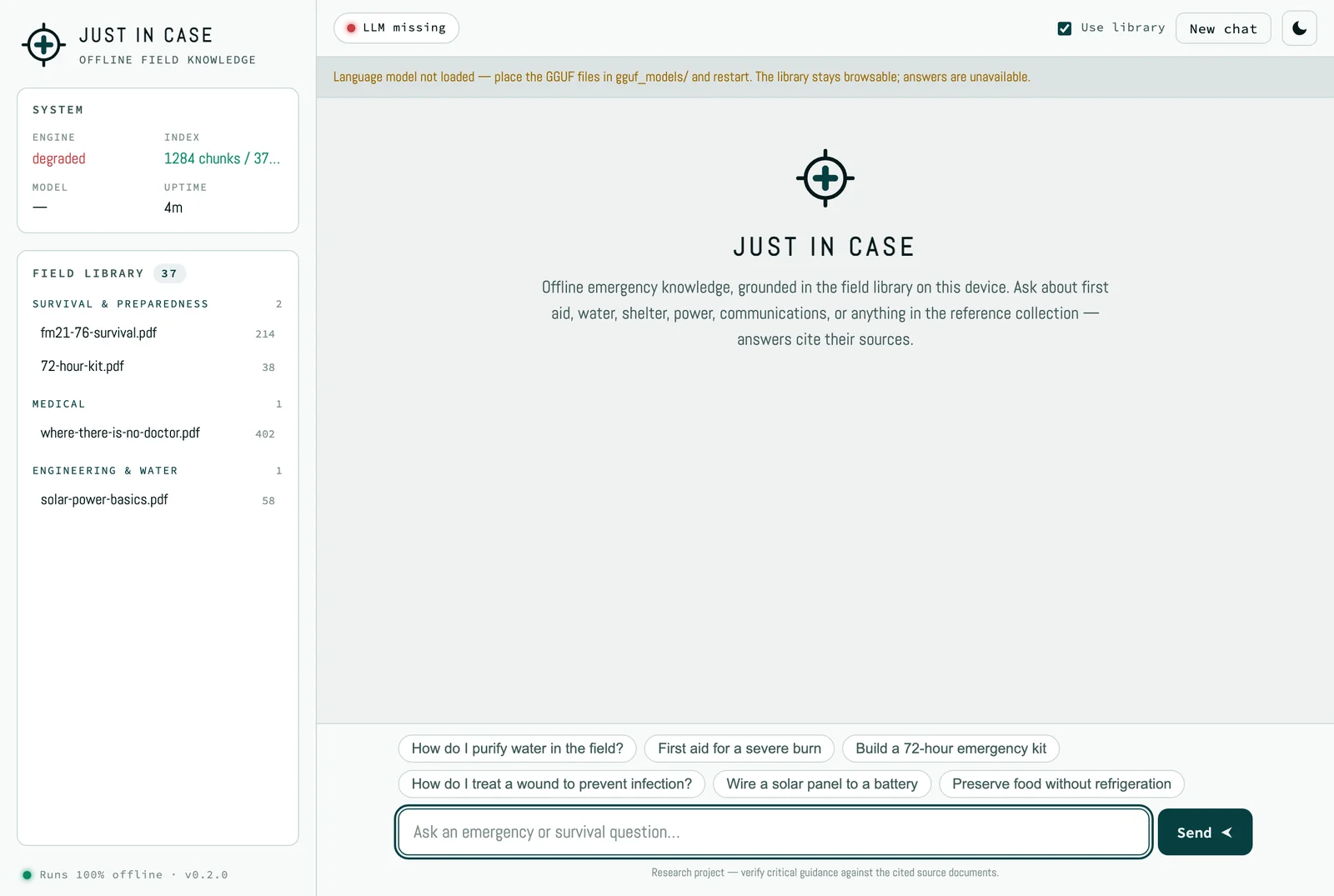
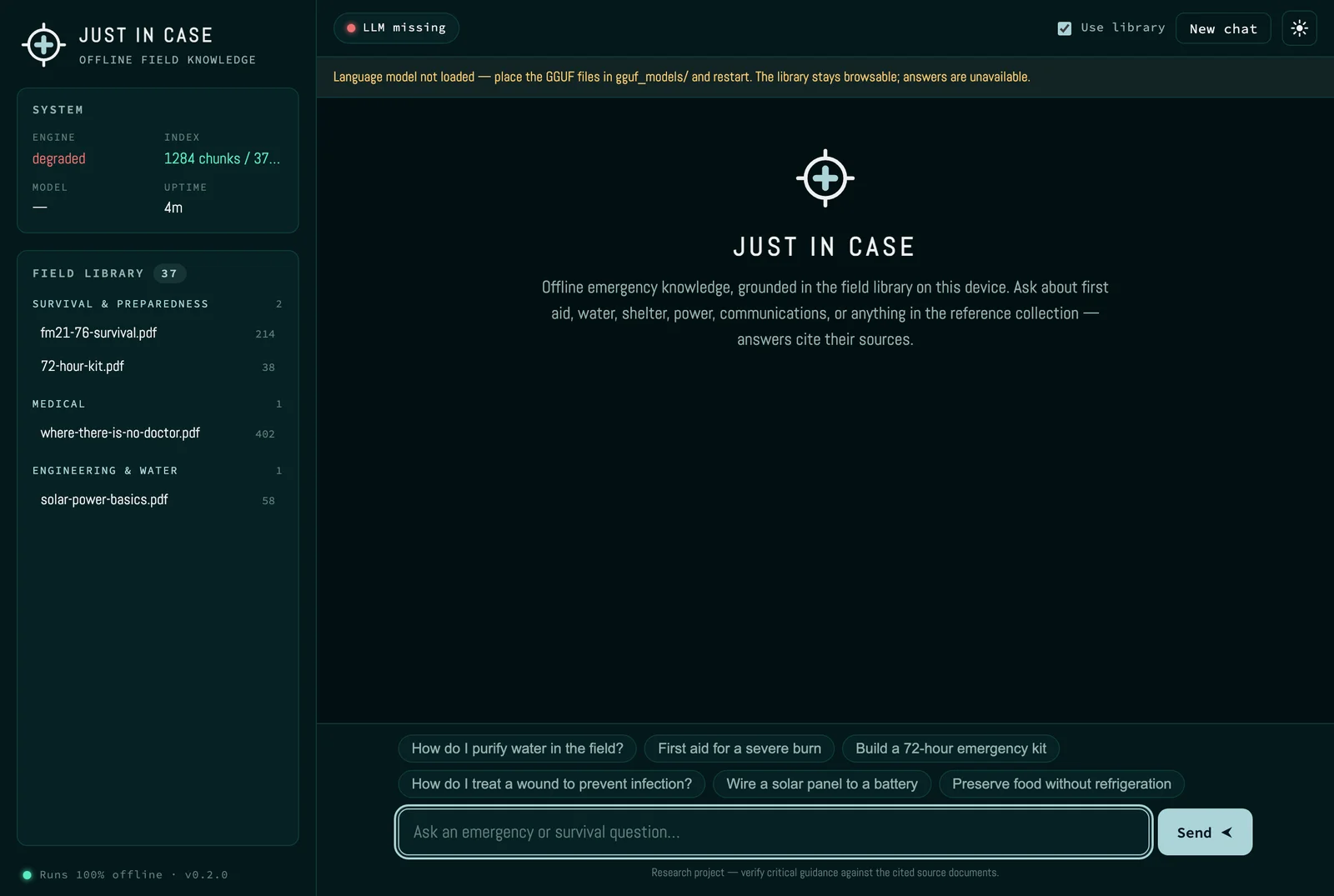
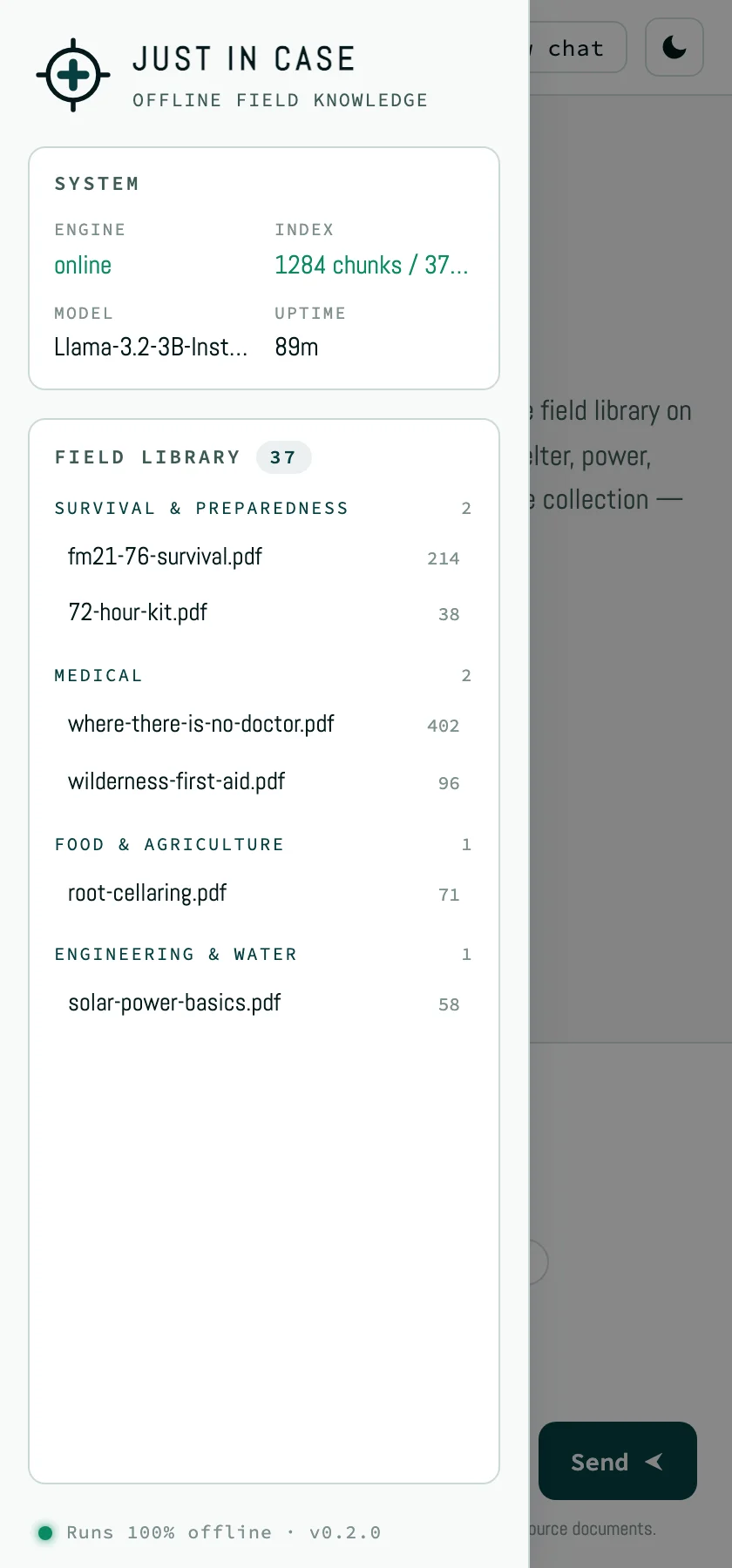
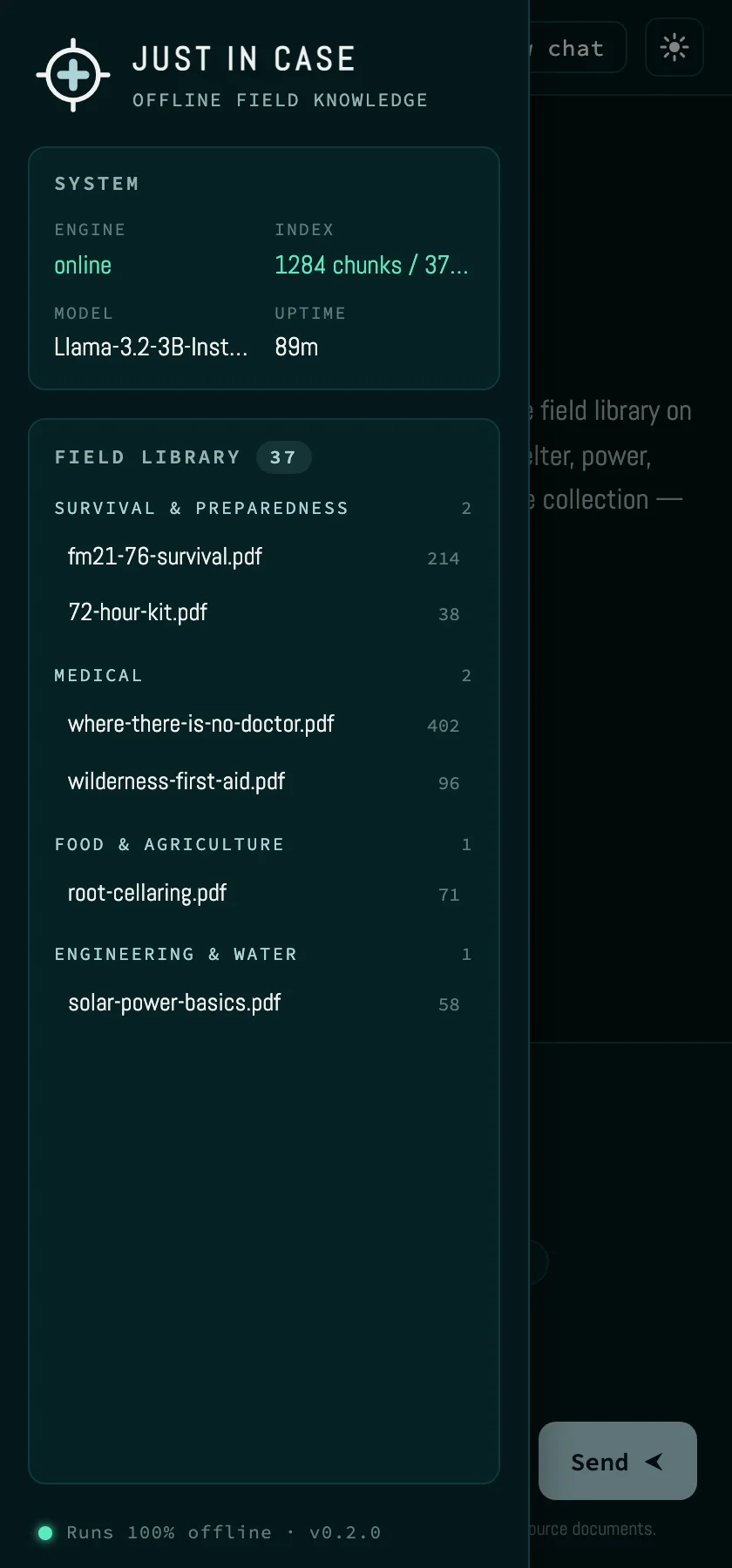
The offline emergency-knowledge app — a local, source-cited assistant grounded in an on-device field library. Its console-style UI uses the monospace stack and teal accents. Five surfaces: the empty first-run state, the welcome/idle screen, a cited conversation, the degraded ‘LLM missing’ state, and the mobile layout with the drawer open.
First run
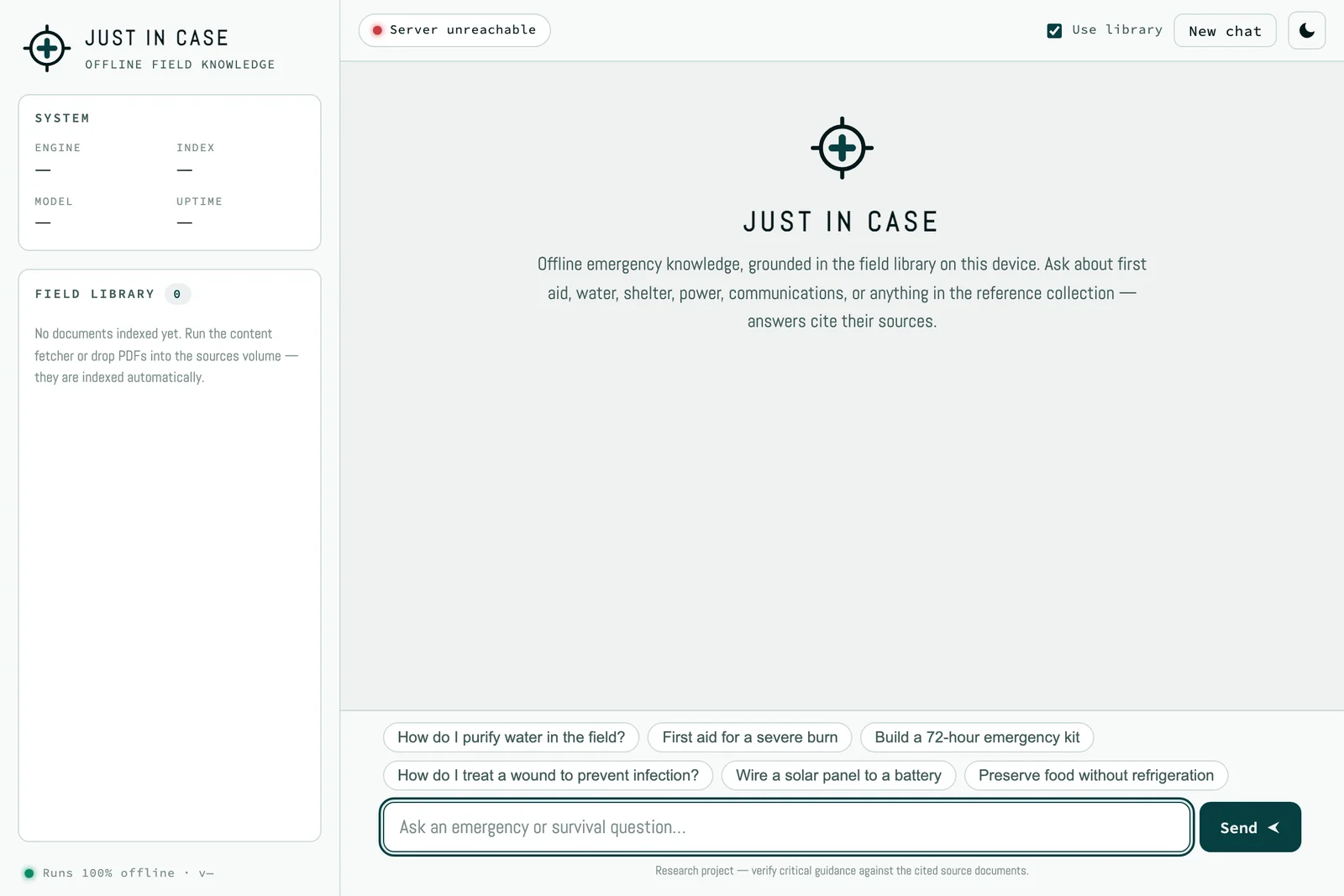
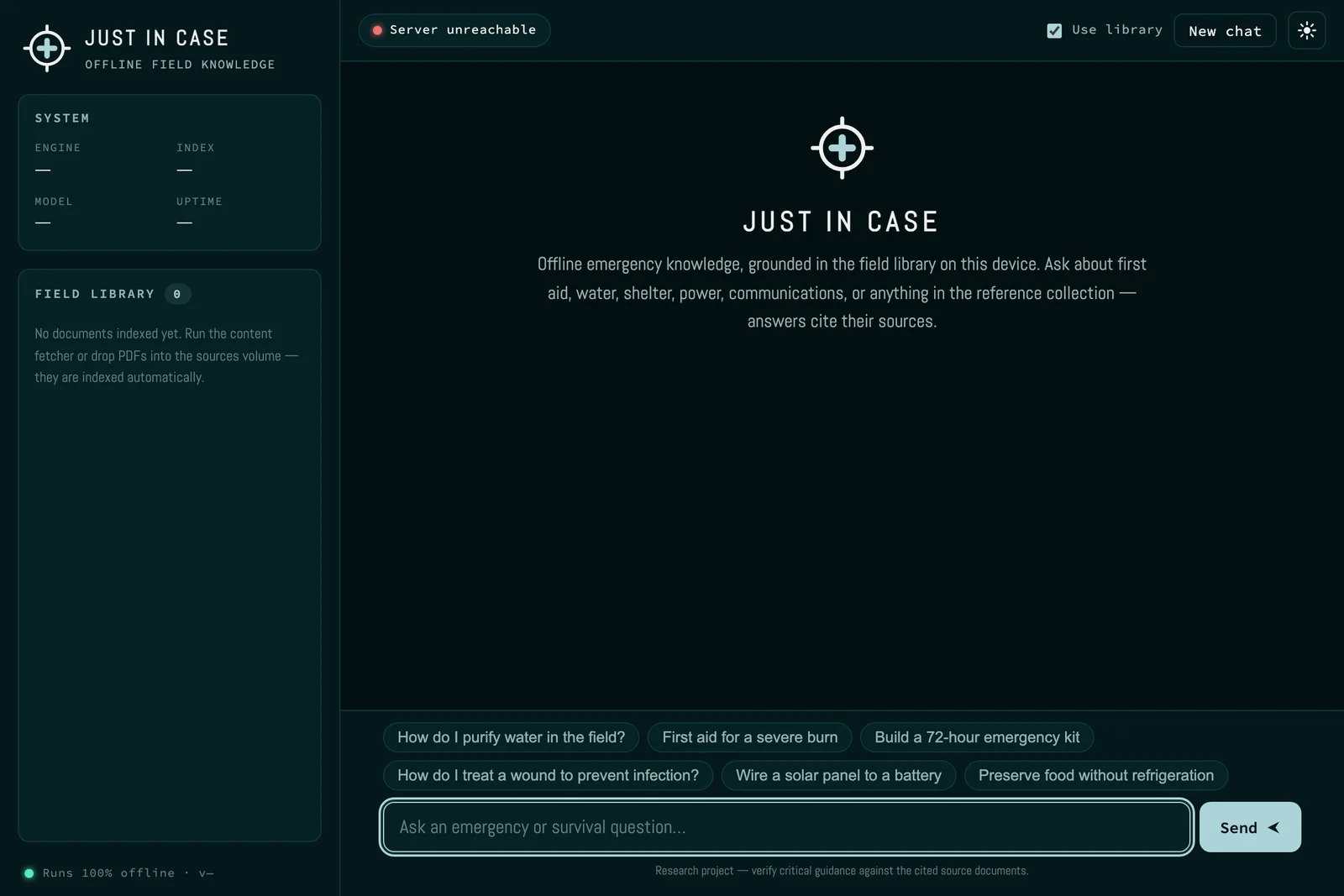
Welcome
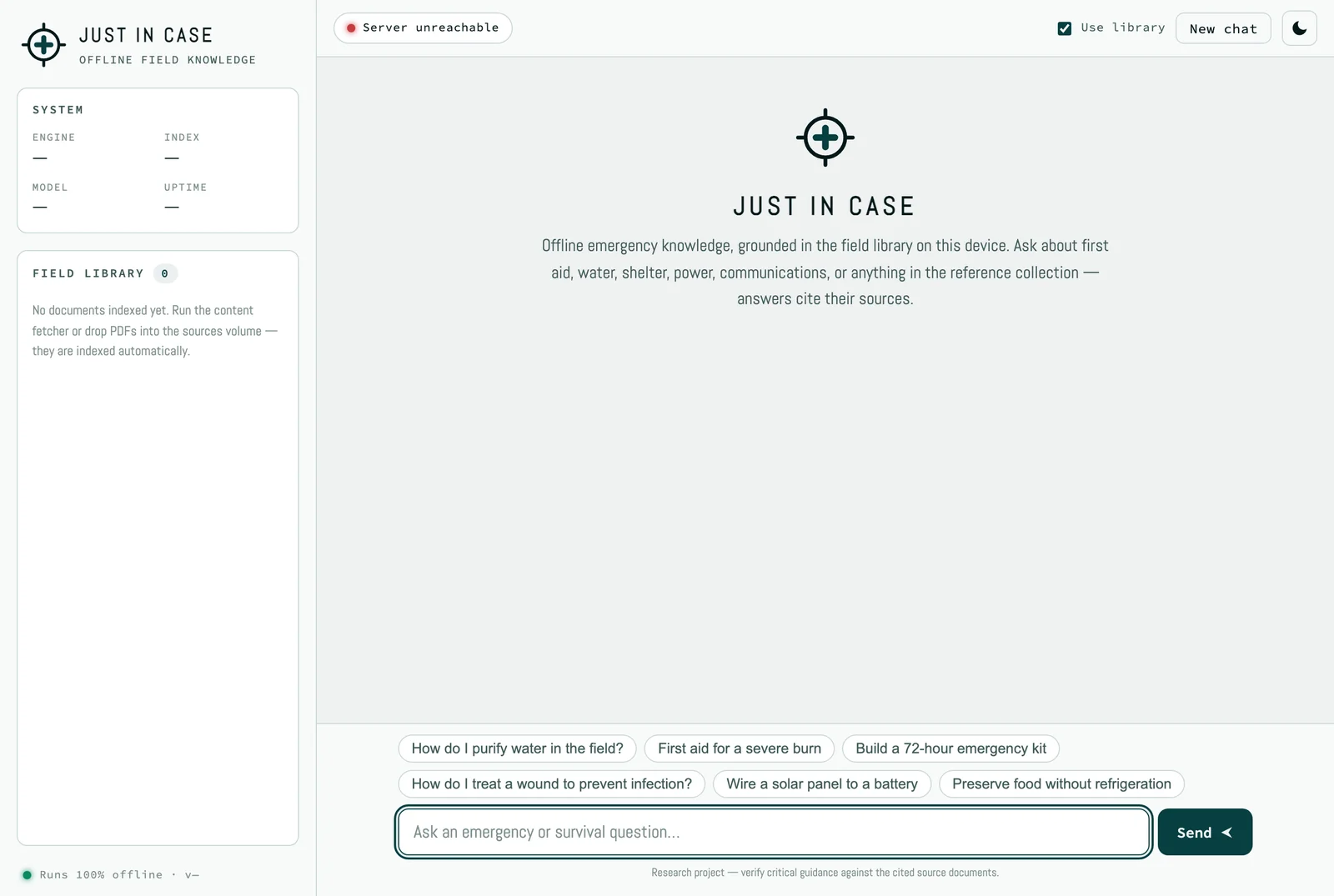
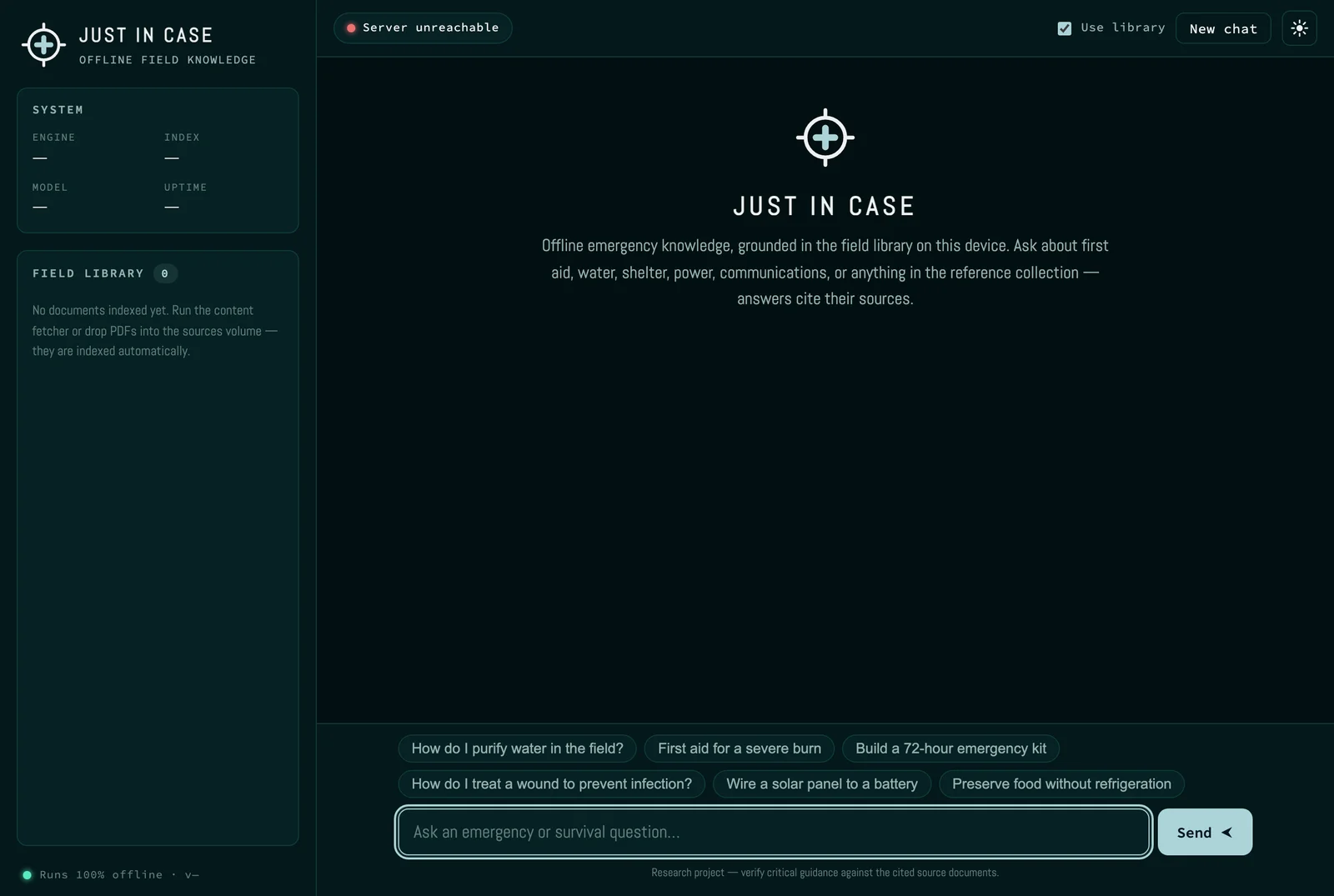
Conversation
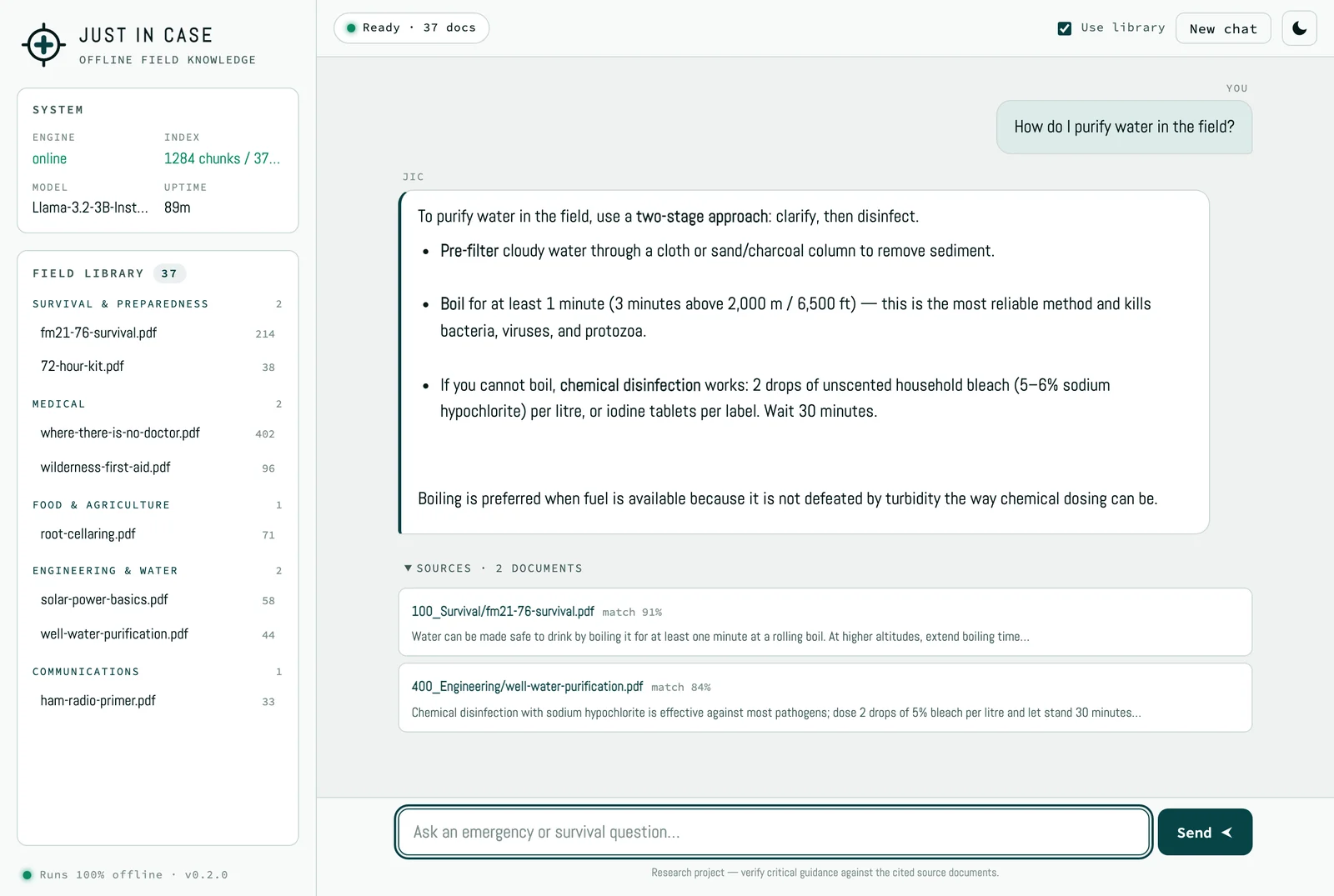
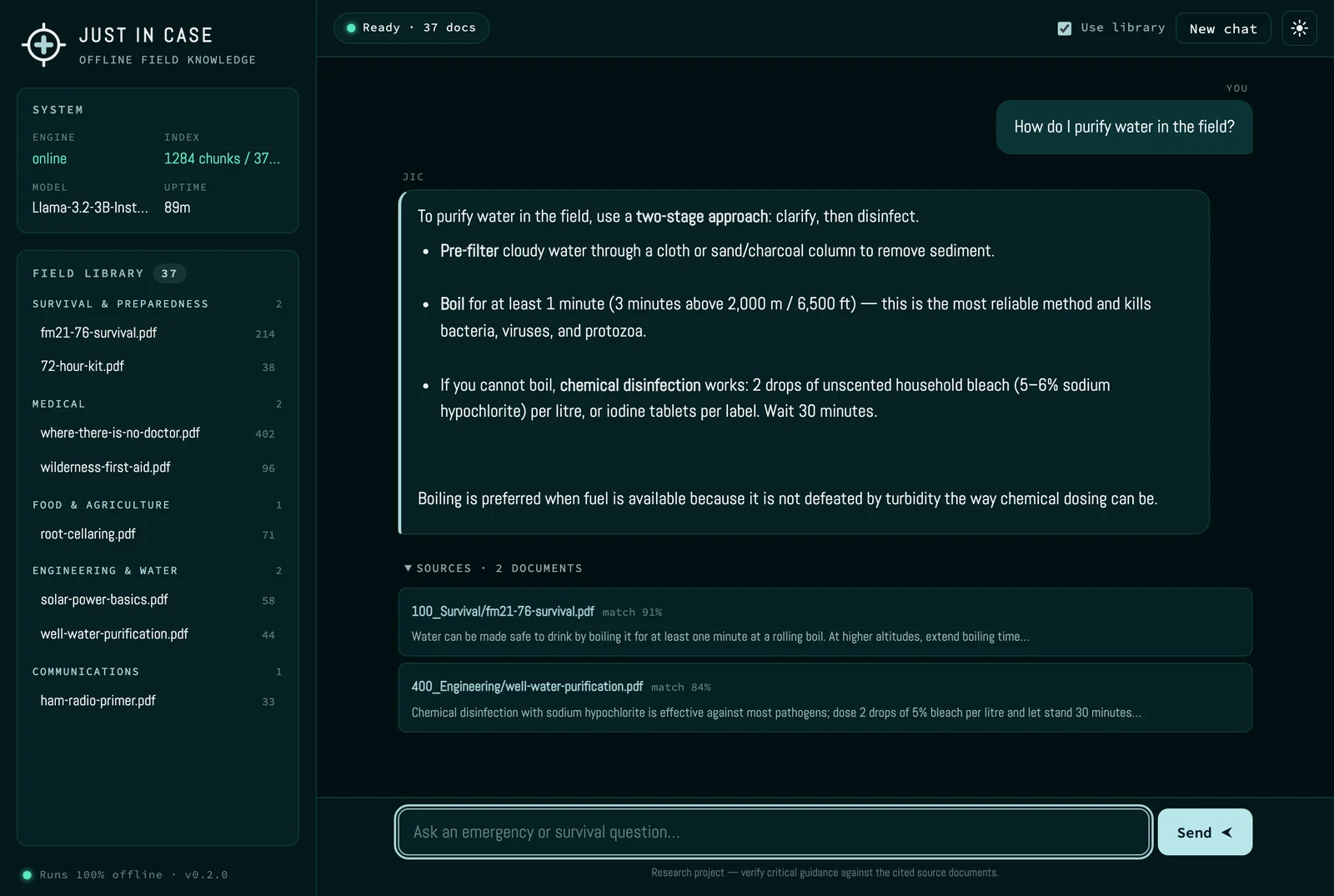
Degraded — LLM missing
Mobile
CI-SquareSpace-Customizations
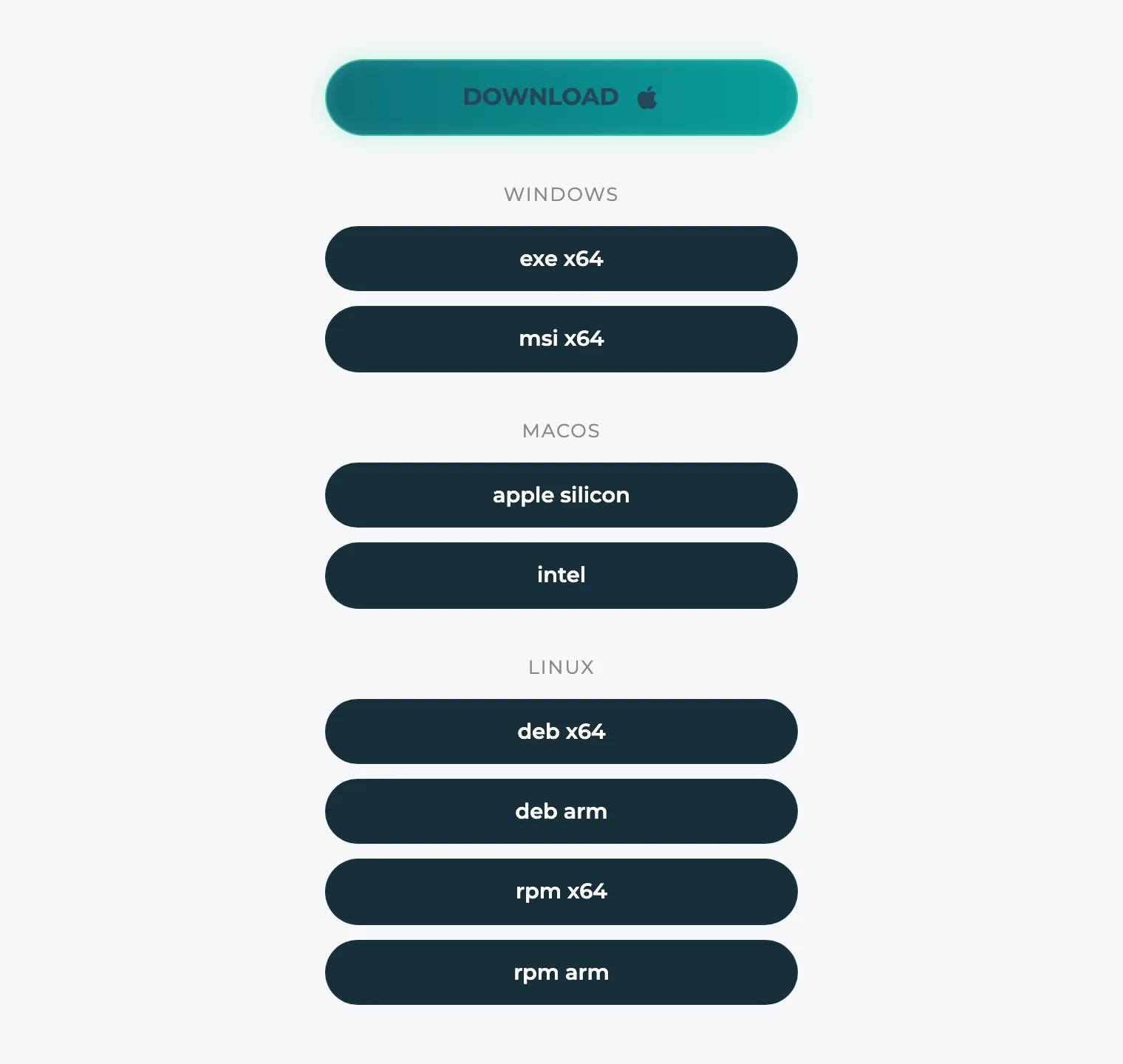
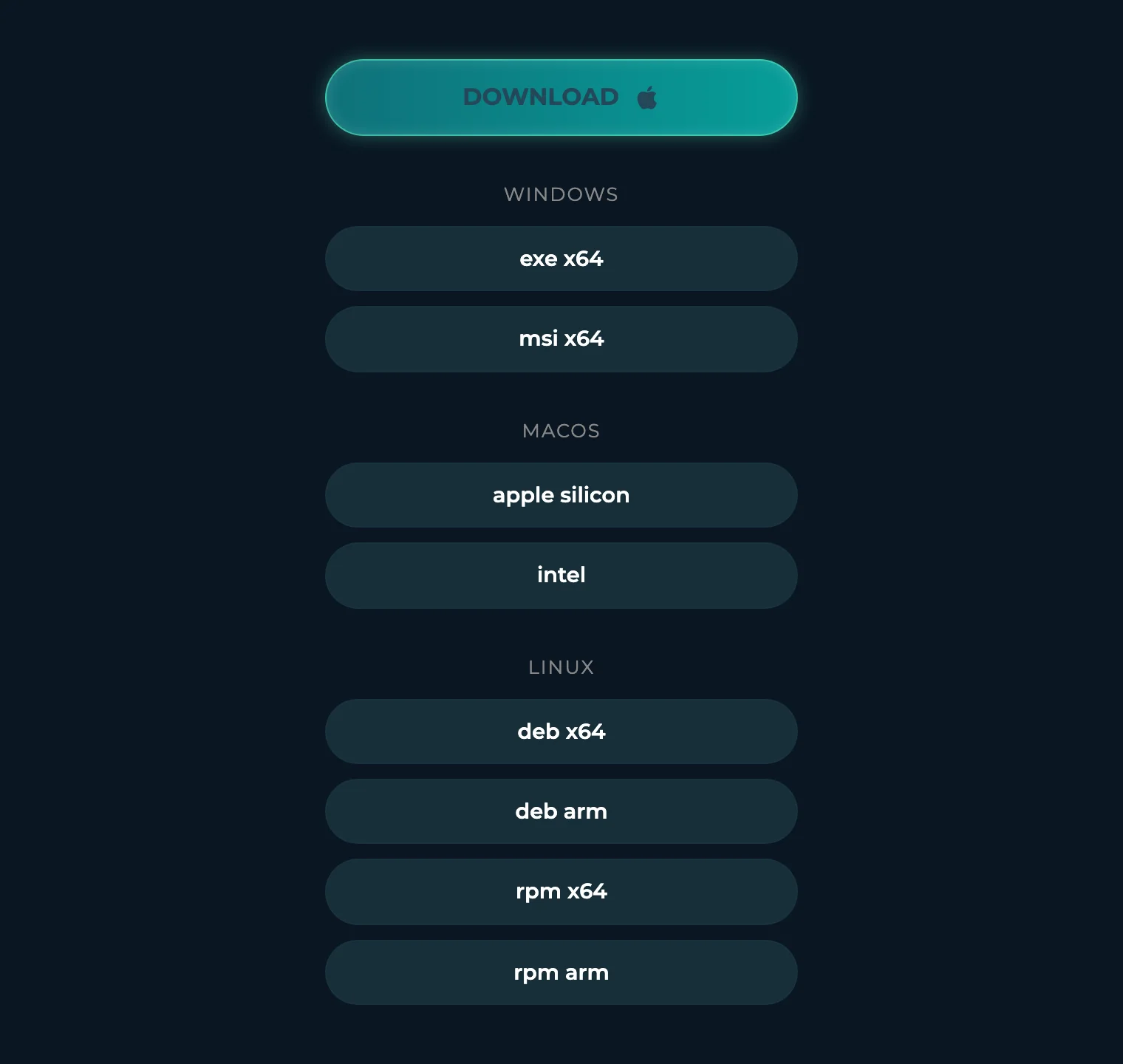
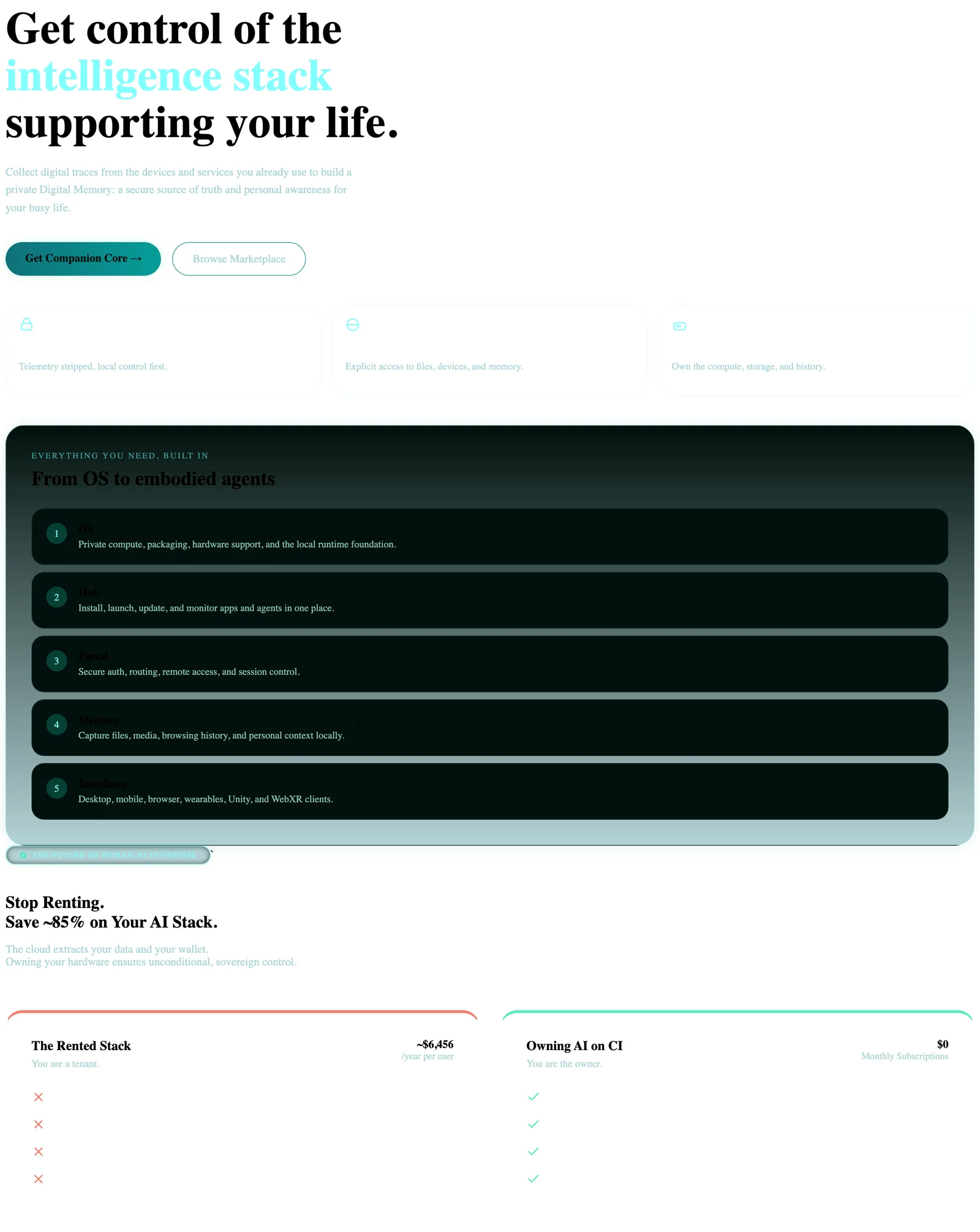
The download surface for the Hub desktop installers, embedded on the marketing site, plus the Companion Core marketing landing page.
Hub download button
Marketing landing (light only)
The Companion Core marketing landing — ‘Get control of the intelligence stack supporting your life’ — with the layered OS → Hub → Portal → Memory → Interfaces stack and the rented-vs-owned comparison. Captured in light mode.
Dark-only captures
These surfaces appear in dark mode only, which is their default and primary theme.
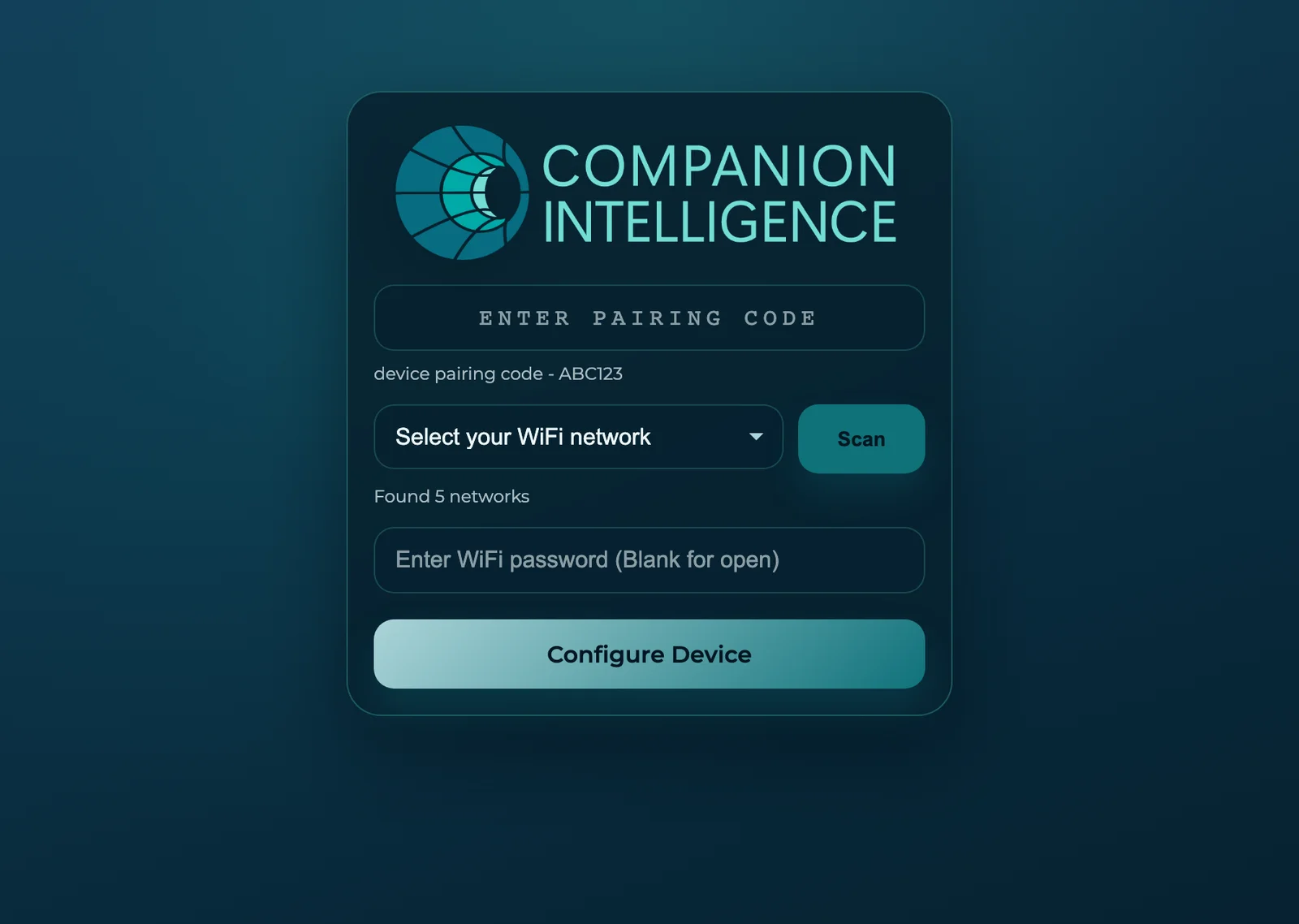
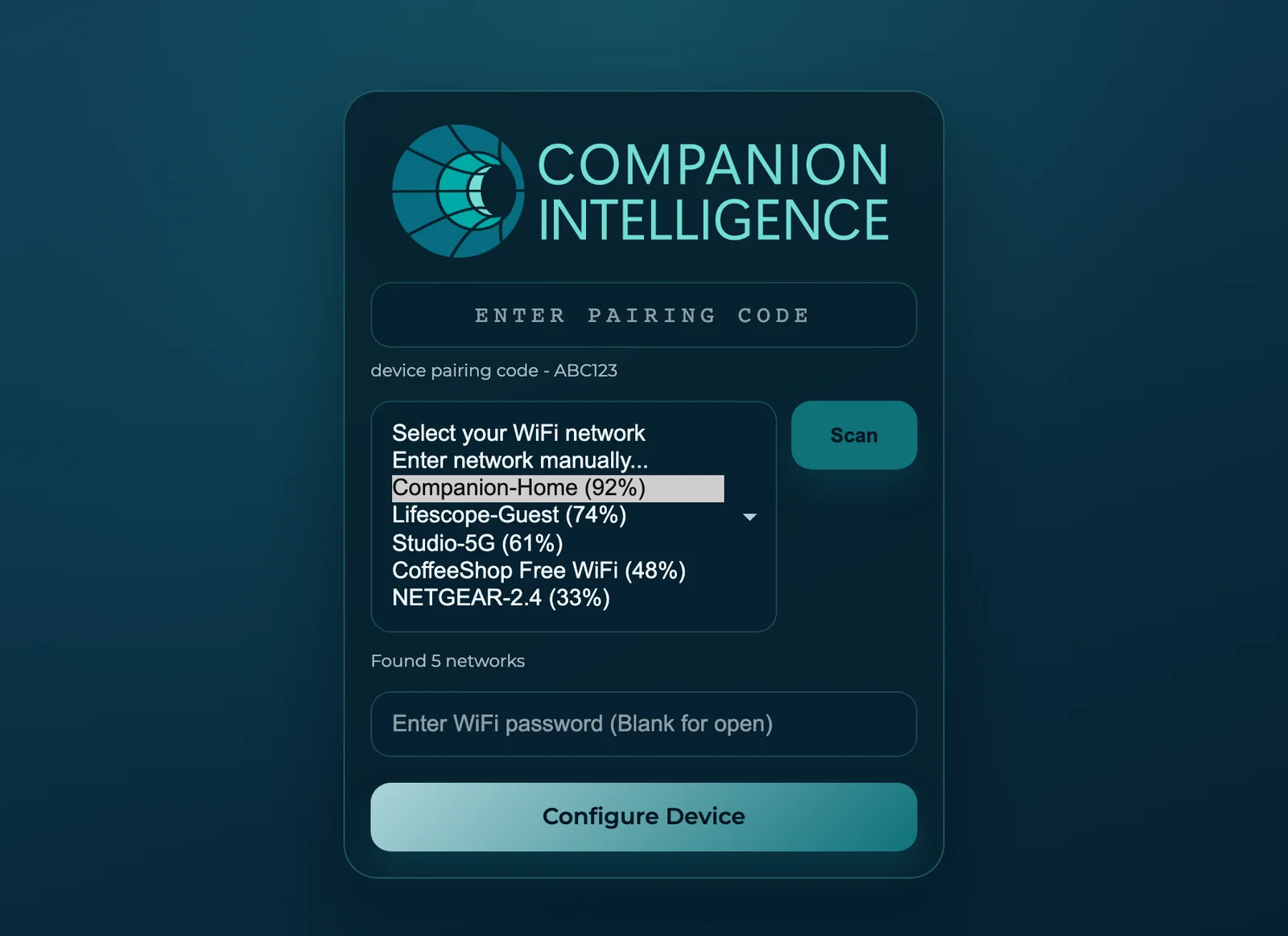
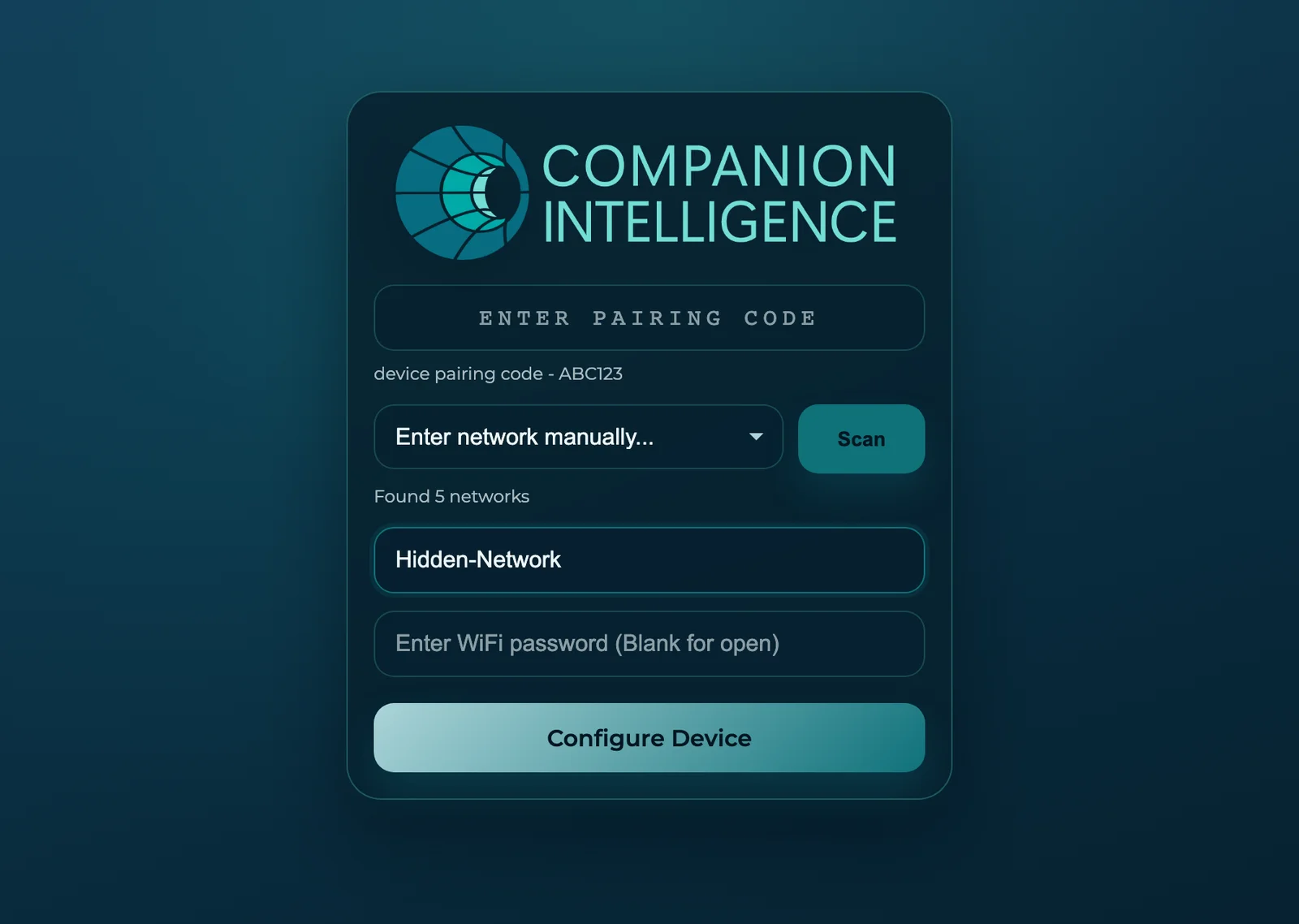
CI-OS — device setup portal
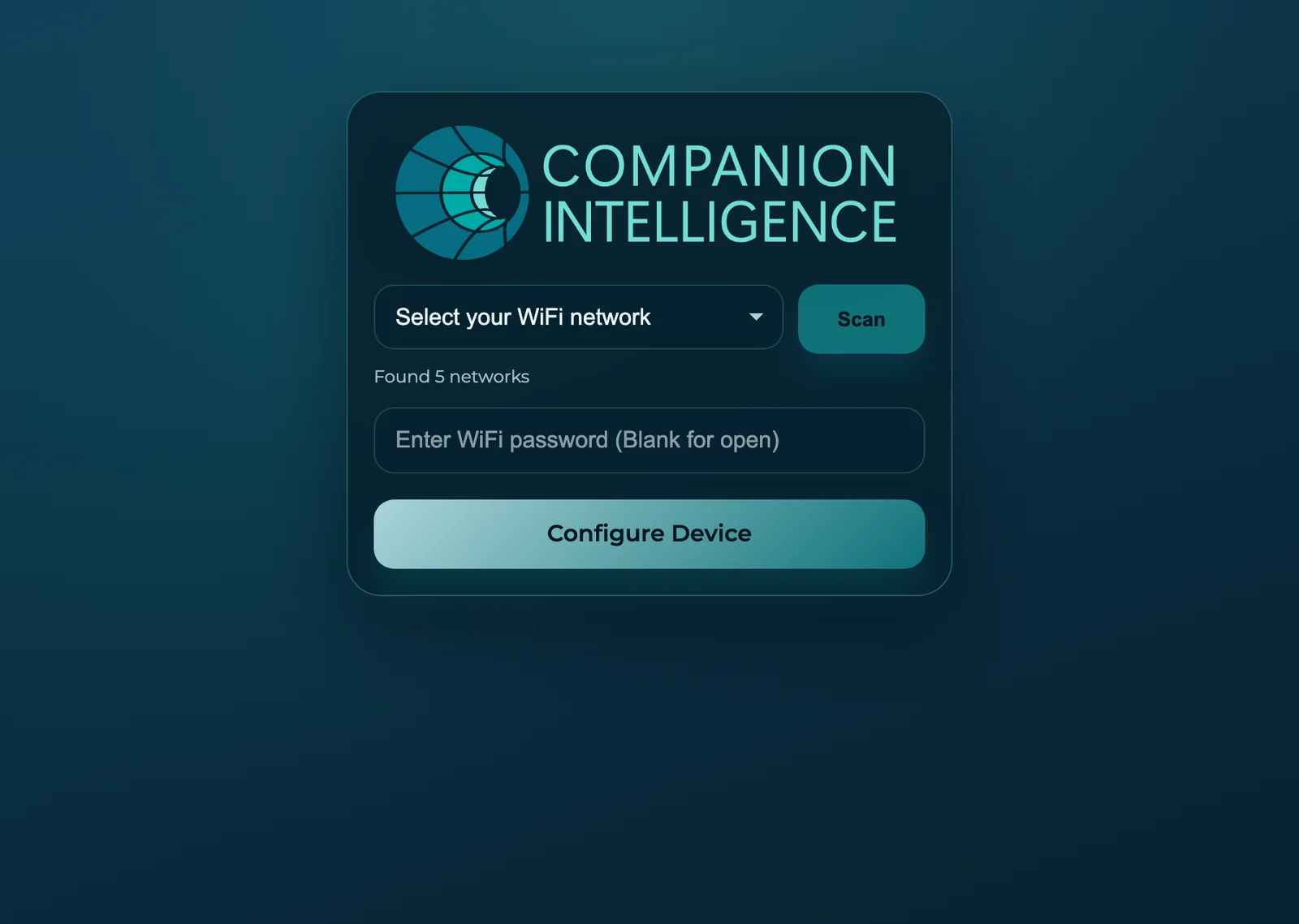
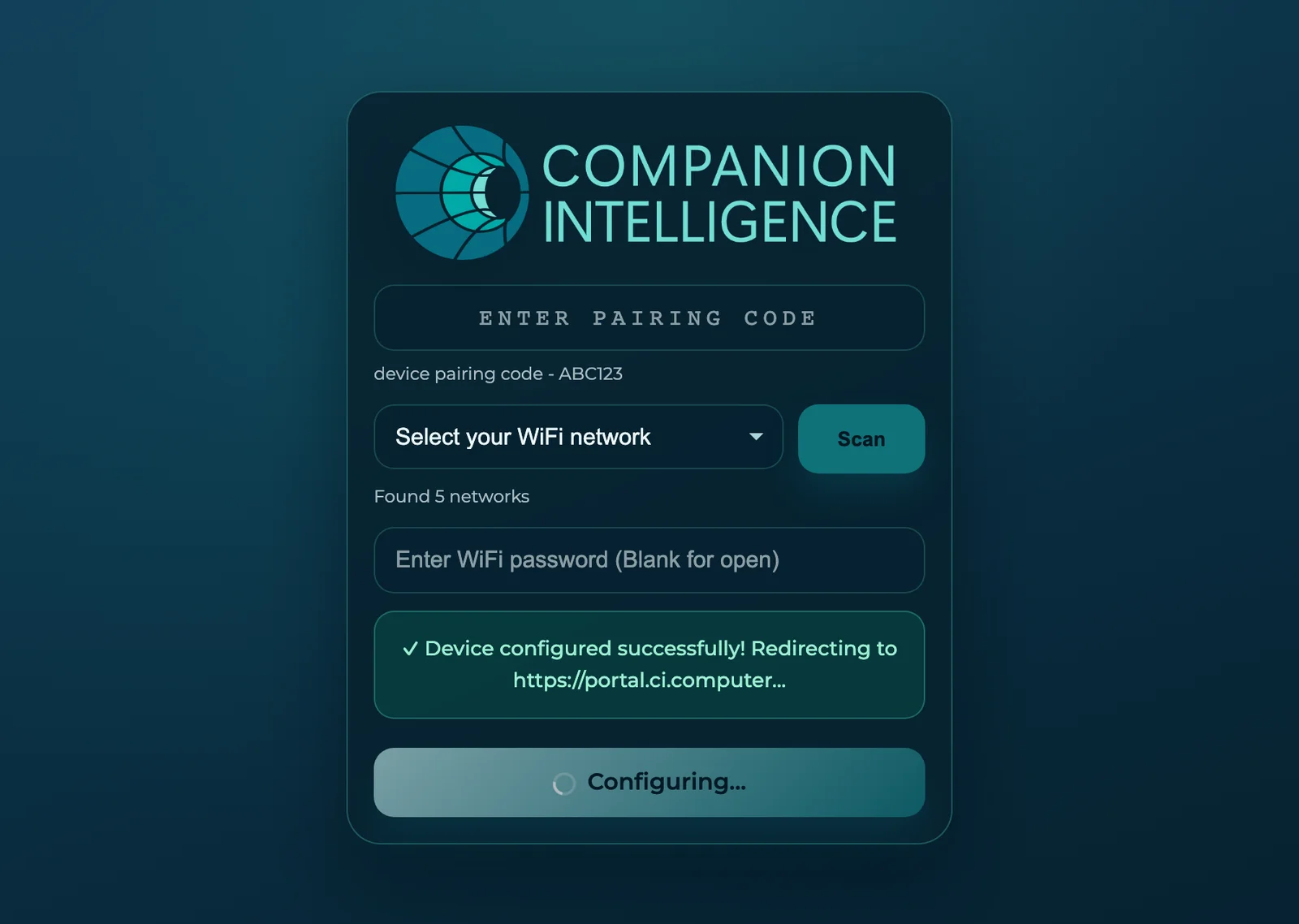
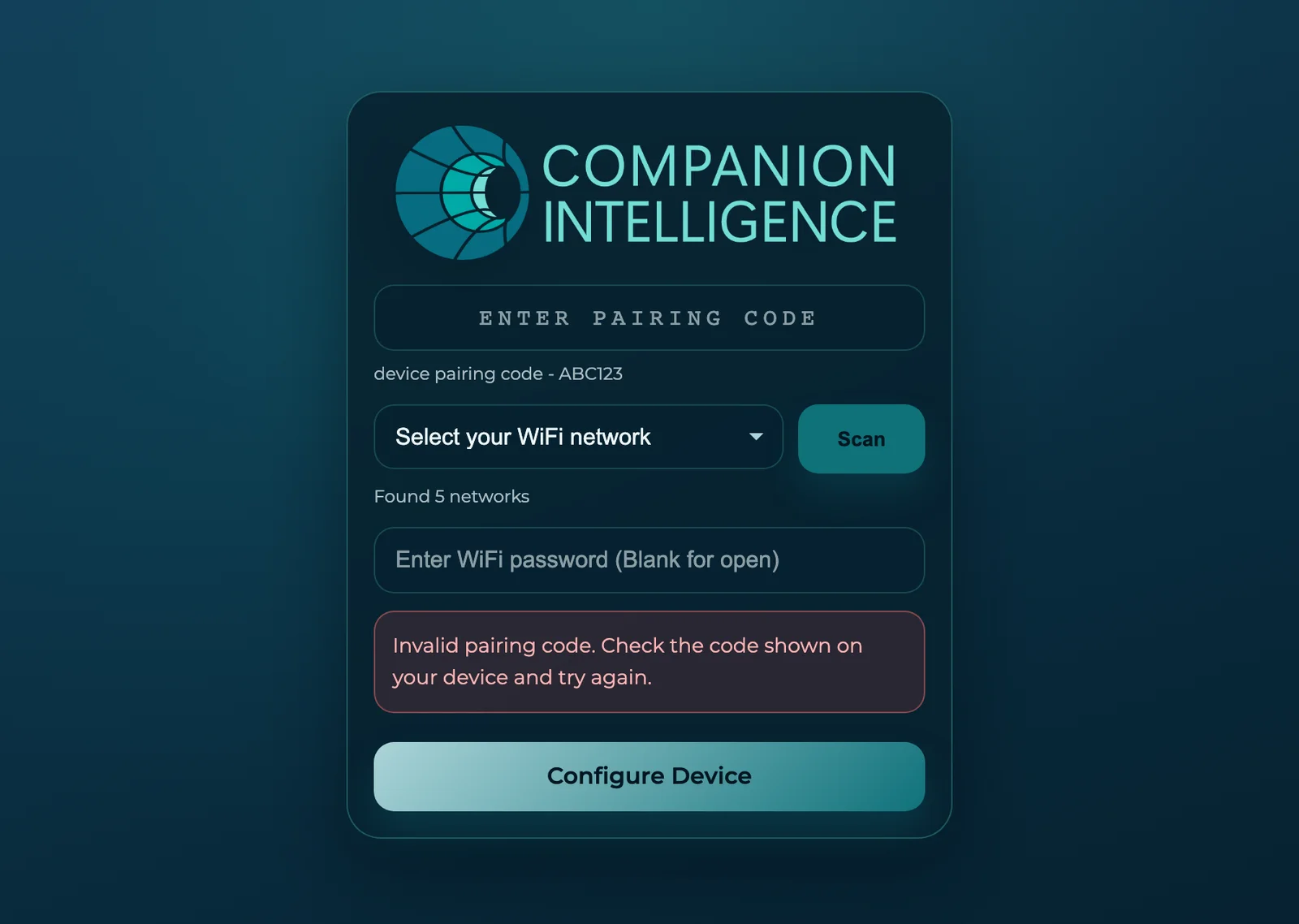
The on-device Wi-Fi and pairing setup portal shown on first boot, on the deep-navy Companion Intelligence brand surface. Six states: the initial pairing form, the scanned-networks dropdown, the manual-network entry, the no-pairing-code variant, the success/redirect state, and the invalid-code error.
CI-Even-Realities — glasses companion
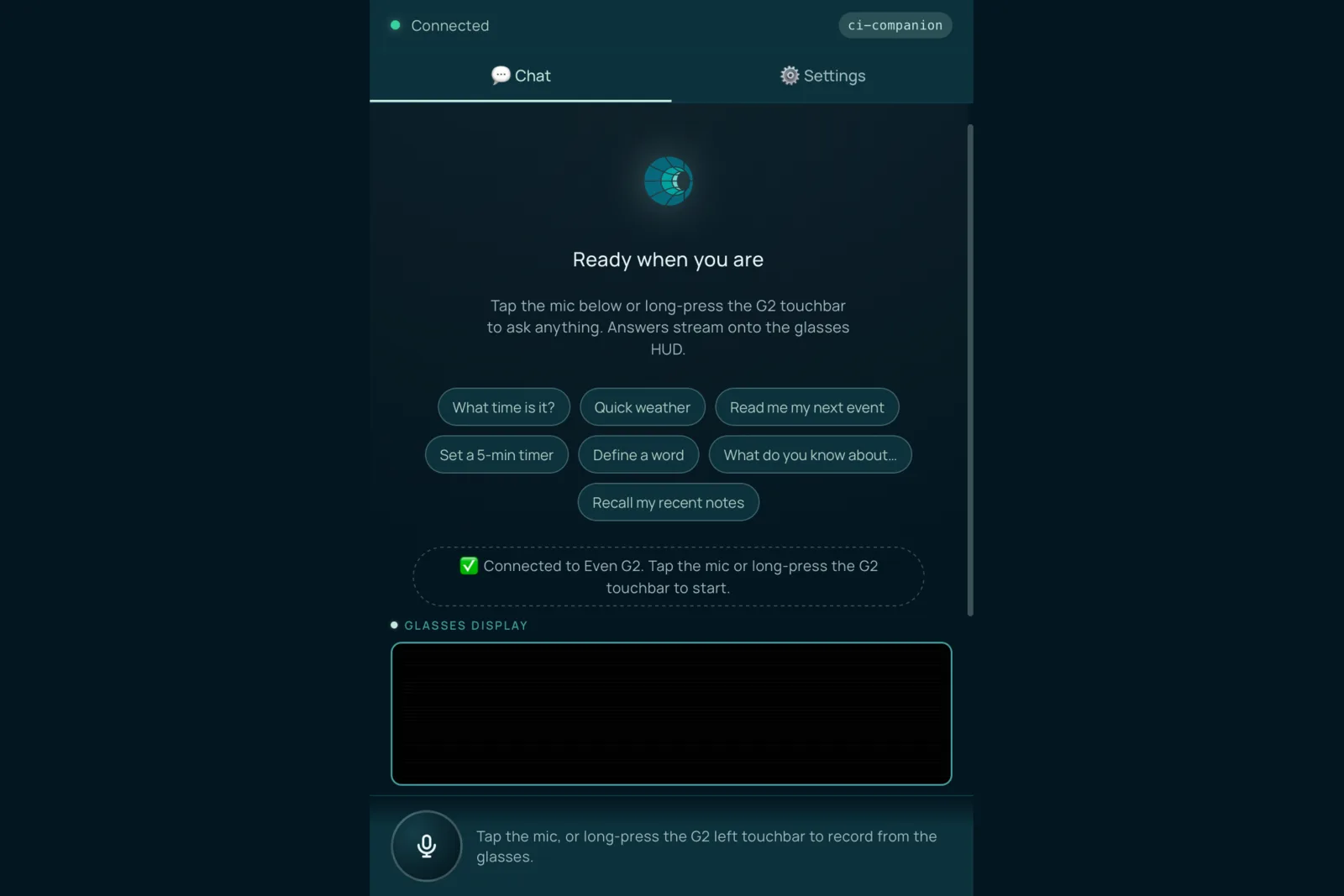
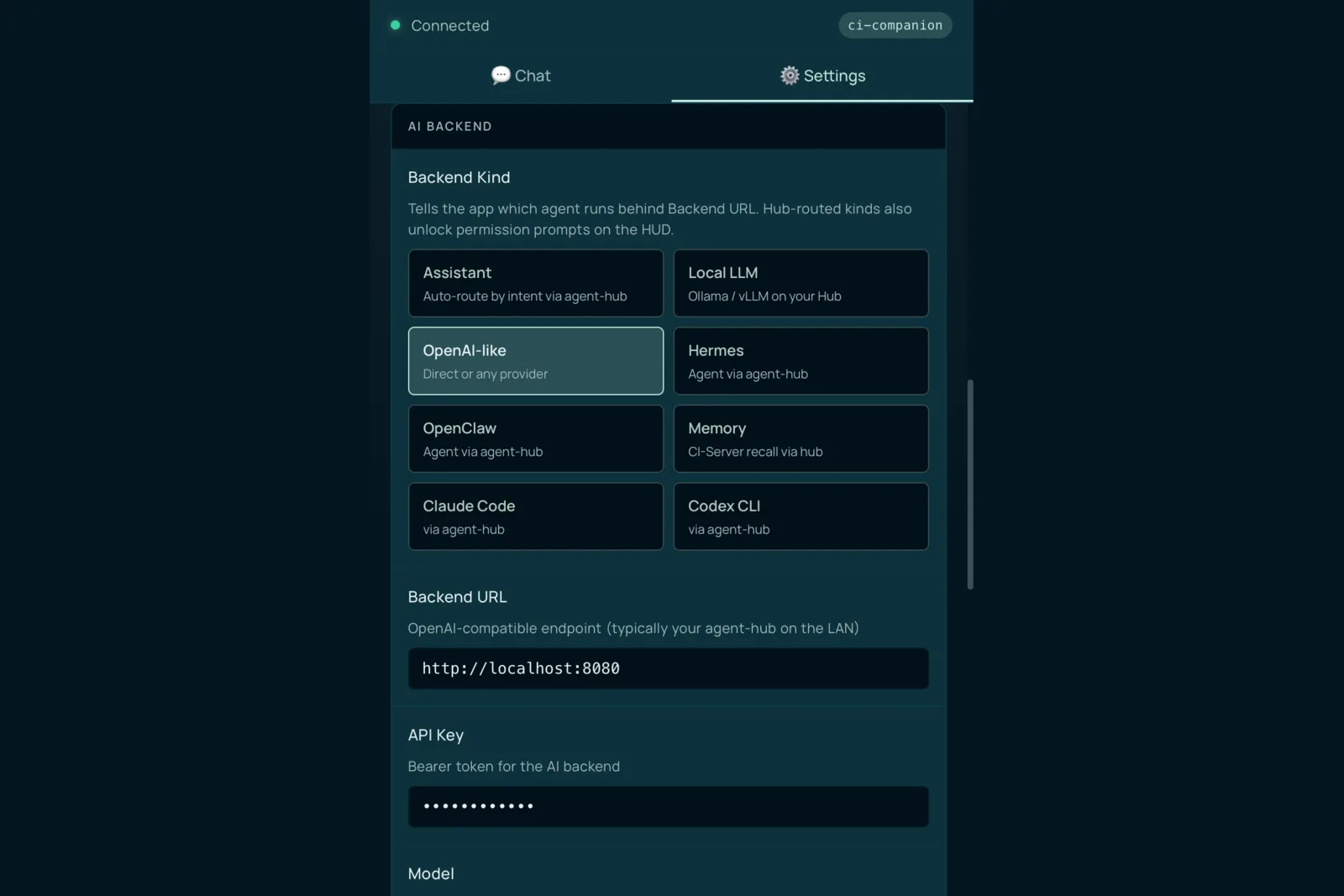
The Even Realities glasses companion. A voice-first chat surface that streams answers onto the glasses HUD, plus its AI-backend settings. Two dark-mode surfaces.
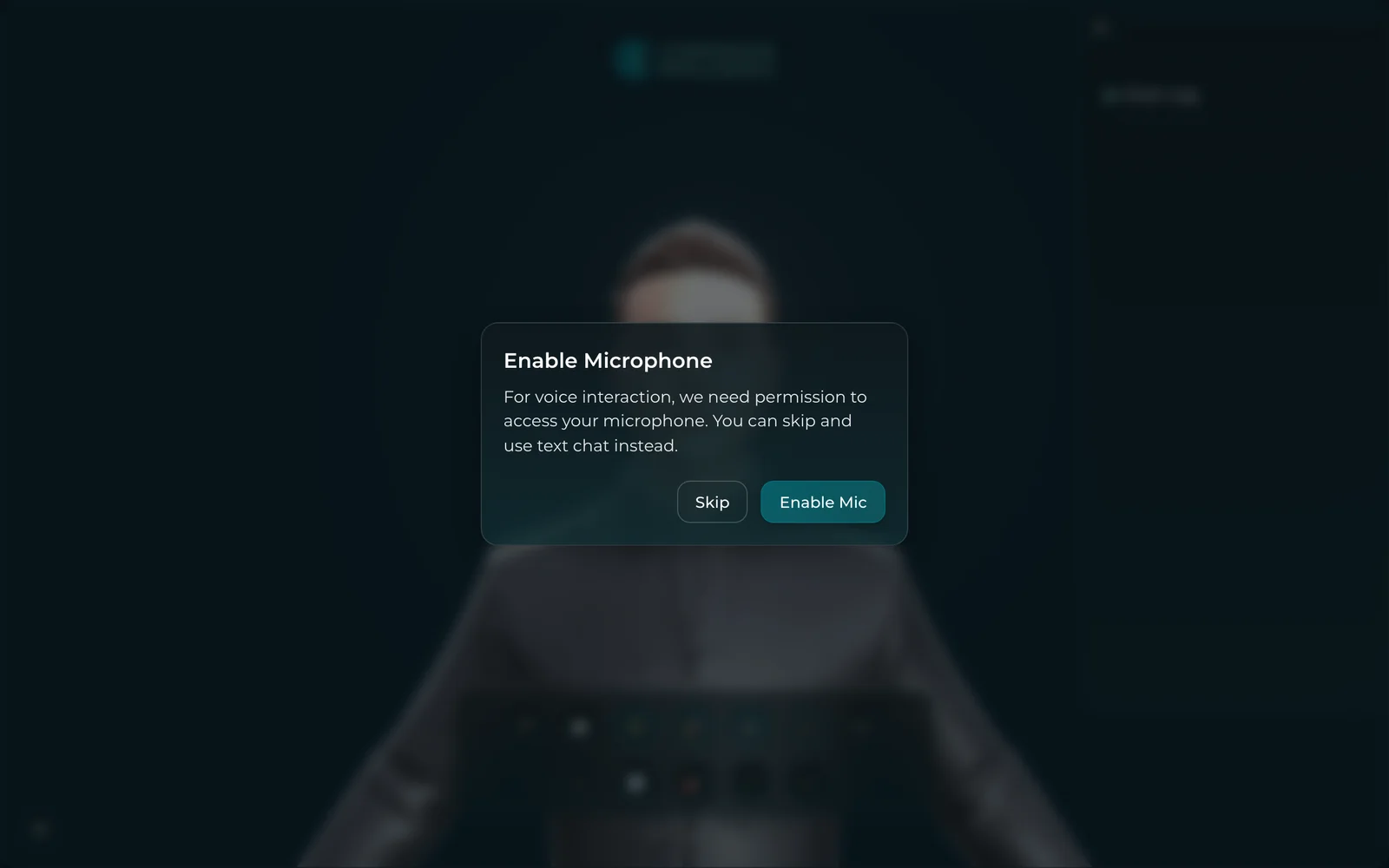
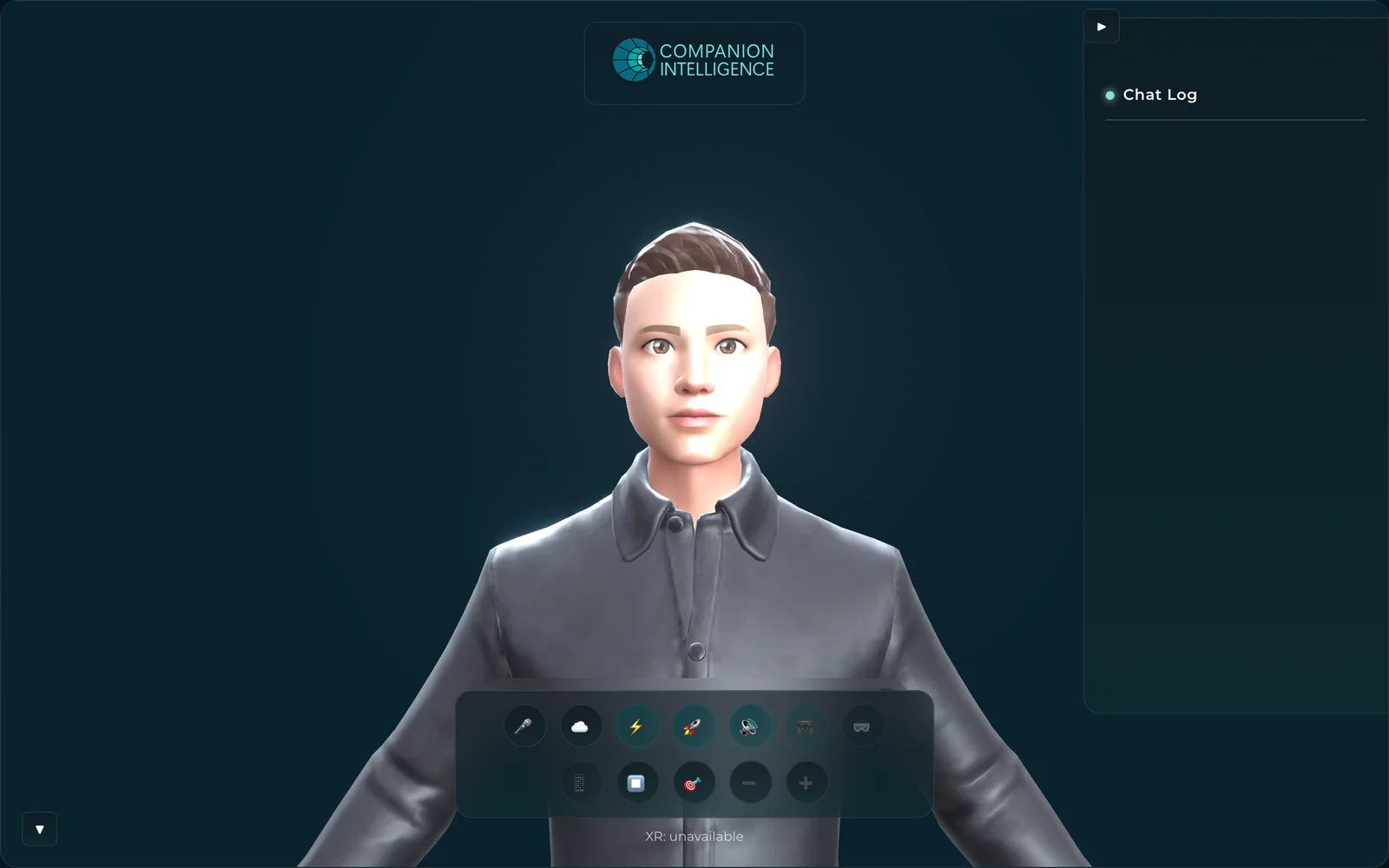
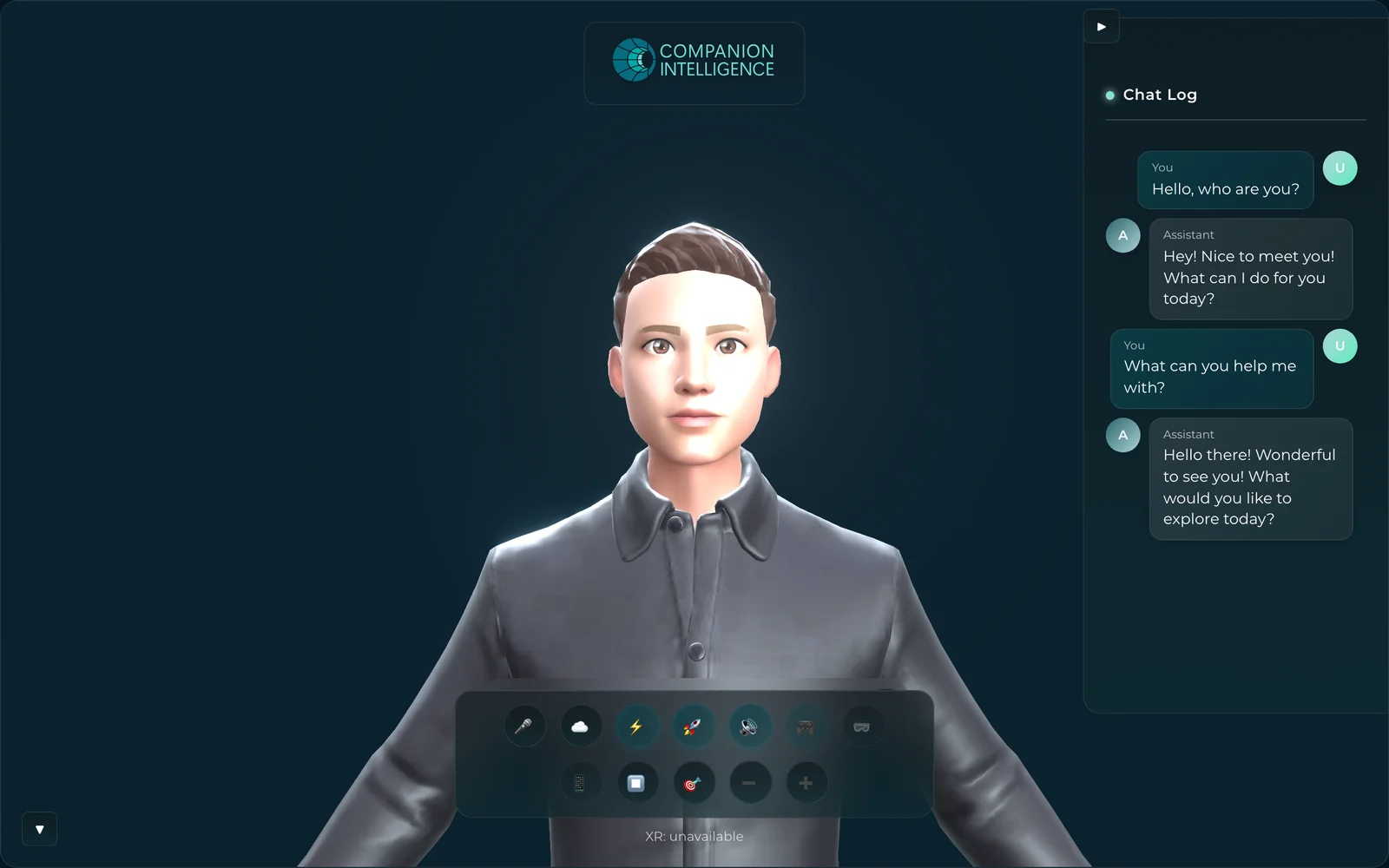
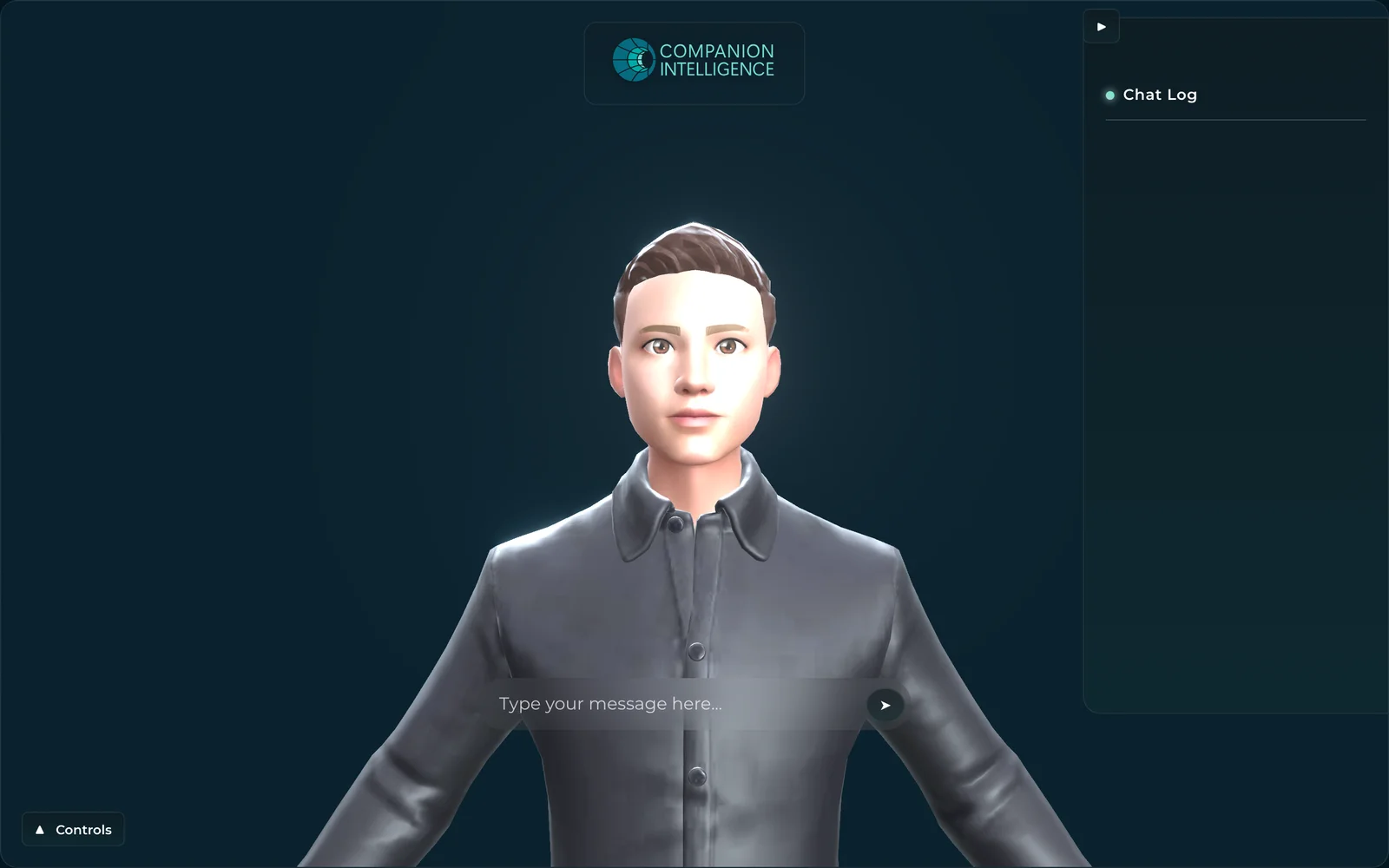
CI-Spatial-Companion-WebXR — spatial companion
The spatial companion for WebXR — a 3D avatar with a floating action dock and Chat Log panel, rendered against a deep-navy spatial backdrop. Four dark-mode surfaces: the mic-permission onboarding, the default shell, an active chat, and the collapsed-controls text-entry state.